2-18
2.2 Job Printing
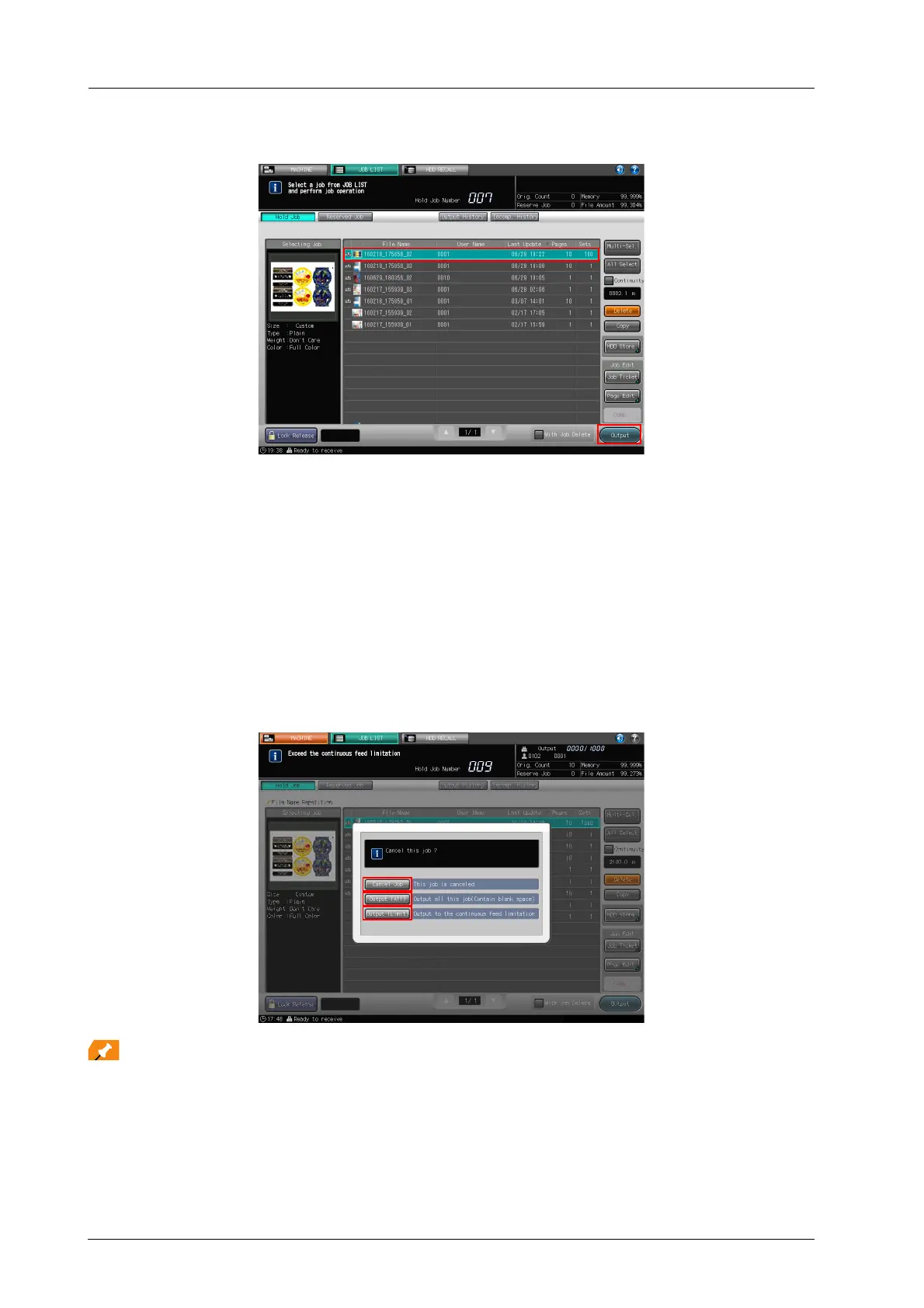
G Press [Output].
- It is recommended to press [Job Ticket] and reconfirm [Set Number], [Paper Type], and [Thickness]
(or [Weight]) on the [Job Ticket Edit] screen before pressing [Output].
- The maximum length you can print continuously is 300 m / 984.24'. If you attempt to print a job
whose total length exceeds 300 m / 984.24', the message [Cancel this job?] is displayed when you
press [Output]. Press any of the following buttons: [Cancel Job], [Output (All)], or [Output (Limit)].
- [Cancel Job]: This job is canceled.
- [Output (All)]: A blank page is inserted after 300 m / 984.24' is printed for adjusting the machine
system. After the machine adjustment, another 300 m / 984.24' is printed.
- [Output (Limit)]: The first 300 m / 984.24' is printed and subsequent printing is canceled.
- Continuous job printing is possible until the total of blank amounts specified in [Blank Amount
Setting between Continuous Jobs] reaches 300 m / 984.24’.
If the blank amount between continuous jobs exceeds 3 m / 9.84', it is calculated as 3 m / 9.84'. The
blank page setting can be configured on the [UTILITY] screen. For details, refer to the HTML User's
Guide.
To pause or cancel output operation, press Stop on the control panel of the main body or STOP on the control panel
of Roll Winder RW-101/Roll Winder RW-201.



 To Next Page