3-21
bizhub PRESS C71cf
3
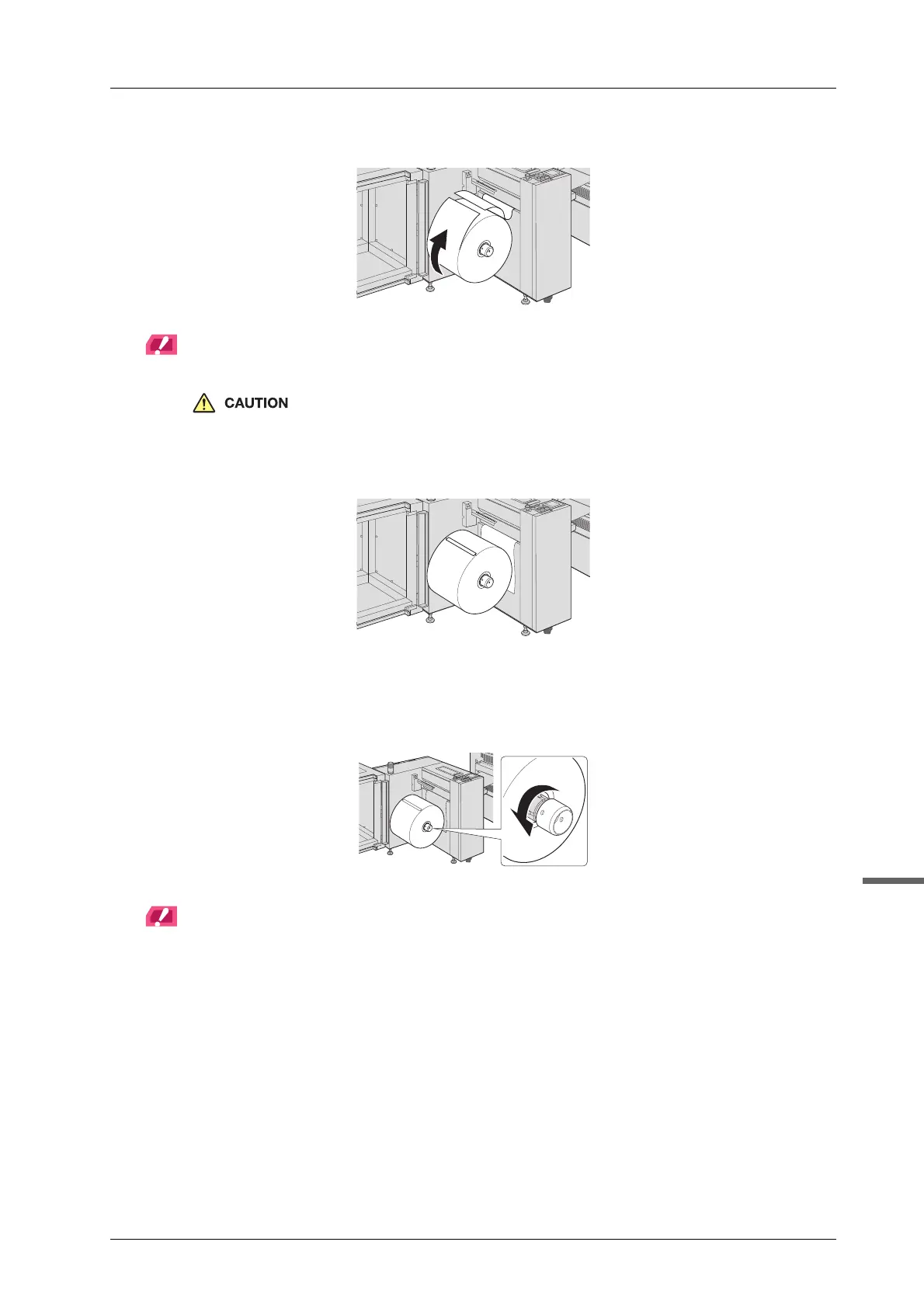
C Turn the media in a clockwise direction to loosen, and then use scissors to cut it.
NOTICE
Loosen the media on the lot to reach the replacing media core.
When cutting paper, be careful not to injure your hands or fingers.
D Stick the cut media edge to the media with the masking tape.
E With holding the media, turn the lug protruding/retracting handle of Roll Winder
RW-201 in a counterclockwise direction to confirm that the lug is stored into the
winding shaft.
NOTICE
When the lug protruding/retracting handle is tight and cannot be turned by hand, pass a Phillips screwdriver
etc. through the hole of the lug protruding/retracting handle and rotate.



 To Next Page