4-8
bizhub PRESS C71cf
4
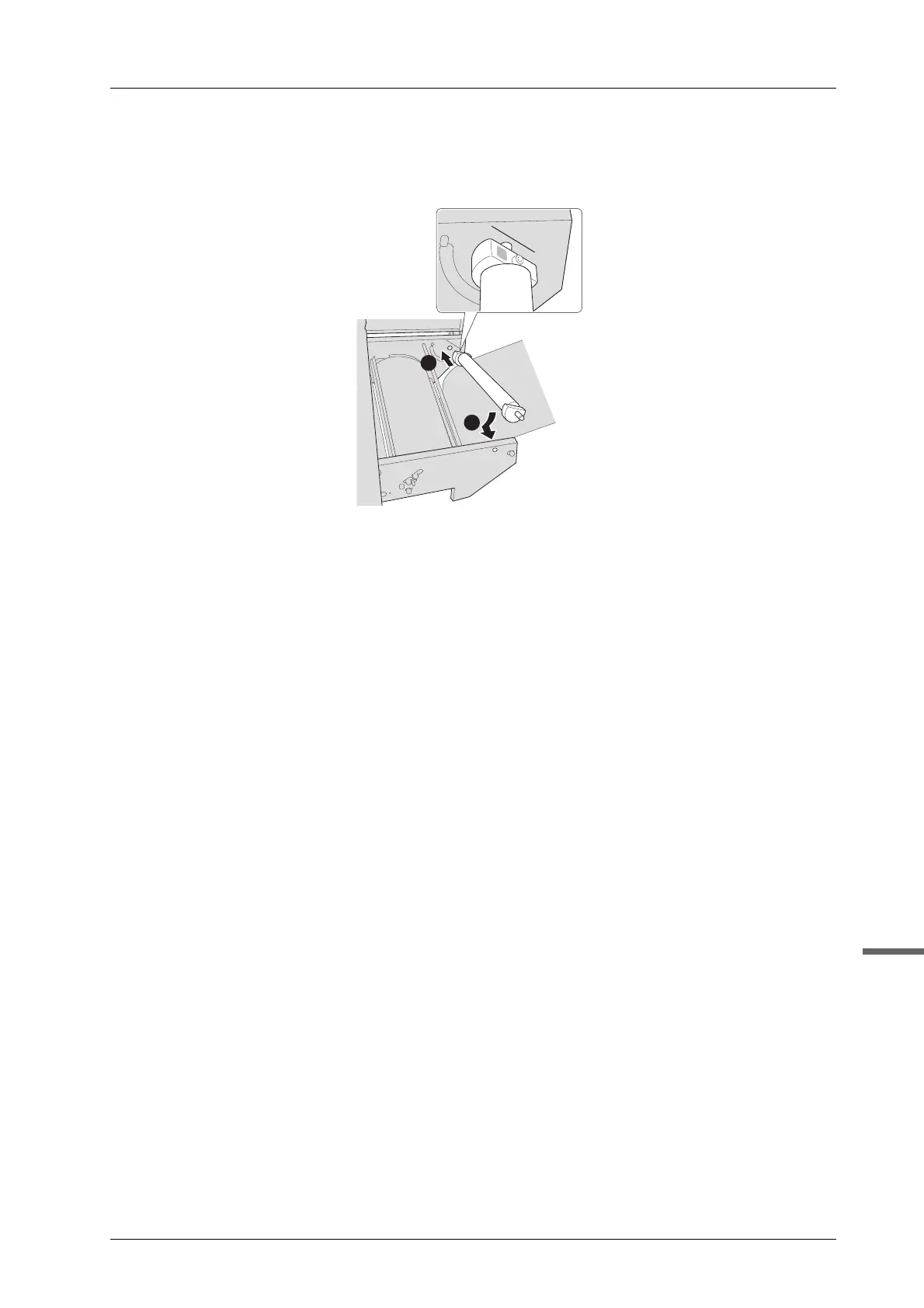
I Install the tension roller 1.
Insert the rear shaft of the tension roller 1 into the hole, align the angle of the media guide to the scratch
line of the guide plate in the back side, then insert the front shaft into the hole.
Make sure that it clicks when attaching.
J If the position of the tension roller 2 is changed in step 2, place it back in place.
Go to page 4-9.



 To Next Page