4-12
bizhub PRESS C71cf
4
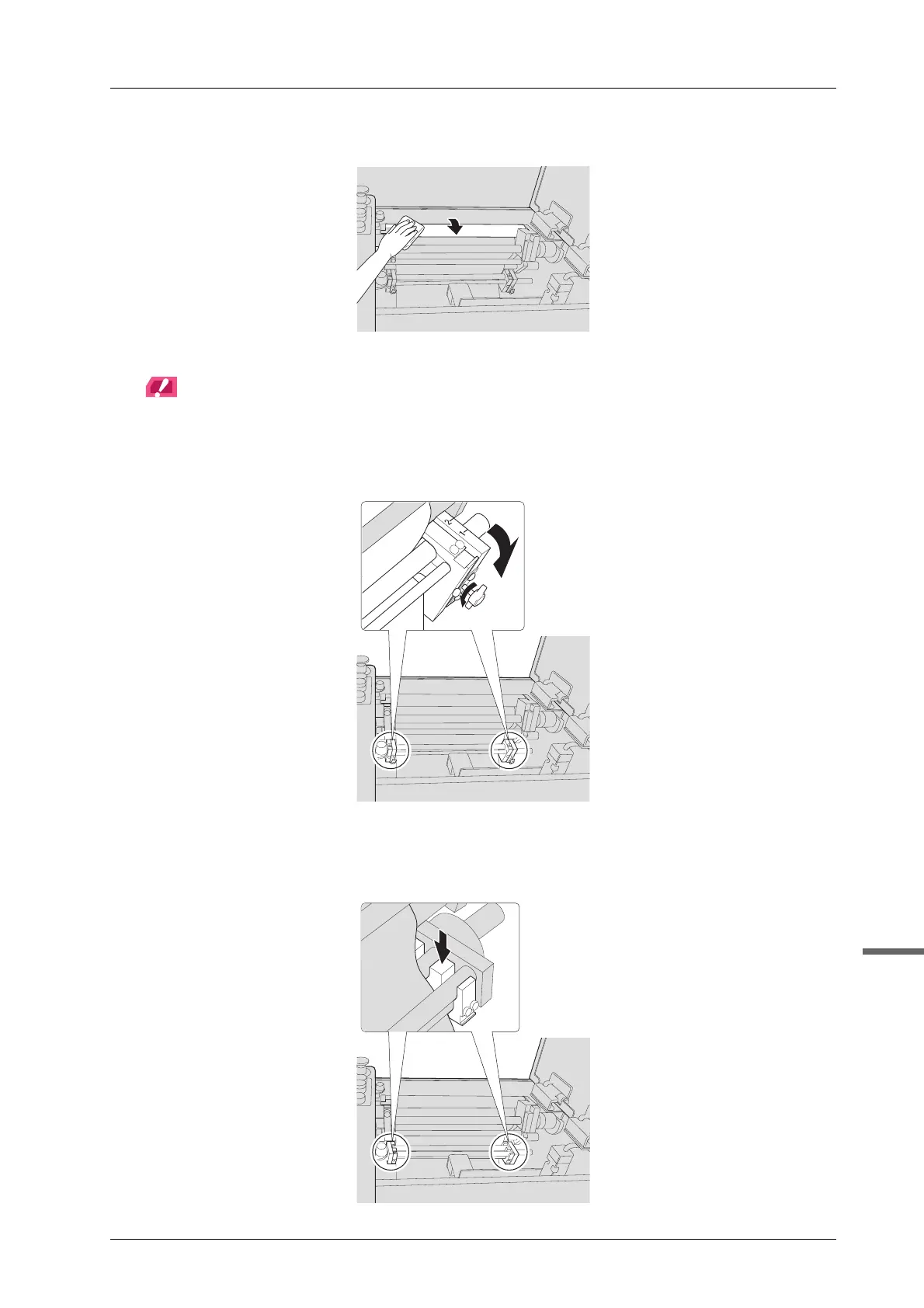
C Clean the rubber roller while spinning it.
Firmly clean the rubber roller as adhesive easily sticks to the both ends of the roller.
NOTICE
After cleaning is complete, allow isopropyl alcohol to dry before attaching the rubber roller.
D Tighten the thumbscrews of the squeezing bars to extend the angles of the
squeezing bars.
E Detach the media guides to clean.
Push the rear side of the media guide to the back by hand, then remove it.
Each media guide has a chain. If you accidentally drop a media guide, pull the chain to pick it up.



 To Next Page