Terminal menus 15
Recurring icons 15.2
Comprima F 155
Original Operating Instructions 150001049_01_en 129
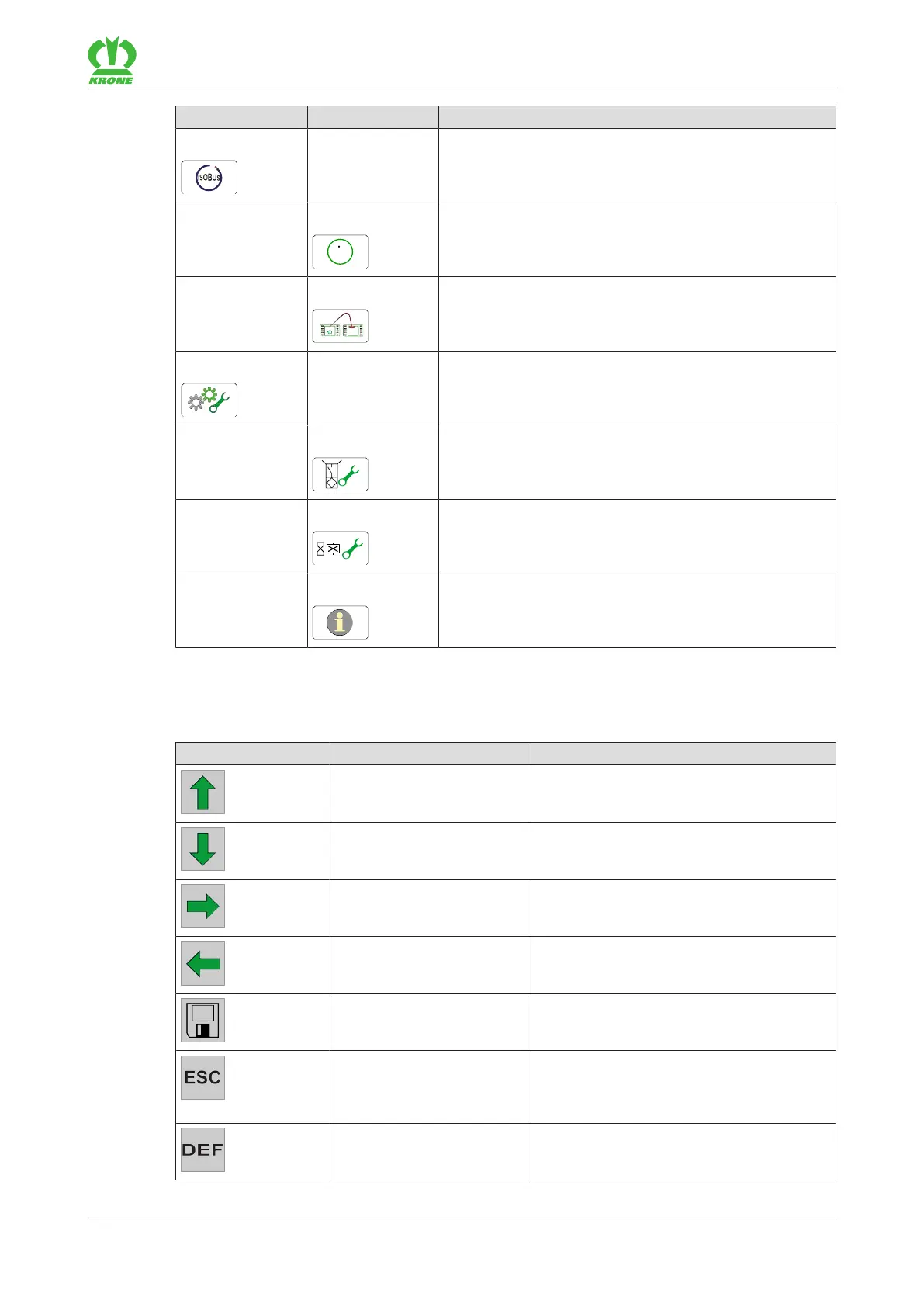
Menu Sub-menu Designation
14 ISOBUS, refer to page145
14-5
Configure TIM software, refer to page145
14-9 Switching between terminals, refer to page147
15 Settings, refer to page148
15-1 Sensor test, refer to page149
15-2 Actuator test, refer to page152
15-3 Software information, refer to page155
15.2 Recurring icons
To navigate in the menu level/menus, the following icons appear again and again.
Icon Designation Explanation
Up arrow Move up to select something.
Down arrow Move down to select something.
Right arrow Move right to select something.
Left arrow Move left to select something.
Disk Save the setting.
ESC Leave the menu without saving.
By pressing the key a little longer, the pre-
viously viewed working screen is selected.
DEF Reset to factory setting.










 To Next Page