KRONE ISOBUS-Terminal CCI 100
136
Pos: 24.161 /BA/Inf o-Center/CC-ISOBUS- Terminal/CCI-Bi G Pack/Hauptmenüs/Hauptm enü 5 Info/Hauptmenü 5 Inf o HS Baureihe @ 64\mod_130011 2474713_78.doc @ 580091
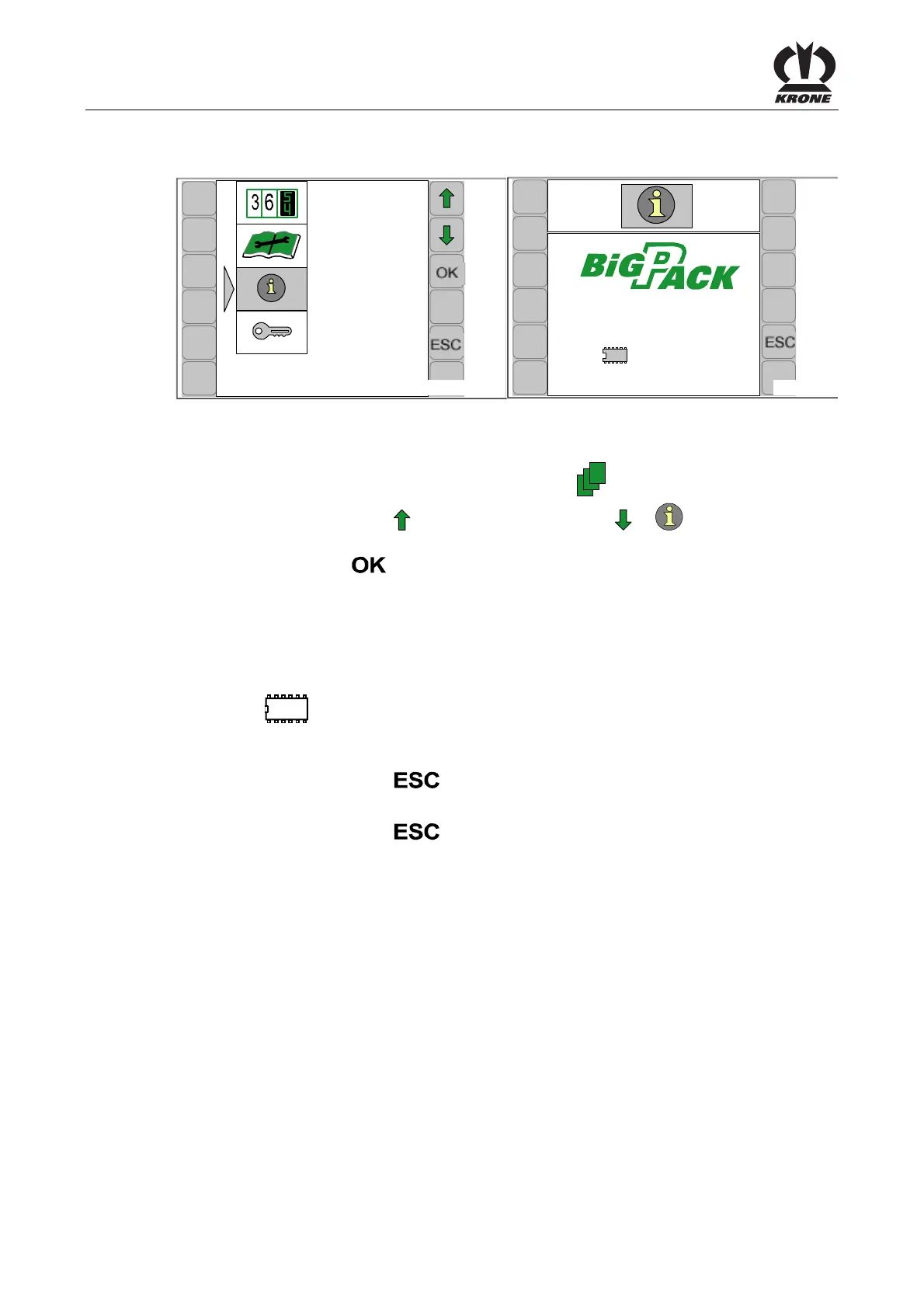
7.13 Main menu 5 'Information'
CC000050
5
CC000081
5-1
1290 HS
SW: 200812870
1:150200445_0
ISO 2:150200446_00
Fig.85
Calling the main menu
• Access the menu level by pressing the function key
on the basic screen.
• Select the main menu 5 (
)by pressing the function key or . The symbol is
shown inverted.
• Press function key
.
The display shows menu 5 'Information'.
Page 5-1:
Complete software version of the machine
• 1290 HS = machine type
• SW = complete software version of the machine
•
= job computer version
• ISO= ISO software version
Pos: 24.162 /BA/Inf o-Center/CC-ISOBUS- Terminal/CCI-Bi G Pack/Hauptmenüs/ESC drüc ken um Menü Info 5 zu schließen bz w. zum Grundbild zugelang en @ 44\mod_1275908986375 _78.doc @ 393962
• Pressing the function key closes the called up menu
The display shows menu level 5 "Info".
• Pressing the function key
and holding it down brings up the basic screen
Pos: 24.163 /BA/-- ---Seitenumbruch------ @ 0\mod_1196175311226_0.doc @ 4165









 To Next Page