Using the 10 and 20 cm Survey Chambers
6-25
The Treatment Label is
embedded as a separate
column in the data
records.
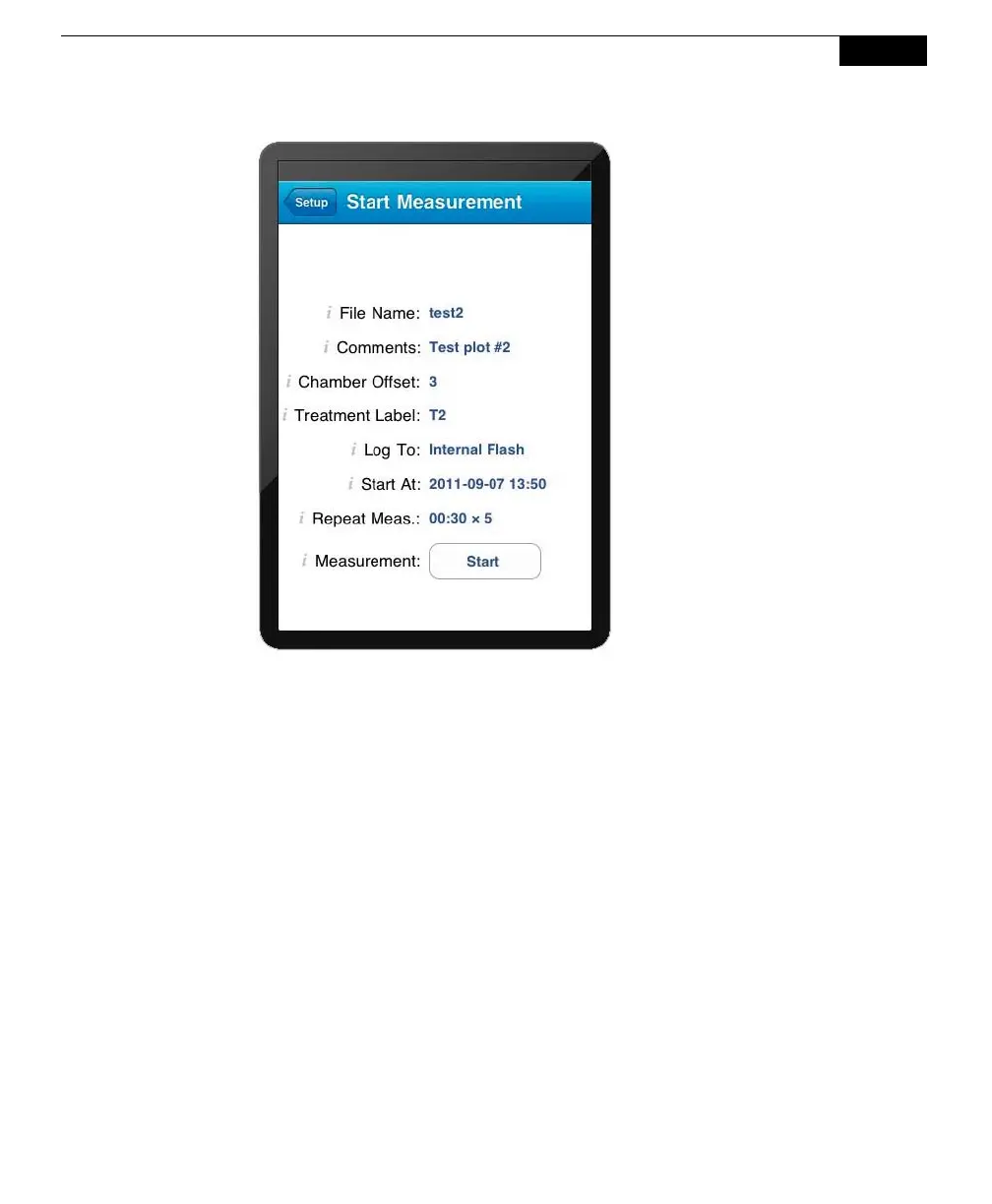
Enter a File Name and optional Comments. Enter the Chamber Offset and
Treatment Label.
Note that if the Chamber Offset and Treatment Label prompts are enabled
(see #5 above), you will be prompted for these values if they are not already
entered on this screen when the Start button is pressed.
Log To
Data collected by the LI-8100A can be stored to the instrument's internal
memory, or to an optional Compact Flash card; you can log to one or the
other, but not both at the same time.
Repeat Measurement and Start At:
The Repeat Measurement and Start At functions allow you to repeat the
defined protocol at a regular clock interval. The Start At: parameter functions
independent of the Repeat Measurement parameter; the Repeat Measurement
function can be disabled, but you must still enter a valid Start At: time to
intiate a measurement.
These functions are particularly useful when making long term, unattended
measurements. For example, you could specify a 90 second Obs. Length, 45


 To Next Page
 Loading...











