Windows Software Reference (Single Chamber Mode)
8-25
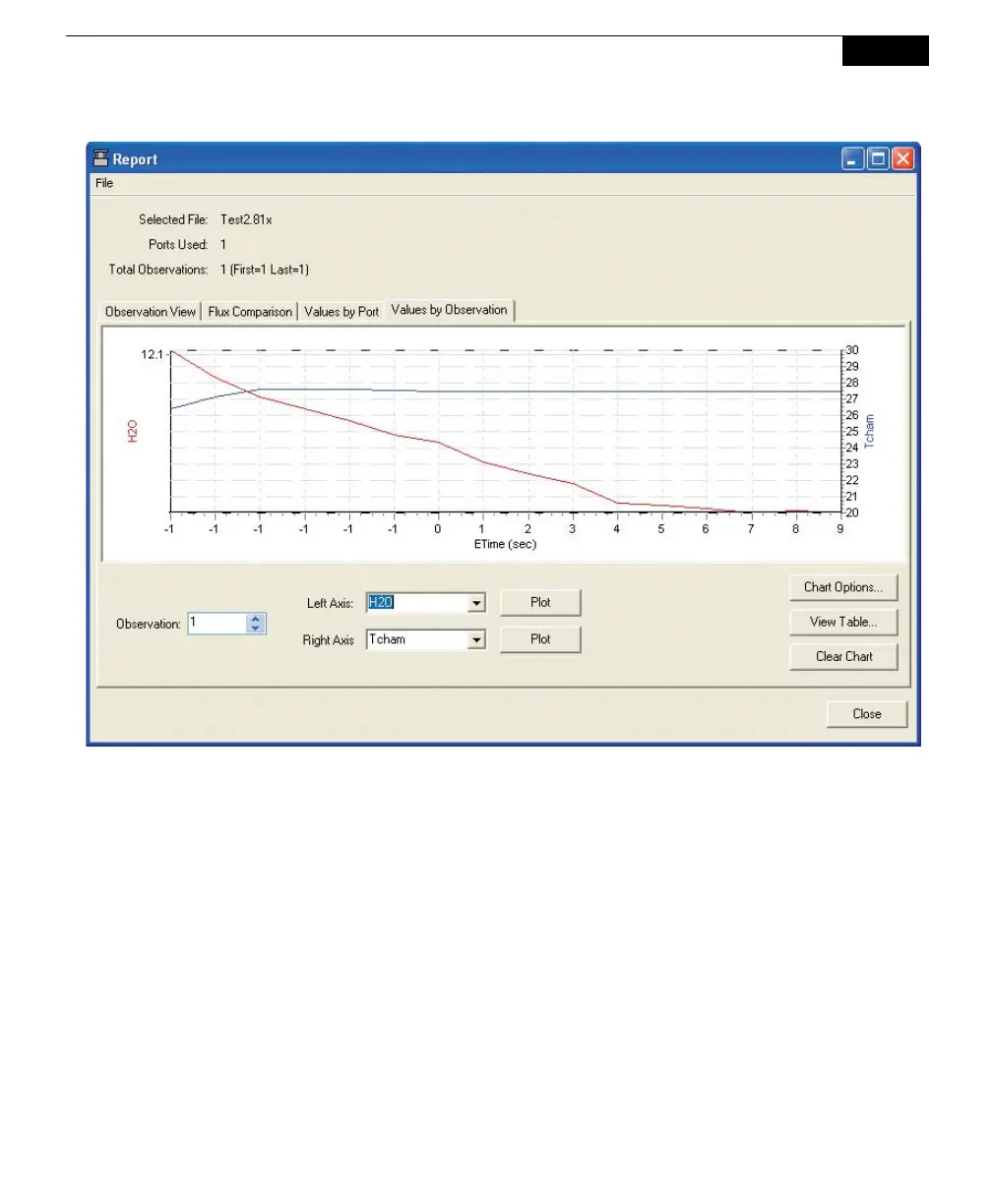
To automatically scale the left and/or right axes, click on Chart Options. Enable
automatic scaling, and set the maximum and minimum values for the axes, if
desired. To view the selected Observations in tabular format, click on View Table.



 To Next Page