Using the LI-8150 Multiplexer
10-53
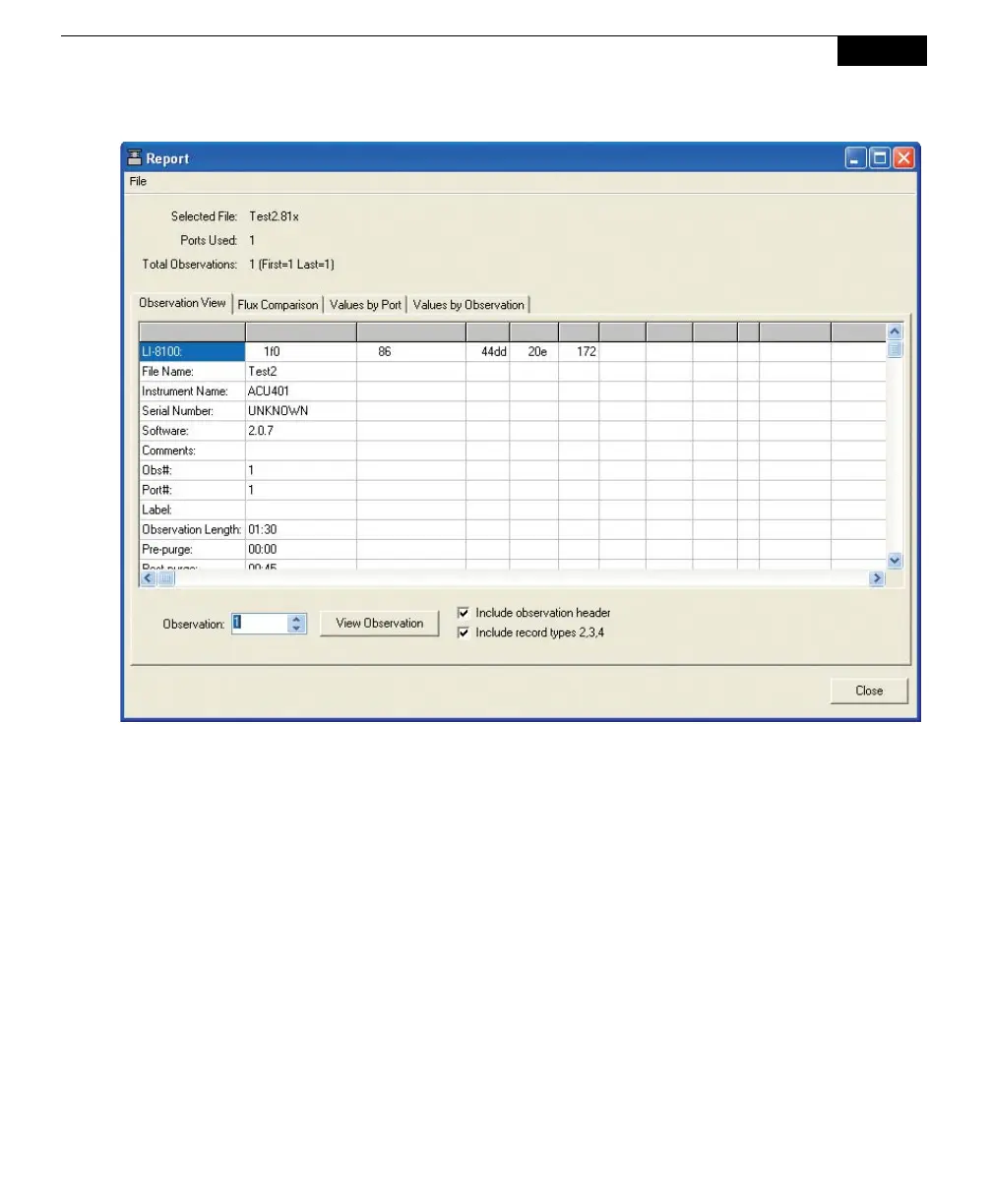
The Flux Comparison tab allows you to plot flux values on a chart. The flux
values can be plotted for each port; e.g. you can plot fluxes of all ports
concurrently. Choose the number of flux data points to be plotted, and click Plot
Fluxes. The Max Items denotes the number of points to plot. The data plotted on
the graph are always the most recent in the file. Click Clear Chart to remove all
plots from the chart.



 To Next Page