Maintenance
12-9
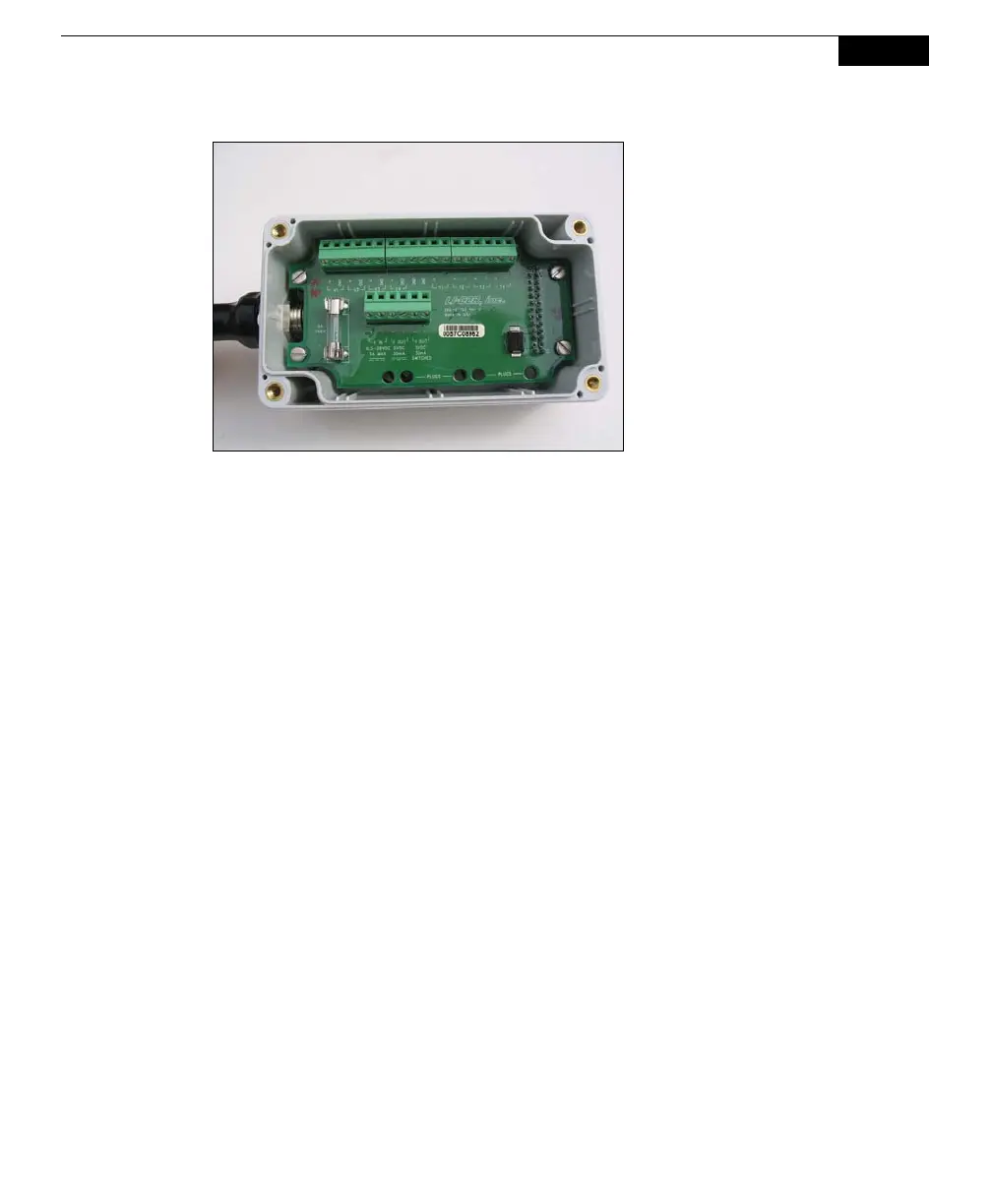
The screws on the 8100-
663 Auxiliary Sensor
Interface cover are
"captive" screws, meaning
they are retained in the
cover so they can't fall out.
Loosen them until you can
lift the cover off. There is a
spare 250V, 3A fast-blow
fuse in the spare parts kit
(p/n 439-04215).
A third fuse is located inside the Analyzer Control Unit, and protects the unit from
overcharges from a battery attached via the LI-8100A battery connectors on the
inside panel. In most cases this fuse will not blow; we recommend that you test the
battery to make sure it is fully charged as described below at 6400-03 Batteries
before attempting to check this fuse, as it requires a number of steps to disassemble
the Analyzer Control Unit. If you have eliminated all other possibilities, follow
these steps to check the Analyzer Control Unit power fuse:
1. Power the instrument off and remove the battery or other external power
source.
2. Open the Analyzer Control Unit case and remove the access panel by
loosening the four thumbscrews.
3. Mark one of the Balston air filters with a marker or piece of tape to make sure
that you are able to return them to their original locations when re-
assembling. This is important, as one of the filters is in-line with the bellows
air circuit to the Survey Chamber, and is bi-directional, meaning dirt can be
introduced into the filter in both directions. If this filter is inserted into the
optical bench air path during re-assembly, dirt can be inadvertently blown
into the optical bench.



 To Next Page