3-6
Measurement Quick Start
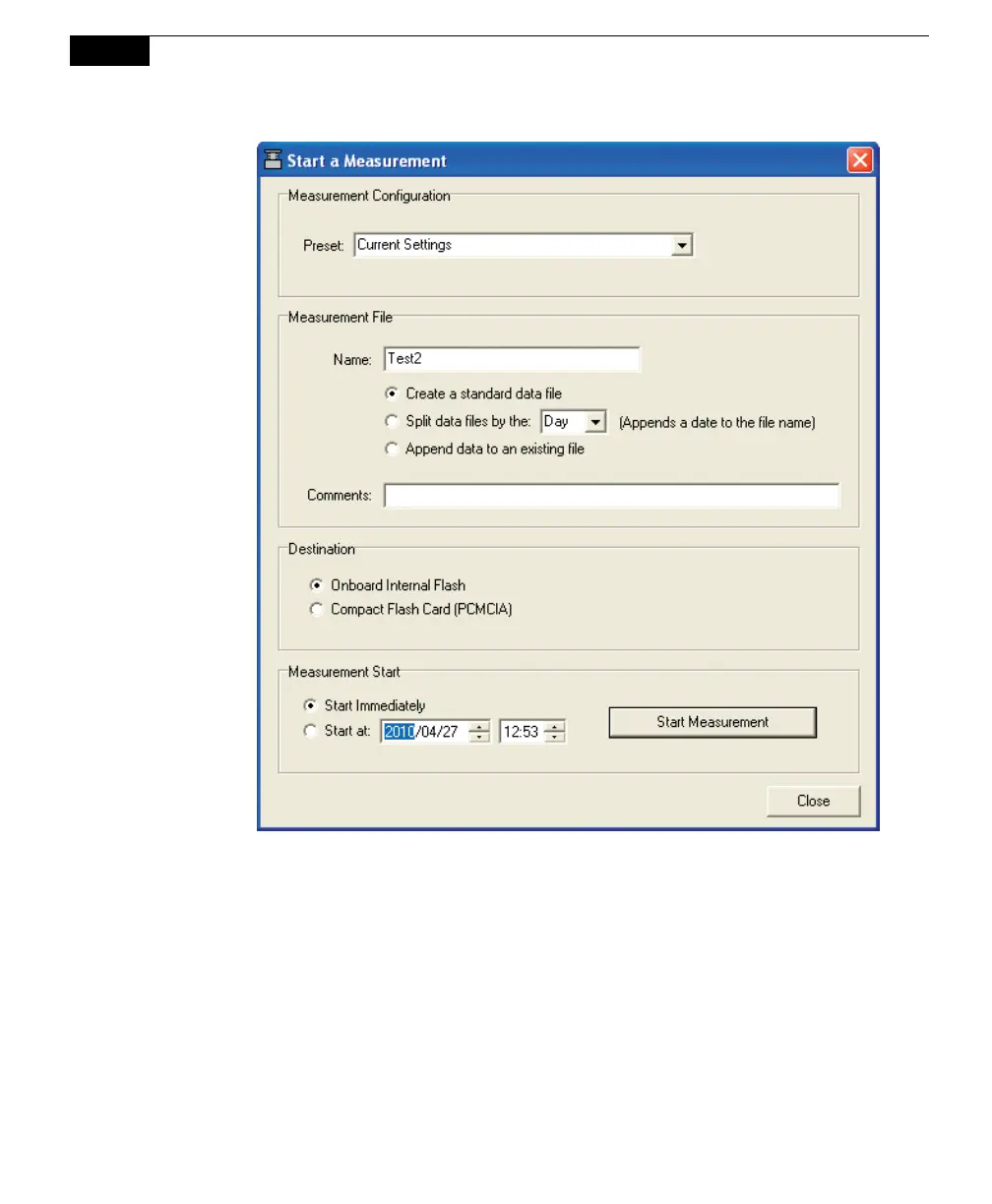
Enter a File Name, and Comments if desired. Data can be logged to the
LI-8100A internal flash memory, or to a Compact Flash Card (CF), if one is
installed.
11. Click Start Measurement. The dialog box will close. As the chamber
automatically closes, observe the progress of the measurement in the Main
window. After the measurement is finished, the chamber will automatically
open.
12. To view the data you have collected, select Summary Records from the View
menu. The Observation Summary dialog box appears. Verify that the flux
values are reasonable. Click Previous or Next to scroll through all
Observations. When finished viewing the records, click Close.



 To Next Page