Measurement Quick Start
3-5
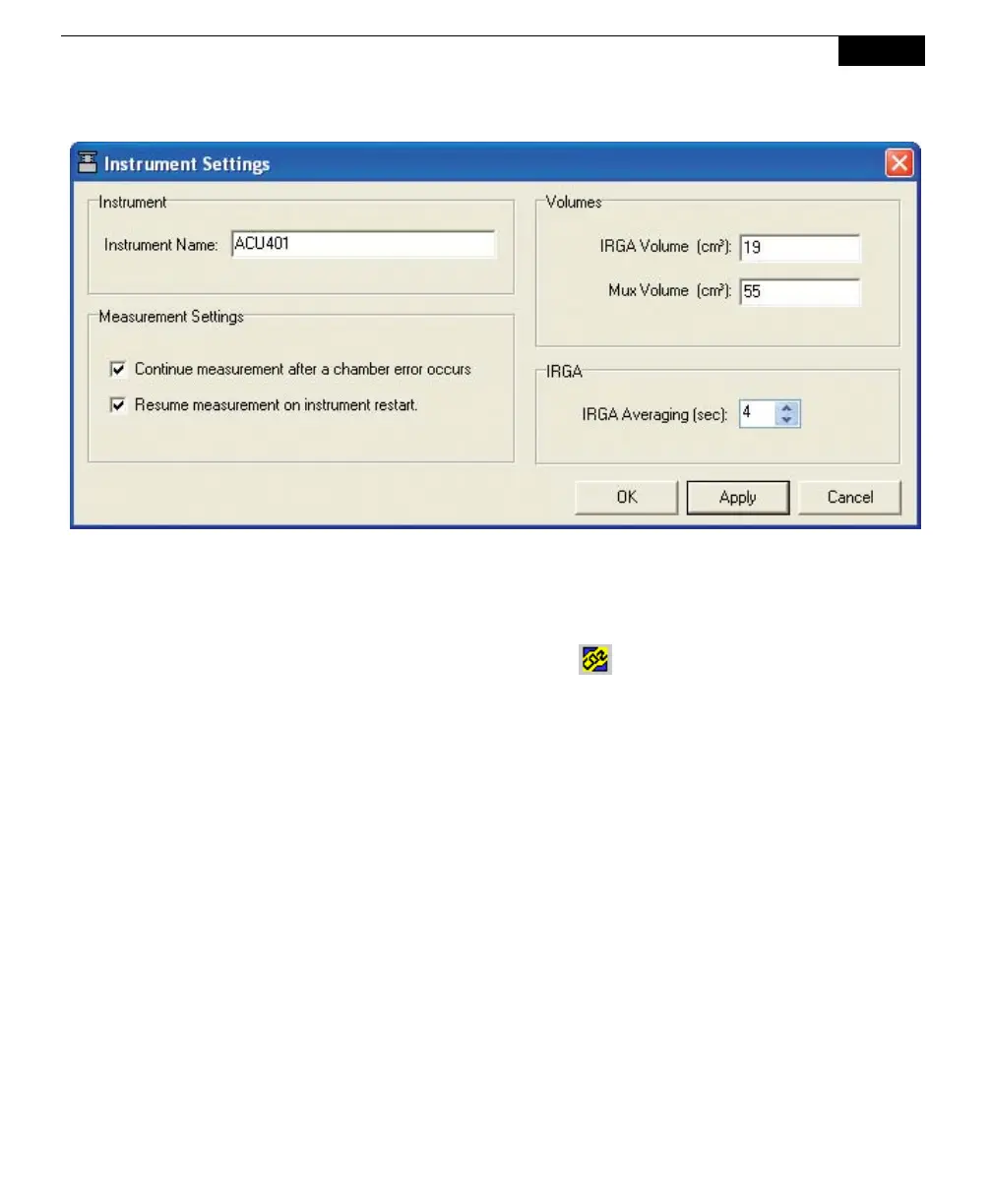
Enter a name for the instrument at "Instrument Name" (ACU401 in the
example above). The instrument name is sent to the LI-8100A, where it is
saved and becomes part of the data record. Click Apply. Click OK.
10. Click on the New Measurement icon (
) on the tool bar, or select Start
New Measurement from the Setup menu. The Start a Measurement dialog
appears:



 To Next Page