6-14
Using the 10 and 20 cm Survey Chambers
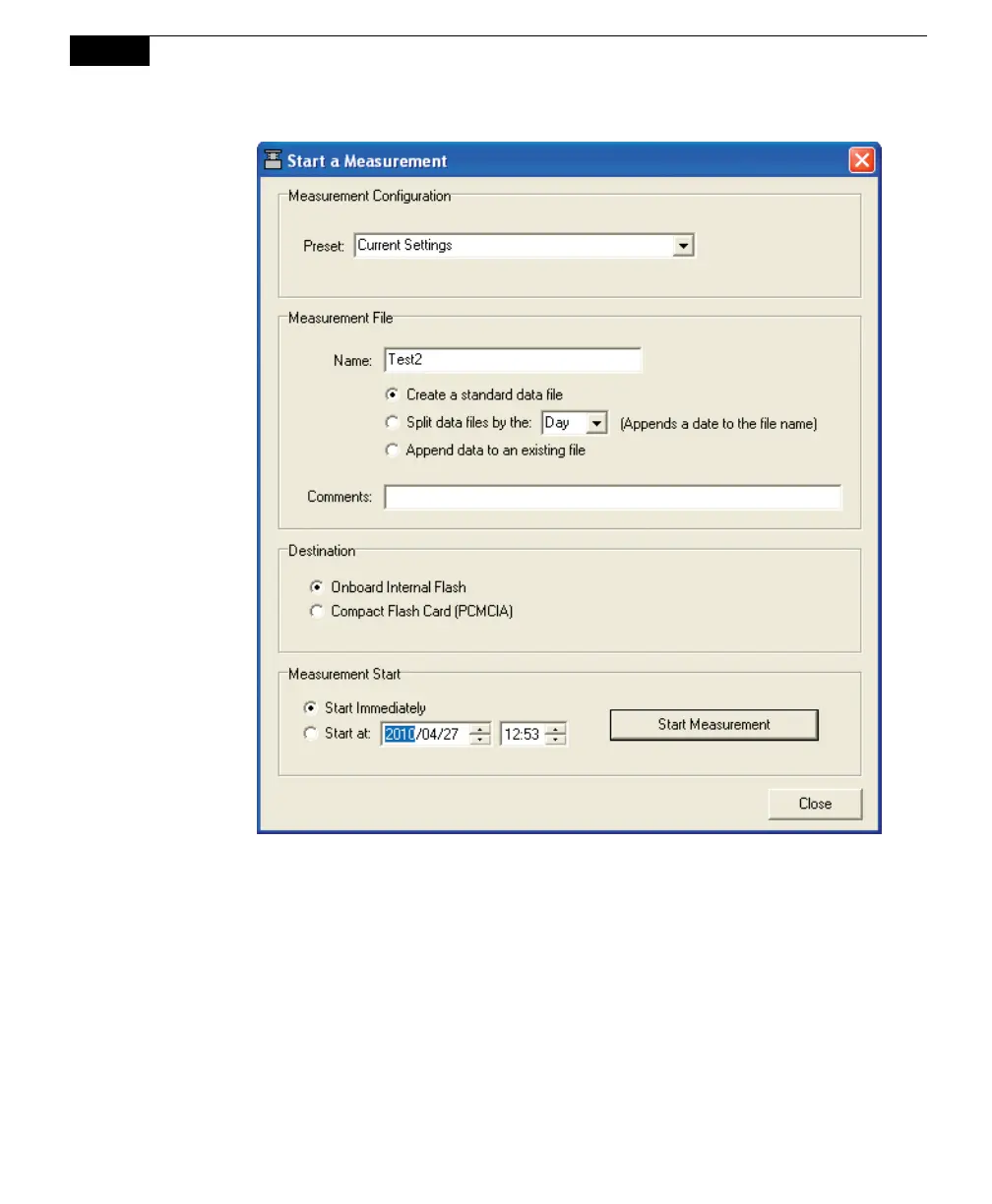
Measurement Configuration
You can choose a defined set of measurement parameters from the Preset
pull-down menu, or use the configuration as currently defined.
Measurement File
Enter a File Name and optional Comments. The Comments appear only in
the header information. Files can be created in the standard data file format,
where the entire data set is placed in a single file, as defined by the
measurement configuration. Large files can be split into smaller files, in
increments of 1 day, or 1 week. Files split by the day are appended with a
date, beginning at 12:00 a.m. each day; files split by the week are appended
with a date, beginning at a period 7 days after the first measurement is taken.



 To Next Page