L-DALI User Manual 101 LOYTEC
Version 5.2 LOYTEC electronics GmbH
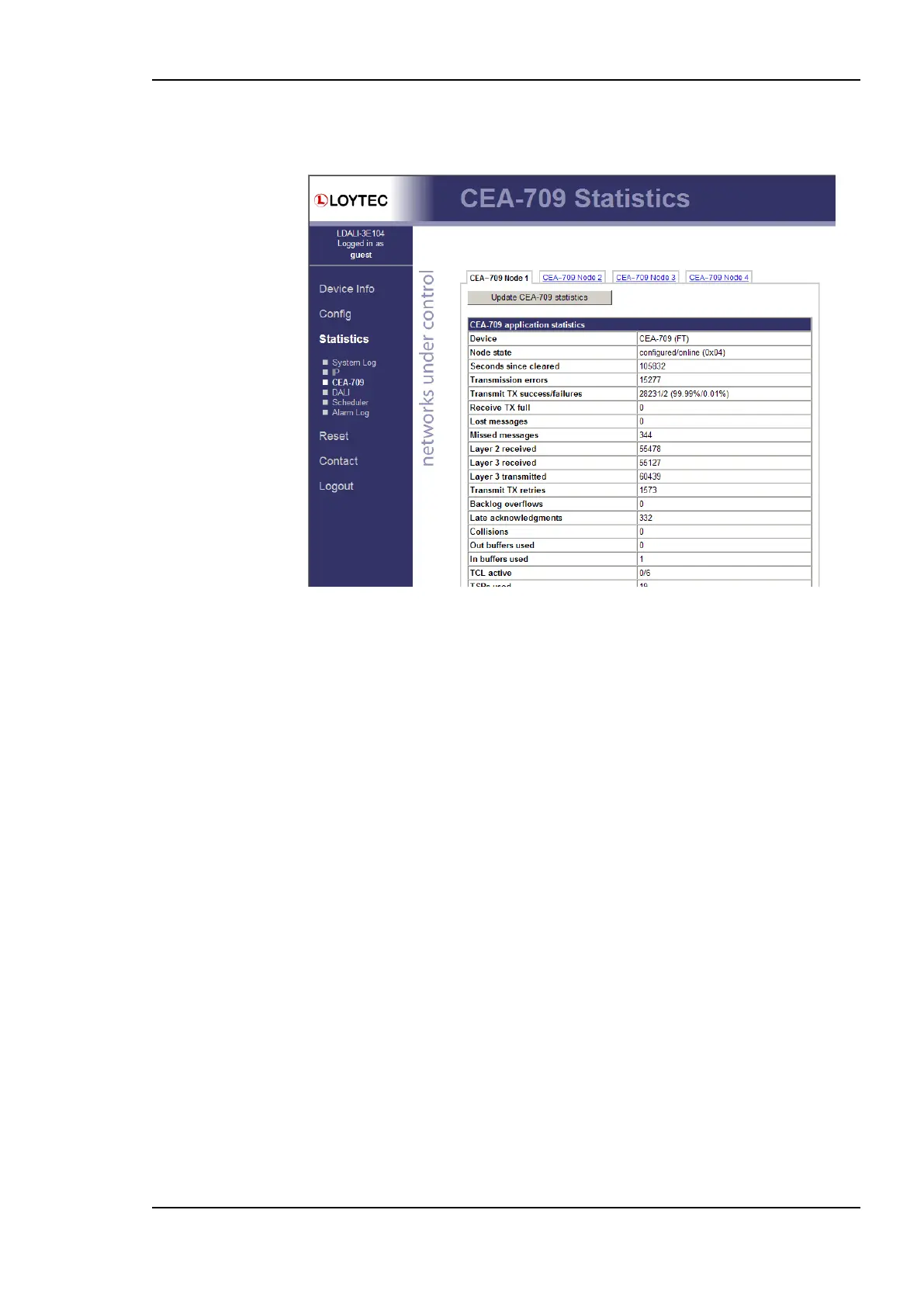
Figure 101). This data can be used to troubleshoot networking problems. To update the
data, click on the button Update CEA-709 statistics.
Figure 101: CEA-709 Statistics Page
5.5.5 CEA-852 Statistics
The CEA-852 statistics page displays the statistics data of the CEA-852 device on the
L-DALI. It is only displayed if the CEA-852 interface is enabled. The upper part of the
CEA-852 statistics page is depicted in Figure 102. To update the statistics data press the
button Update all CEA-852 statistics. To reset all statistics counters to zero, click on the
button Clear all CEA-852 statistics. The field Date/Time of clear will reflect the time of
the last counter reset.



 To Next Page