L-DALI User Manual 39 LOYTEC
Version 5.2 LOYTEC electronics GmbH
A detailed description of the L-DALI Web interface can be found in Chapter 5.
3.5.1 Scan DALI Channel
1. In the L-DALI Web interface click on Commission in the left menu. If not already
logged in you will be asked to enter the administrator password. Enter ‘loytec4u’ and
select Login.
2. The Commission menu opens. Click on DALI Installation in the Commission menu.
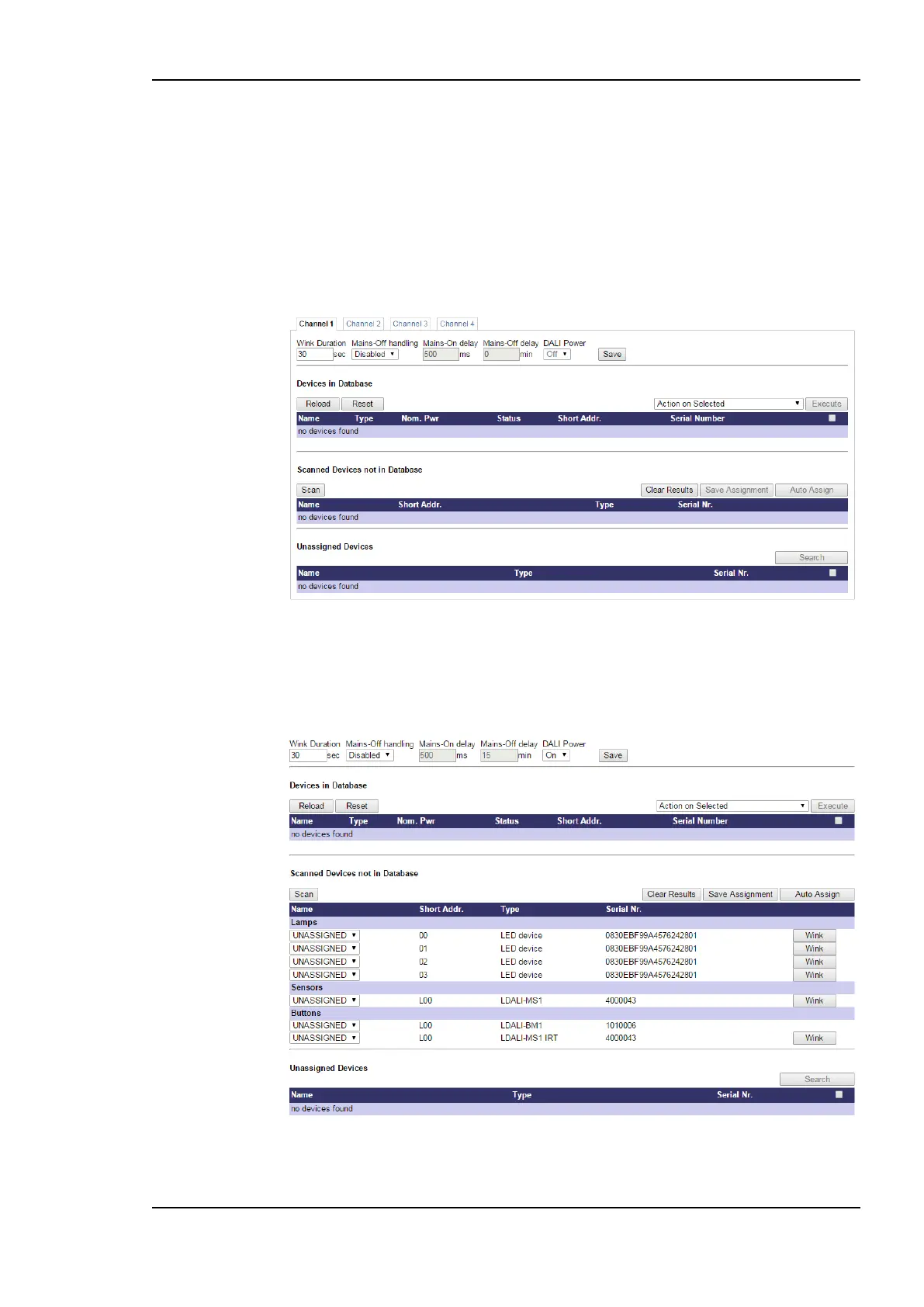
The DALI installation page opens as shown in Figure 28.
Figure 28: DALI Installation Web Interface: Initial view.
3. If the device supports more than one DALI channel select the DALI channel by
clicking on the different tabs at the top of the page labeled Channel 1, Channel 2, etc.
and press the Scan button.
Figure 29: DALI Installation Web Interface: Detected DALI devices.



 To Next Page