L-DALI User Manual 32 LOYTEC
Version 5.2 LOYTEC electronics GmbH
Install the LINX Configurator software from the setup.exe. This file can be downloaded
from www.loytec.com. This tool can be used as a stand-alone tool or as LNS plug-in. In this
example we will use the LINX Configurator software as a stand-alone tool.
A detailed description of the LINX Configurator configuration software can be found in
Chapter 7.
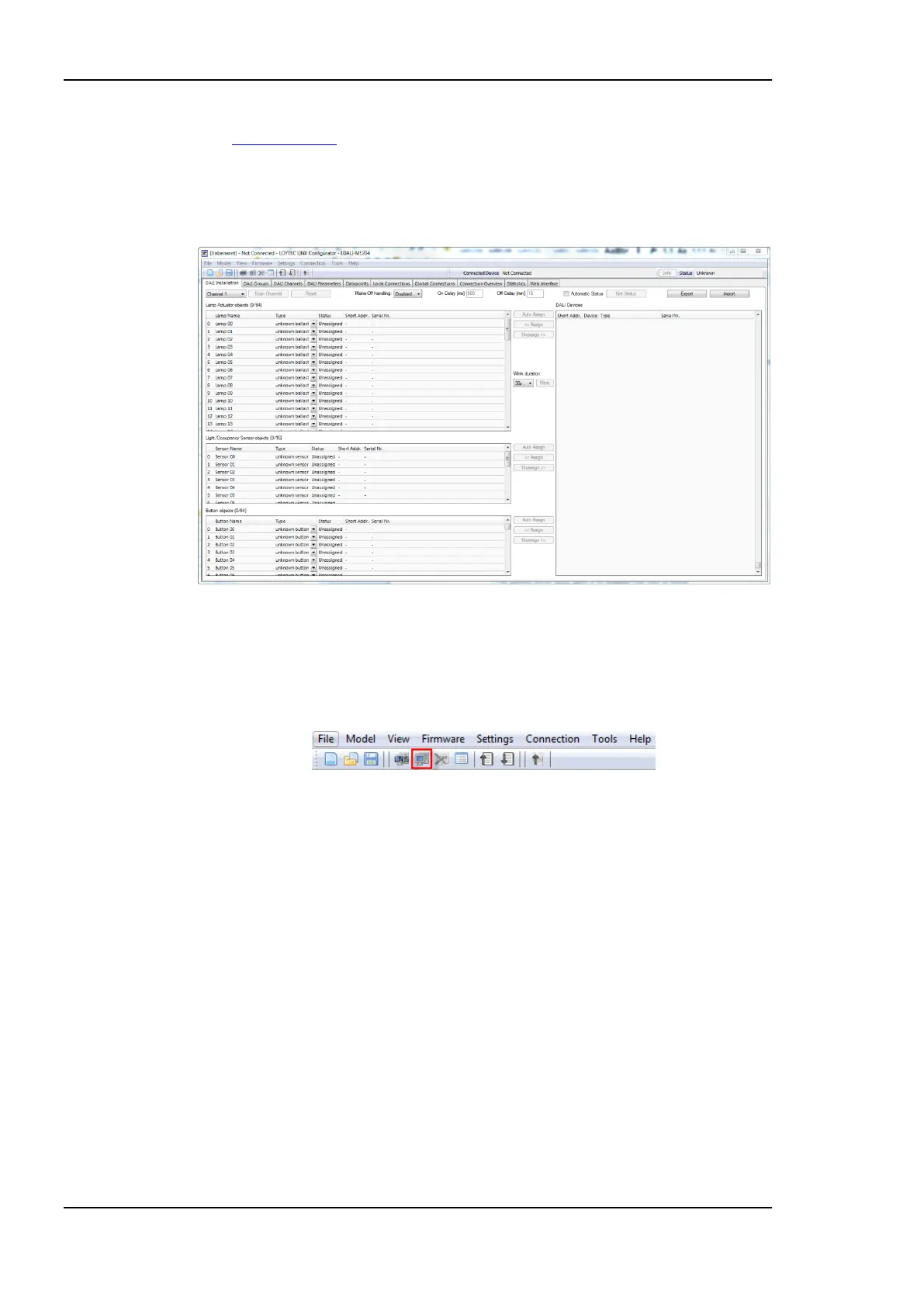
Figure 12: LINX Configurator software, Start.
3.4.1 Connect to Device in Stand-Alone Mode
1. Select the IP connection method by clicking on the Connect to device button in the
tool bar as shown in Figure 13.
Figure 13: LINX Configurator software, Connect to device
2. In the Connection dialog (see Figure 14) choose connection type “Web Service”, enter
the IP address or hostname of the L-DALI and the devices “admin” password. The
default “admin” password is ‘loytec4u’ (older firmware versions used ‘admin’).
3. Optionally, click on New and enter a user-defined name for this connection. That name
can be selected later to connect. Click on Save to store that connection.
4. Click on Connect. This establishes the connection to the device.
5. The LINX Configurator software asks if you want to upload the current configuration
of the device. You can cancel this dialog because in this quick-start we configure the
device from scratch.



 To Next Page