L-DALI User Manual 68 LOYTEC
Version 5.2 LOYTEC electronics GmbH
Note: If this page displays the message “Device communication is disabled via BACnet
network!” the device has been externally disabled. Reboot the device to activate
communication again.
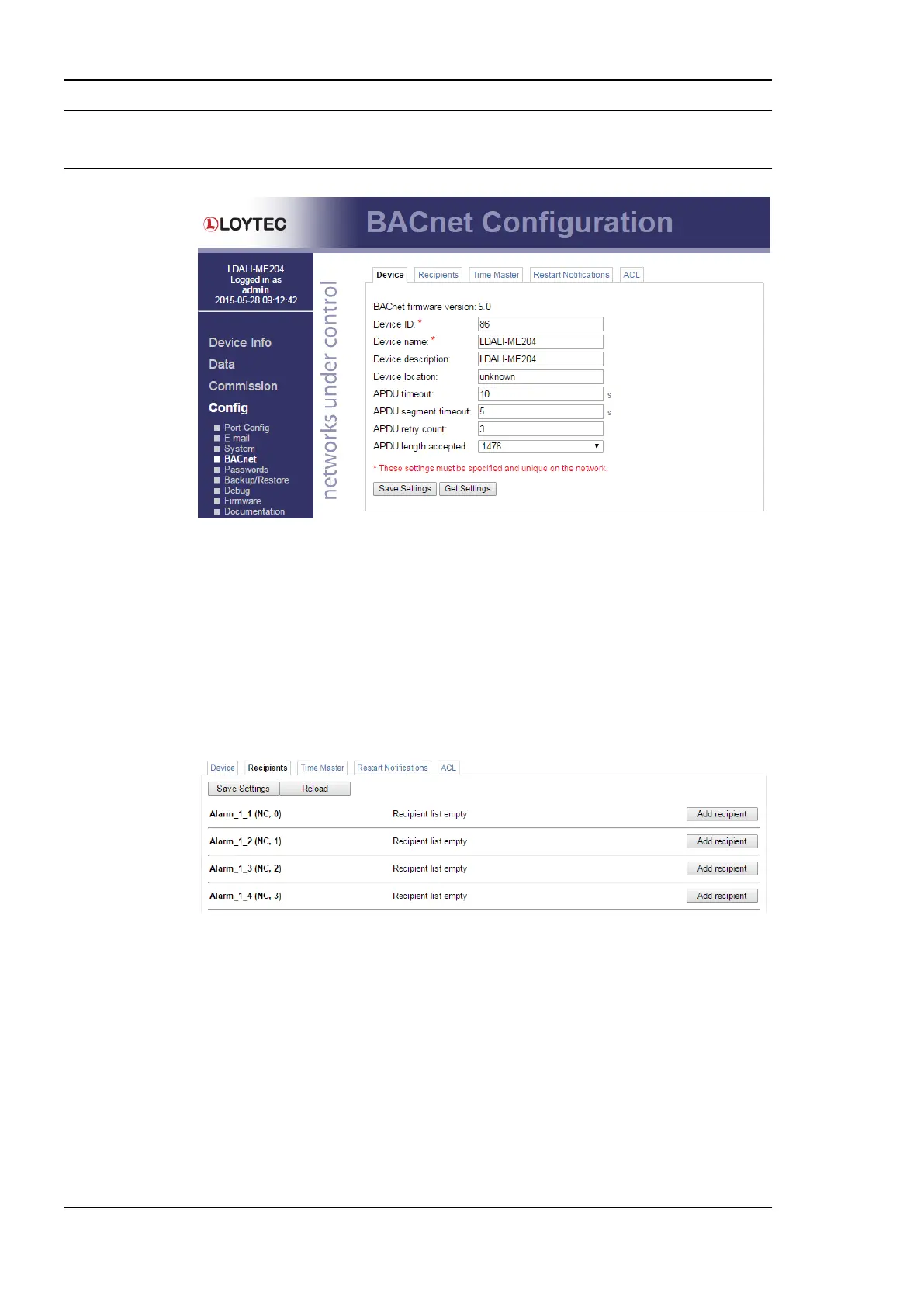
Figure 58: BACnet Device Configuration.
5.2.13 BACnet Recipients (LDALI-20X only)
BACnet notification class (NC) objects have a recipient list. Other BACnet devices, that
shall act as alarm recipients and receive alarm notifications need to be added to the recipient
list of the respective notification class. The Recipients tab of the BACnet Config menu can
be used to view currently subscribed recipients as shown in Figure 59. Recipient entries can
be modified and deleted from the list. It is also possible to add new recipients to the list with
the Add Recipient button. This way it is possible to integrate third-party devices as alarm
recipients without an OWS.
Figure 59: BACnet Recipients Configuration.
5.2.14 BACnet Time Master (LDALI-20X only)
The BACnet time master function relies on a list of time recipients. The Time Master tab
of the BACnet Config Web page (see Figure 60) allows adding and removing time
recipients of two classes: UTC time sync recipients, and time sync recipients (receiving
local time). The time sync interval can also be configured on this tab. See Section 8.3.2.7
for more information on the settings for time sync interval, interval offset and align
intervals.



 To Next Page