L-DALI User Manual 258 LOYTEC
Version 5.2 LOYTEC electronics GmbH
This configuration property contains the device type specific DALI-Registers. It is only available
if the device type of a device is known, either because it was assigned or because the device type
was set in the DALI Installation tab.
8.2.6 Light Sensor Object #1010
The L-DALI provides 16 light sensor objects for each DALI channel. A light sensor object
makes the measured lux level of a DALI light sensor available on the CEA-709 network.
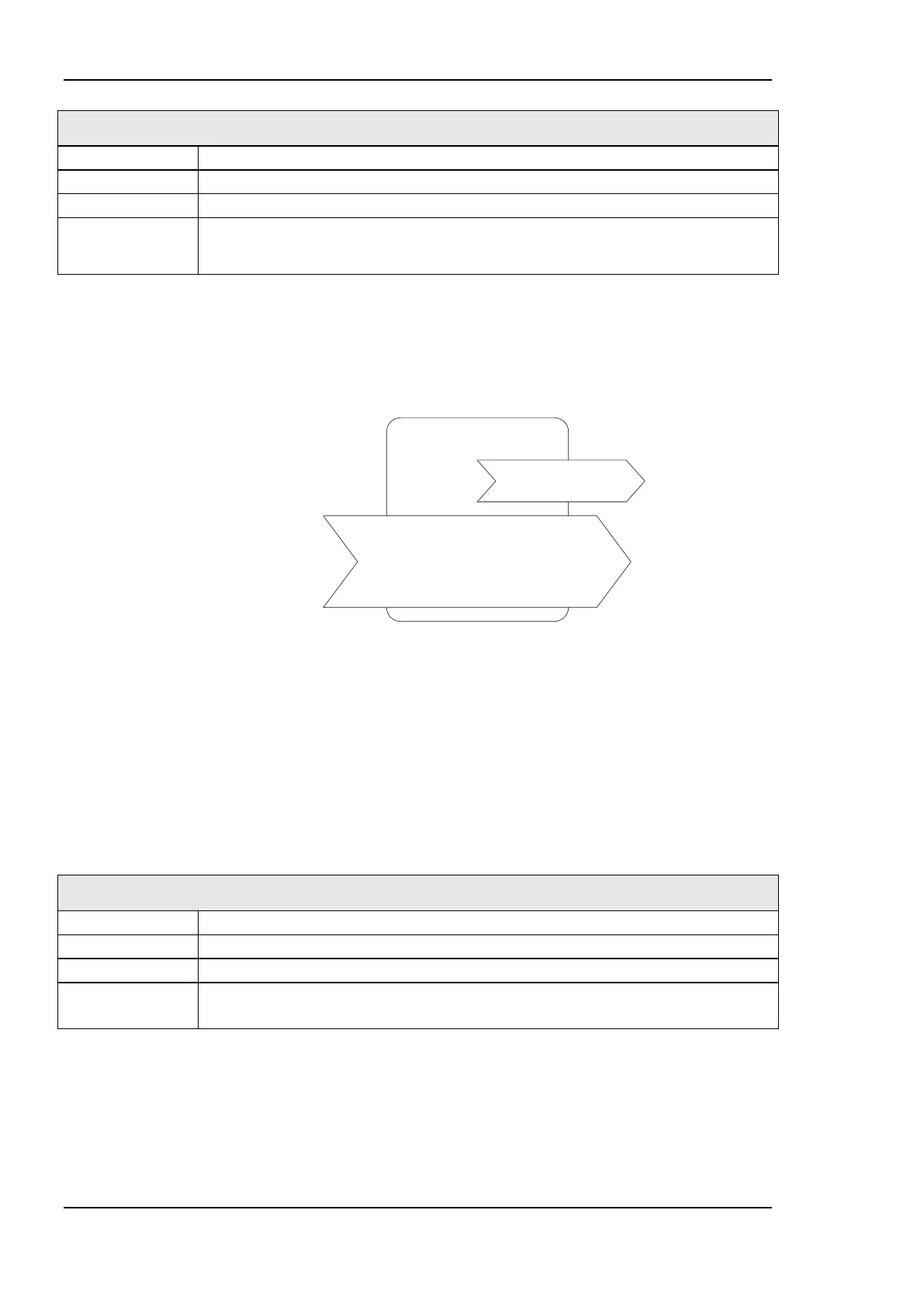
Light Sensor #1010
nvoLuxLevel
SNVT_lux
nciLocation
nciFieldCalibr
nciGain
nciMinSendTime
nciMaxSendTime
nciMinDelta
Figure 215: Light Sensor Object
This object type is enabled in the default interface. It can be disabled (together with the
Occupancy Sensor objects).
8.2.6.1 Sensor Calibration
To provide a reliable measurement the light sensor needs to be calibrated. The calibration is
best performed with the LINX Configurator software (refer to Section 7.6.2) or using the
Web Interface (refer to Section 5.3.4.6).
8.2.6.2 Output Network Variables
This network variable provides the lux level measured by the light sensor.
If no corresponding light sensor is present on the DALI network the value is 0.
8.2.6.3 Configuration Properties
All configuration properties listed in this section are implemented as Configuration
Parameters using configuration files (CPT, CPV, and CPC files). File access is provided via
LONMARK FTP.



 To Next Page