L-DALI User Manual 74 LOYTEC
Version 5.2 LOYTEC electronics GmbH
Uncommissioned: The device is not yet commissioned.
Disabled: The device is disabled.
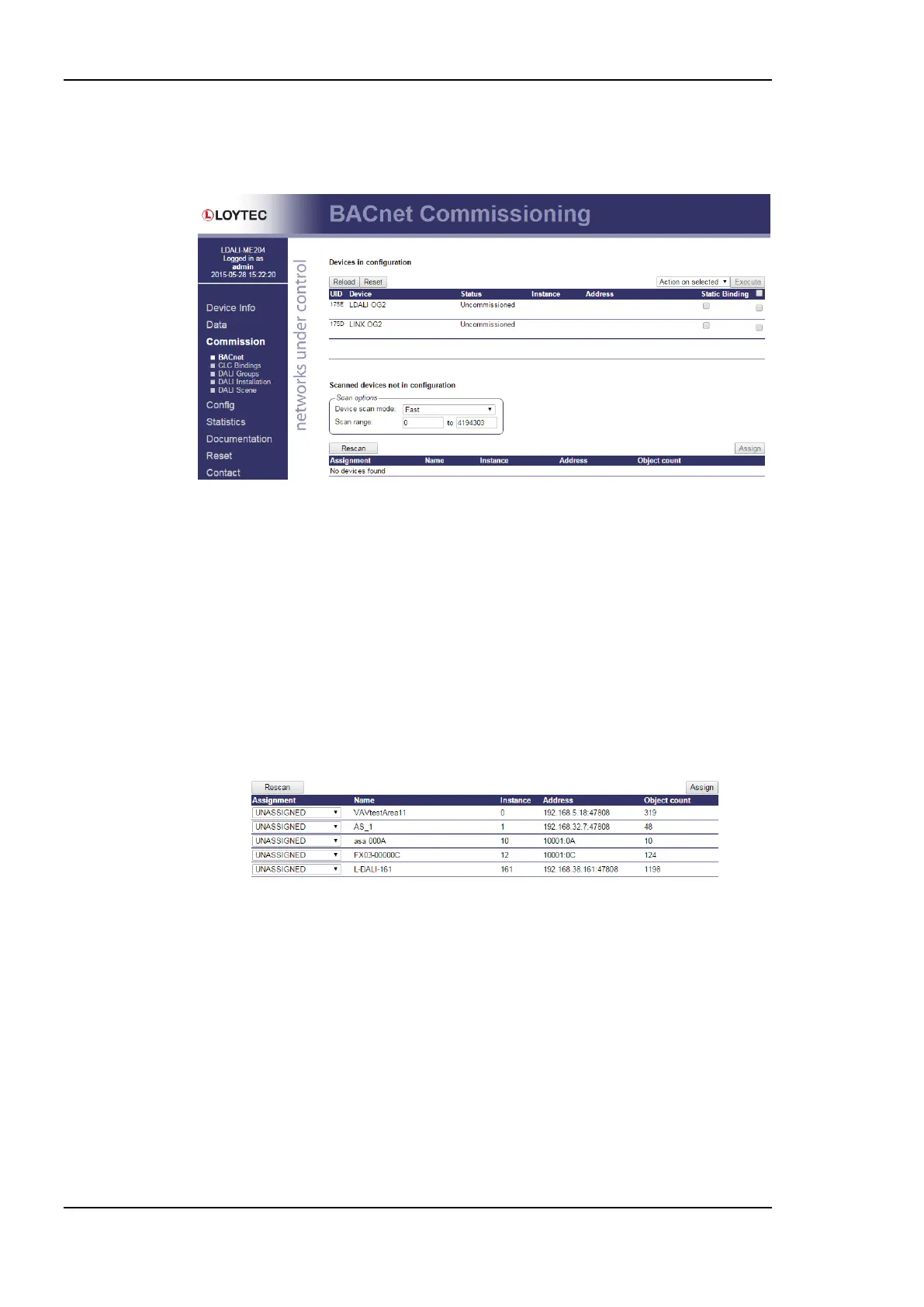
Figure 68: BACnet commissioning Web interface.
In order to execute an action on devices, select the checkbox at the end of the respective
lines. Then choose an action in the drop-down Action on selected and click the Execute
button. Actions that can be executed on all devices are enable and disable. A disabled
device will stop communication on the network until it is enabled again.
Those devices created as commission later can be assigned to physical devices on the
network. The device description displayed beneath the device name can be edited, where
the edit symbol appears. The assignment can be done manually by editing the fields in the
Instance column and Address column (for static device binding). It can also be done by
executing a network scan. Edit the scan options as appropriate for your BACnet network
and click on Scan. The scan progress will be displayed and fill the list for Scanned devices
not in configuration. An example is shown in Figure 69.
Figure 69: Result of a BACnet scan on the Web interface
To assign a scanned device to an uncommissioned device in the configuration, select the
corresponding device name from the drop-down box in the Assignment column. Repeat
that for all other devices and then click the button Assign.
5.3.2 Constant Light Controller Bindings
To determine which sensors (occupancy & lux) are used as inputs to and which light groups
are controlled by a constant light controller instance go to the CLC Bindings page (see
Figure 70).
Again, selected the DALI channel by clicking on the different tabs at the top of the page
labeled Channel 1, Channel 2, etc.



 To Next Page