L-DALI User Manual 199 LOYTEC
Version 5.2 LOYTEC electronics GmbH
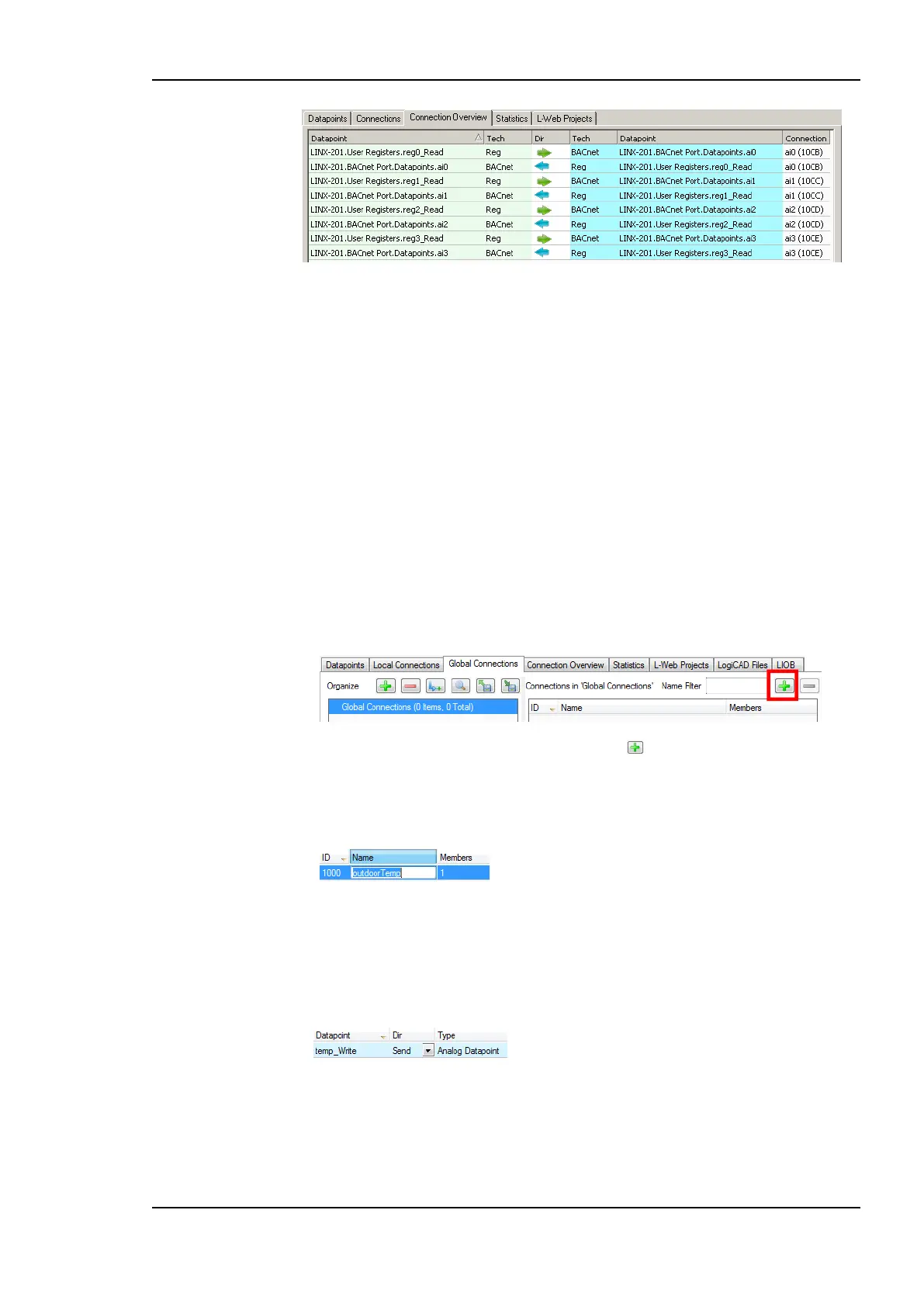
Figure 186: Connections Summary.
7.9.7 Create a Global Connection
Global connections are an easy way to publish or subscribe to global data, which is
distributed among devices. To configure such communication, a device needs to be member
of a CEA-852 channel. Once it is member of that channel, global connections need to be
configured in the data point configuration. This is similar to creating local connections and
most of the configuration steps apply also for global connections. In addition, also network
timing parameters can be configured for global connections. For a description see Section
6.3.4.
If other devices already have global connections configured that publish data on the
network, their definition can be exported and imported into the new configuration. That will
make all the global connection names available. When creating manually, the connection
names can be edited.
To Create a Global Connection
1. Click on the Global Connections tab
in the main window and press the speed button Create new Connection. A new
connection is added to the connection list.
2. Define a name for the global connection. This name is required to be unique on the
network. Data will be published or subscribed to under this name.
3. Add data points to the global connection as described in Section 7.9.3. As a default,
output data points will be added as sending, input data point as receiving data under the
global connection.
4. Change the direction by modifying send or receive. For changing multiple data points
use multi-select.



 To Next Page