L-DALI User Manual 40 LOYTEC
Version 5.2 LOYTEC electronics GmbH
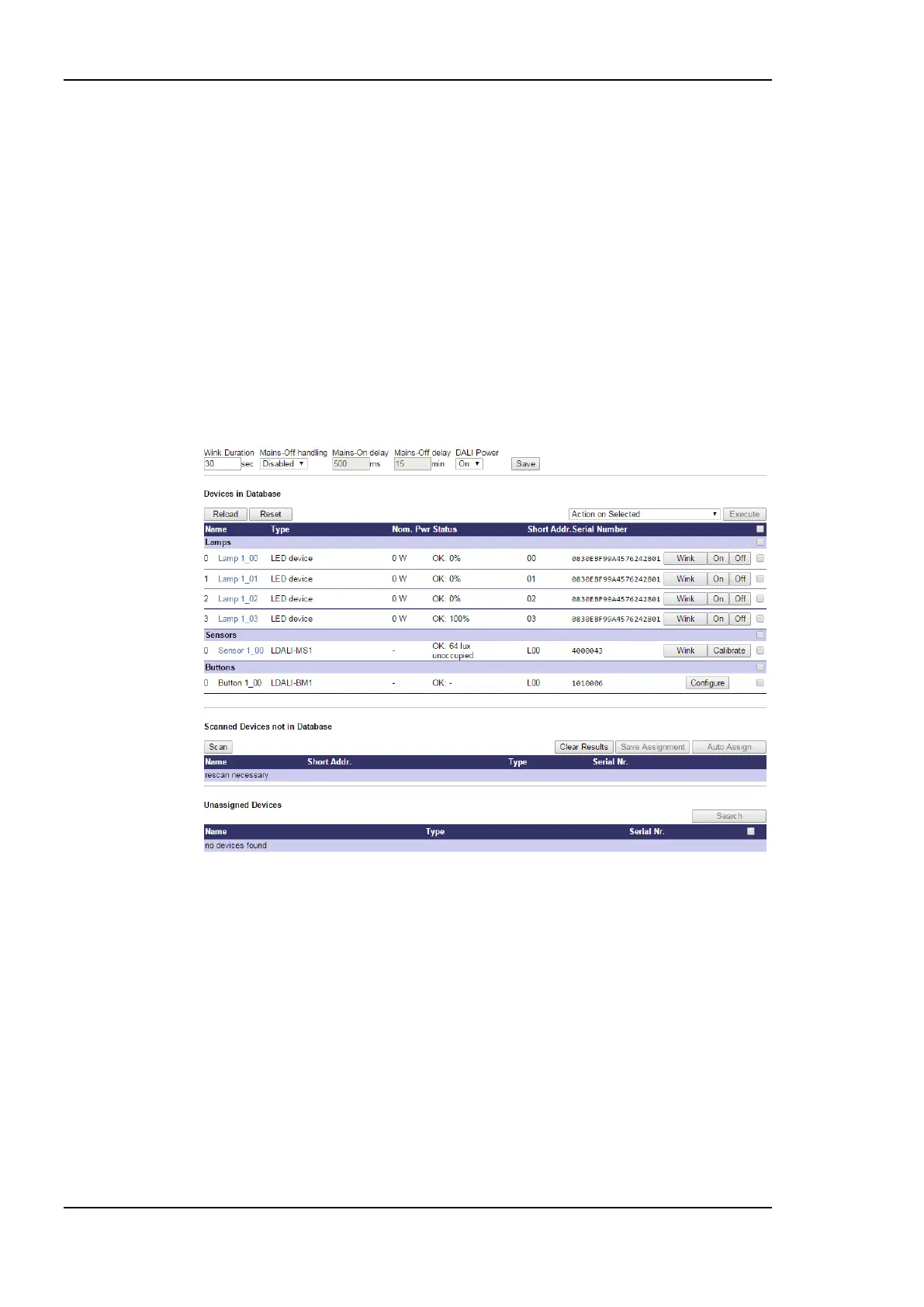
4. The L-DALI scans the DALI channel and lists the detected devices under Scanned
Devices not in Database in the lower halve of the Web interface (see Figure 29). In
case an error occurs see Section 11.4 for a description of the error codes and possible
reasons.
3.5.2 Assign Lamps, Sensor and Button to LONMARK/BACnet Objects
1. To identity which of the four detected DALI ballasts is which physical lamp, select one
and click the Wink button. The corresponding lamp blinks for the configured wink
duration.
2. To assign a DALI device to a LONMARK or BACnet object, use the drop-down list
available for each device in the Scanned Devices not in Database section (left
column). This list contains all available fieldbus objects. When you are done, press the
button Save Assignment. Alternatively to manual assignment press the button Auto
Assign for random assignment. After you have assigned all lamps the configuration
should look as shown in Figure 30.
Figure 30: DALI Installation Web Interface: Device assignment done.
3.5.3 Grouping Lamps
Lamps which are assigned to a group can be controlled together by the corresponding
LONMARK or BACnet group object. We will create two groups: One for the lamps near the
window and one for the lamps near the corridor.
1. Click on DALI Groups in the Config menu. The DALI Groups page opens.
2. Again, selected the DALI channel by clicking on the different tabs at the top of the
page labeled Channel 1, Channel 2, etc.
3. Add the two lamps near the window to group 0, the two lamps near the corridor to
group 1 and all lamps to group 2 by checking the corresponding check boxes. Press the
Save button. The result will look like in Figure 31.



 To Next Page