L-DALI User Manual 152 LOYTEC
Version 5.2 LOYTEC electronics GmbH
4. Execute the operation by clicking the OK button.
7.3.4 Enable Legacy NM Mode
For network management tools, which do not support the ECS (extended command set)
network management commands, the legacy network management mode must be
configured. Please contact the tool’s vendor for information whether ECS is supported or
not. Note, that changing to legacy network management mode changes the static interface of
the device and thus requires different XIF files.
The legacy mode can be enabled using the Web Interface (see Section 5.2.11) or the
System Settings tab in the Project Settings dialog of the Configurator Software (see
Section 7.16.2).
7.4 Using the LINX Configurator
7.4.1 Starting as an LNS Plug-In (LDALI-10X only)
In LonMaker the plug-in is started by right-clicking on the L-DALI device shape and
selecting Configure… from the pop-up window.
In NL-220, the Plug-in is started by right clicking on the L-DALI node, then selecting the
Option LOYTEC LINX Configurator in the PlugIns sub menu.
In Alex, the Plug-in is started by right clicking on the L-DALI device and selecting the
LOYTEC LINX Configurator in the Starte PlugIn sub menu.
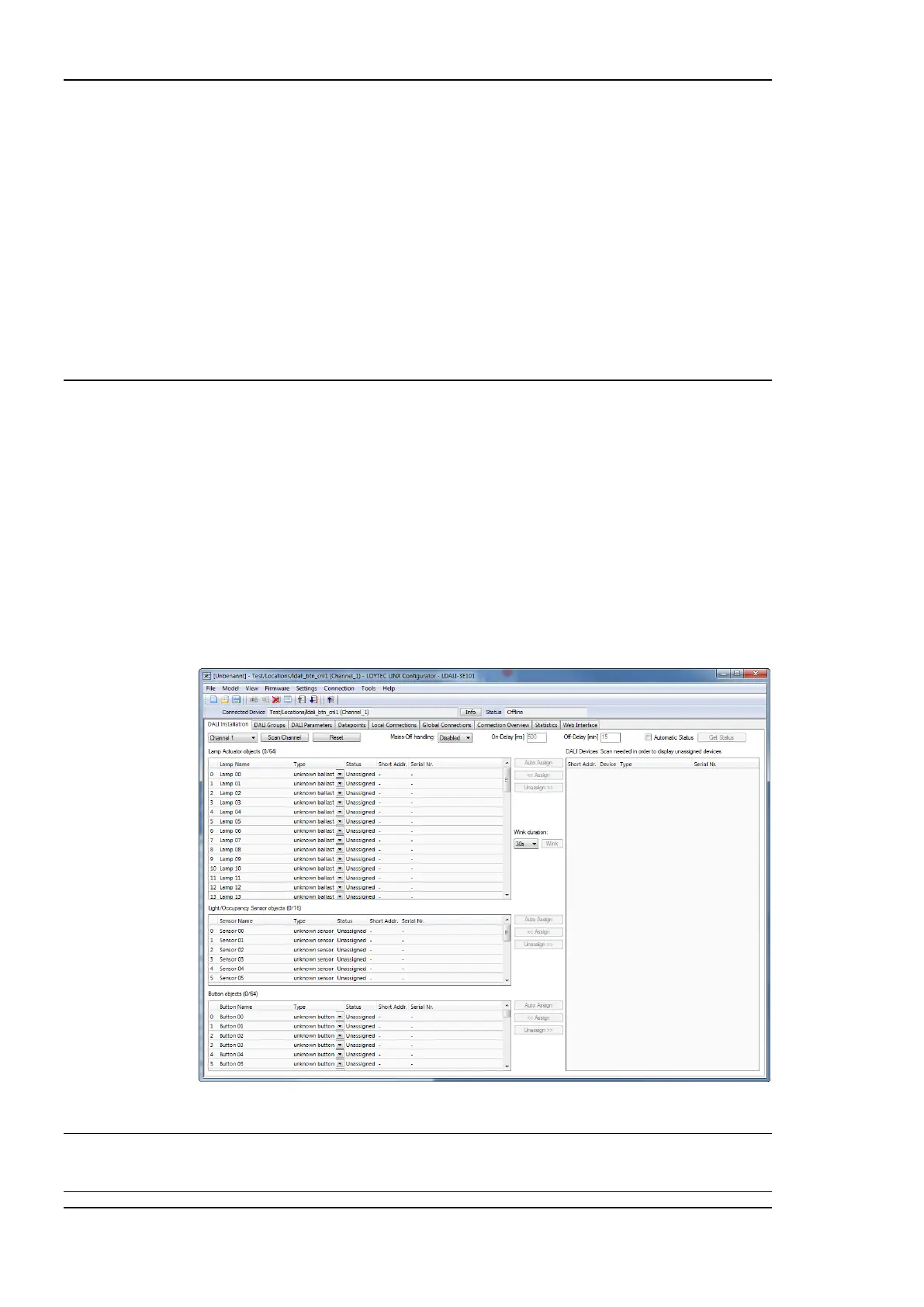
A window similar to what is shown in Figure 140 should appear.
Figure 140: LINX Configurator main window.
Note: It is recommended to start the LINX Configurator as LNS-Plug-In, whenever using a
LDALI-10X with an LNS based network management tool (LonMaker, NL220, etc.)! This
allows the Plug-In to keep the device configuration in-sync with the LNS database.



 To Next Page