L-DALI User Manual 72 LOYTEC
Version 5.2 LOYTEC electronics GmbH
To enable debugging on one or more objects, specify the desired object(s) by setting a filter
using the Type, Channel and Object Index drop down boxes. Then check the Log
Input/Log Output/Log State check boxes and click on the Save button.
To disable debugging select the object(s) by specifying a filter like when enabling
debugging, leave the checkboxes Log Input/Log Output/Log State unchecked and click
on the Save button.
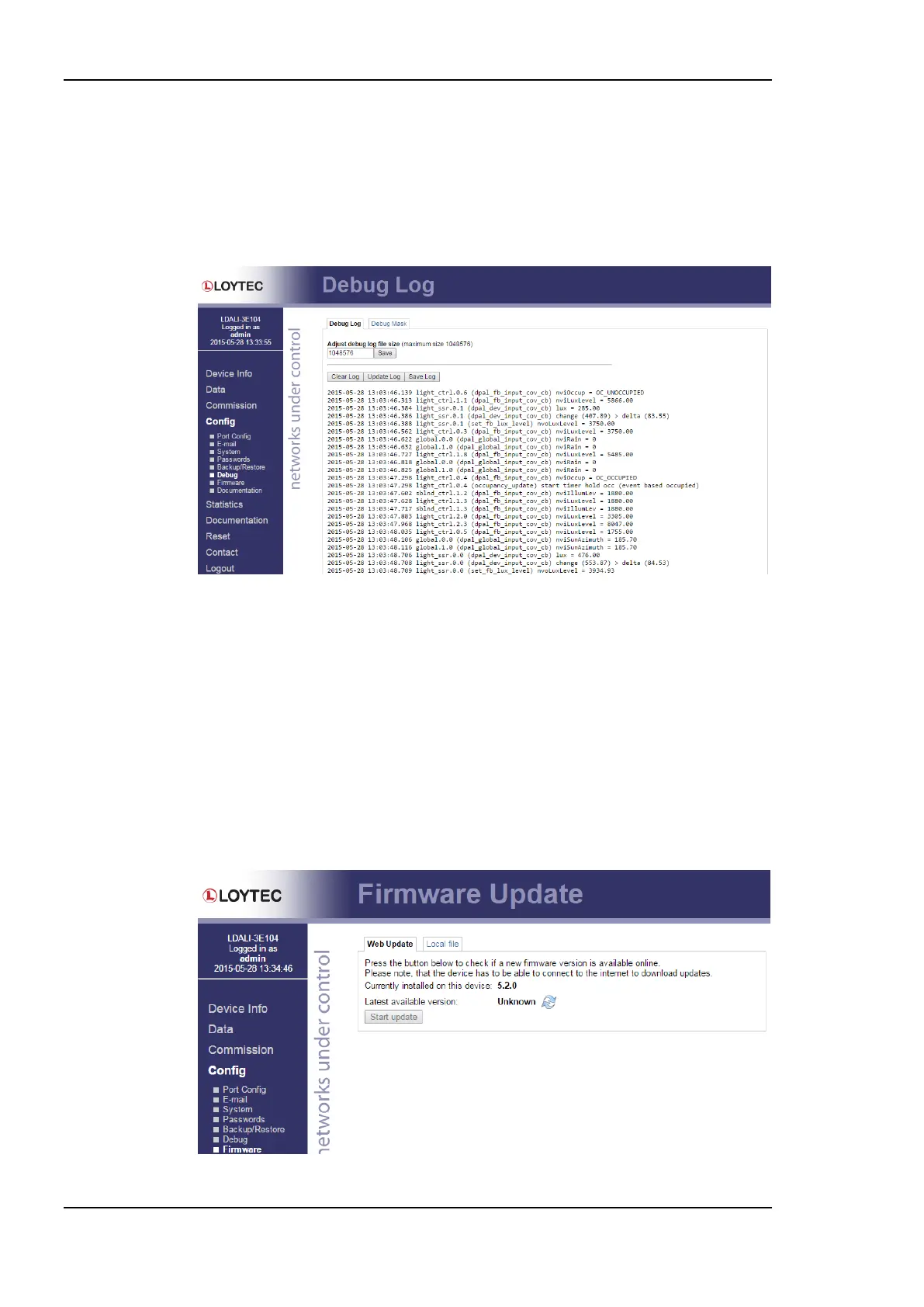
Figure 65: Debug Log.
5.2.19 Firmware
The firmware page allows upgrading the device’s firmware over the Web interface. It offers
two options:
Web Update: With Web update the device searches for the latest available firmware
on the LOYTEC server. Click on the refresh symbol, if no latest version is displayed.
Please note, that the device must have a DNS server configured to find the LOYTEC
server. Click on the Install button to upgrade your device.
Local file: Update the device from a local disk file. For doing so, choose a .dl file on
you hard drive and then click on the Start Update button.
Figure 66: Firmware upgrade over the Web interface.



 To Next Page