L-DALI User Manual 33 LOYTEC
Version 5.2 LOYTEC electronics GmbH
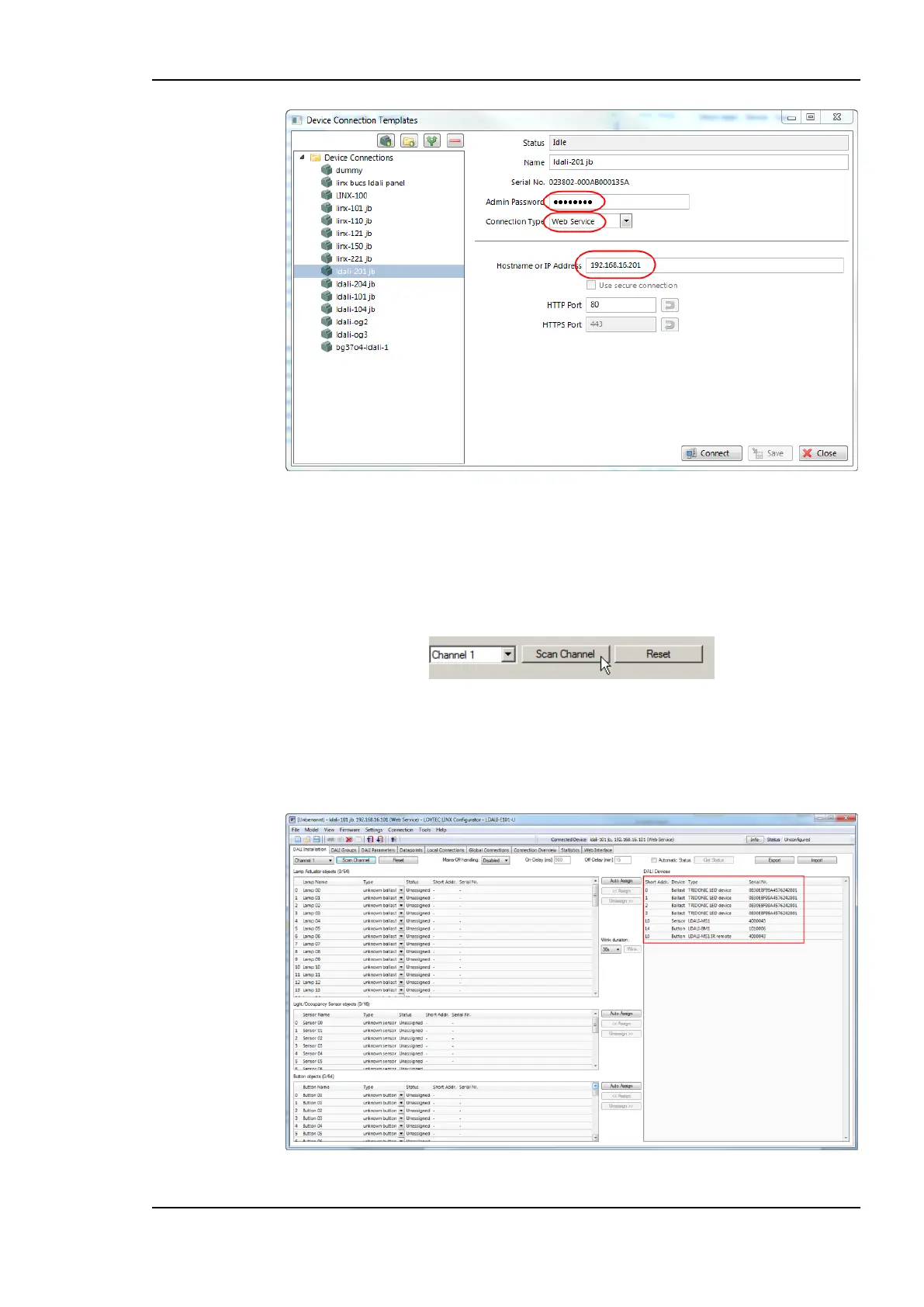
Figure 14: LINX Configurator software, Connection Dialog.
3.4.2 Scan DALI Channel
1. Change to the DALI Installation tab.
2. Select the DALI channel and click on the Scan Channel button shown in Figure 15.
Figure 15: LINX Configurator software, scan DALI Channel.
3. The L-DALI device scans the selected channel and displays all detected devices as
shown in Figure 16. In case an error occurs see Section 11.4 for a description of the
error codes and possible reasons.
Figure 16: LINX Configurator software, detected DALI devices.



 To Next Page