L-DALI User Manual 38 LOYTEC
Version 5.2 LOYTEC electronics GmbH
to calibrate the sensor with a single light condition which is near the setpoint. In this quick-
start only one lux measurement is performed.
1. In the LINX Configurator software switch to the Parameters tab.
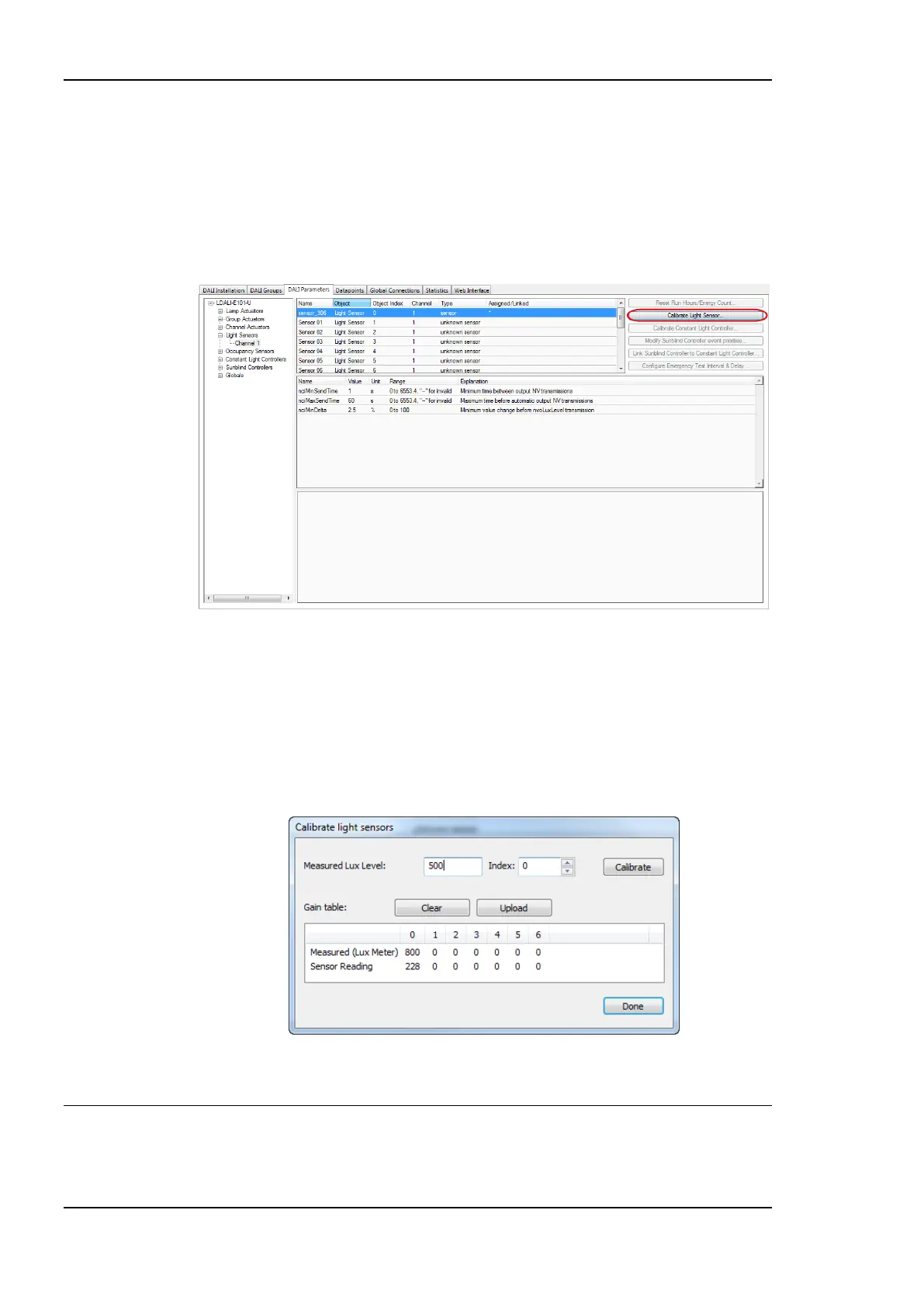
2. Select the light sensor index 0 and click on the Calibrate Light Sensor… button as
shown in Figure 26. The light sensor calibration window as shown in Figure 27 in
displayed.
Figure 26: Parameterize Light Sensor.
3. Measure the current lux level at the reference area (e.g. desk) using a luxmeter.
4. Enter the measured lux level in the input field and select the index 0.
5. Press the Calibrate button.
6. Close the dialog by pressing the Done button.
Figure 27: Calibrate Light Sensor.
3.5 Configuration using Web Interface
As an alternative to the LINX Configurator PC Software the Web interface of the L-DALI
can be used. In a Web browser enter the IP address as set up in Section 3.3.



 To Next Page