L-DALI User Manual 191 LOYTEC
Version 5.2 LOYTEC electronics GmbH
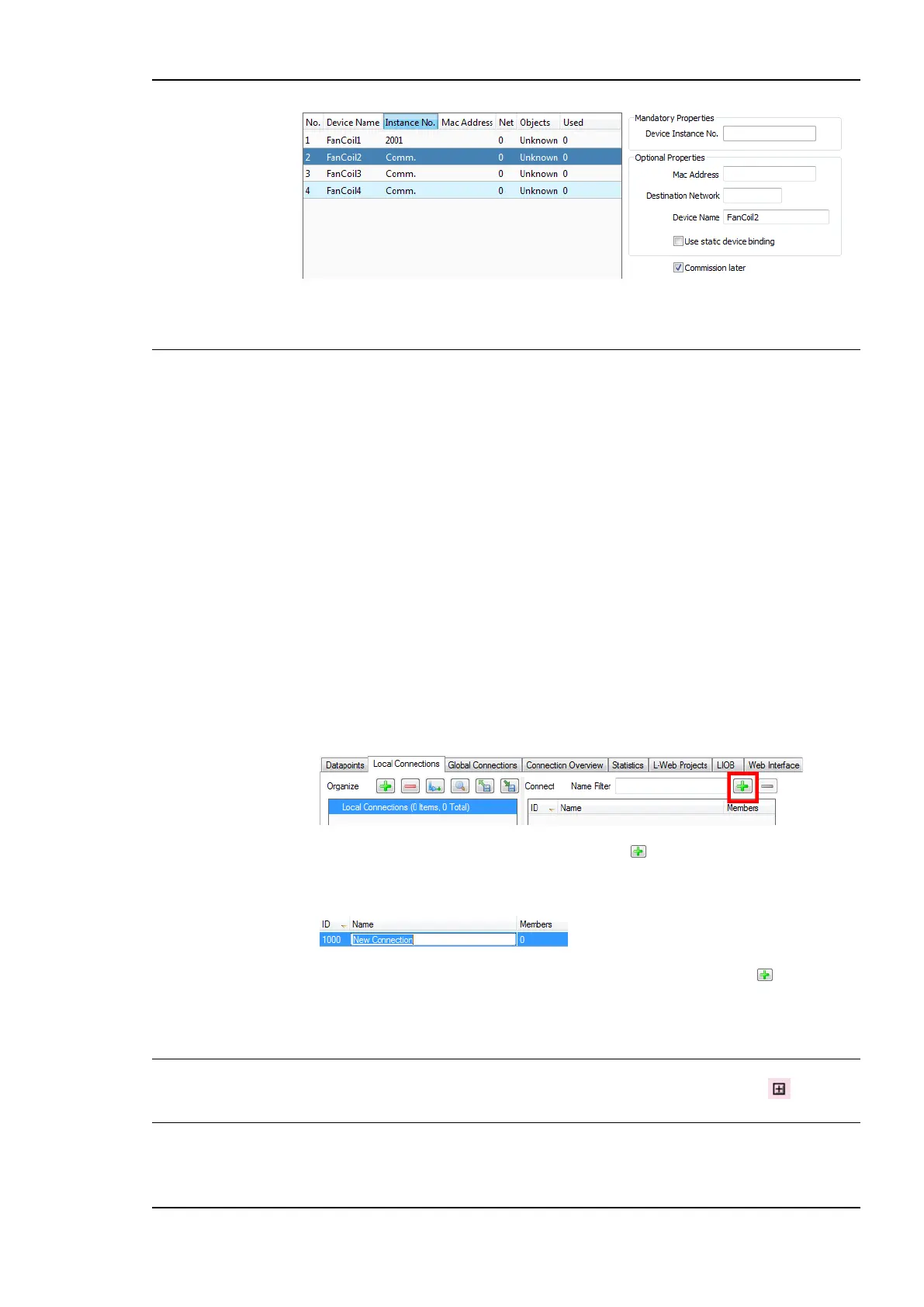
Figure 173: Duplicated BACnet devices for later commissioning.
7.9 Connections
7.9.1 Create a New Connection
After having configured the device’s network ports with data points, internal connections
between those data points can be created. Usually, the manual method to create a
connection is used to create connections between different named data points.
A connection is an internal mapping in the device between input and output data points. A
connection always consists of one or more data points. A value update from an input data
point (sender) is distributed to all output data points (receivers). A status change of a
receiver data point is propagated back to all sender data points. All data points in the
connection must be of a compatible type or use an adaptor.
By adding data points as sender and receiver to the same connection, they transfer values in
both directions. Doing so with connected data points, bi-directional connections can be
built.
To manually create a new connection
5. Click on the Local Connections tab
in the main window and press the speed button Create new Connection. In the
menu choose Standard Connection. A new connection is added to the connection
list. Rename the connection if you want to do so.
6. Over the list Datapoints in connection on the right-hand side click on Attach Data
Point to add data points for this connection. This opens a list of all available data
points. Select one and press OK. You may use multi-select to select more than one data
point at a time.
Note: By default only compatible data points are displayed. Sometimes compatible data points
are available as member points (e.g., a SNVT structure member). Click on to expand
the data point and select the desired member point.
7. Now the connection tab contains the new connection and below the list of data points in
that connection as shown in Figure 174.



 To Next Page