L-DALI User Manual 147 LOYTEC
Version 5.2 LOYTEC electronics GmbH
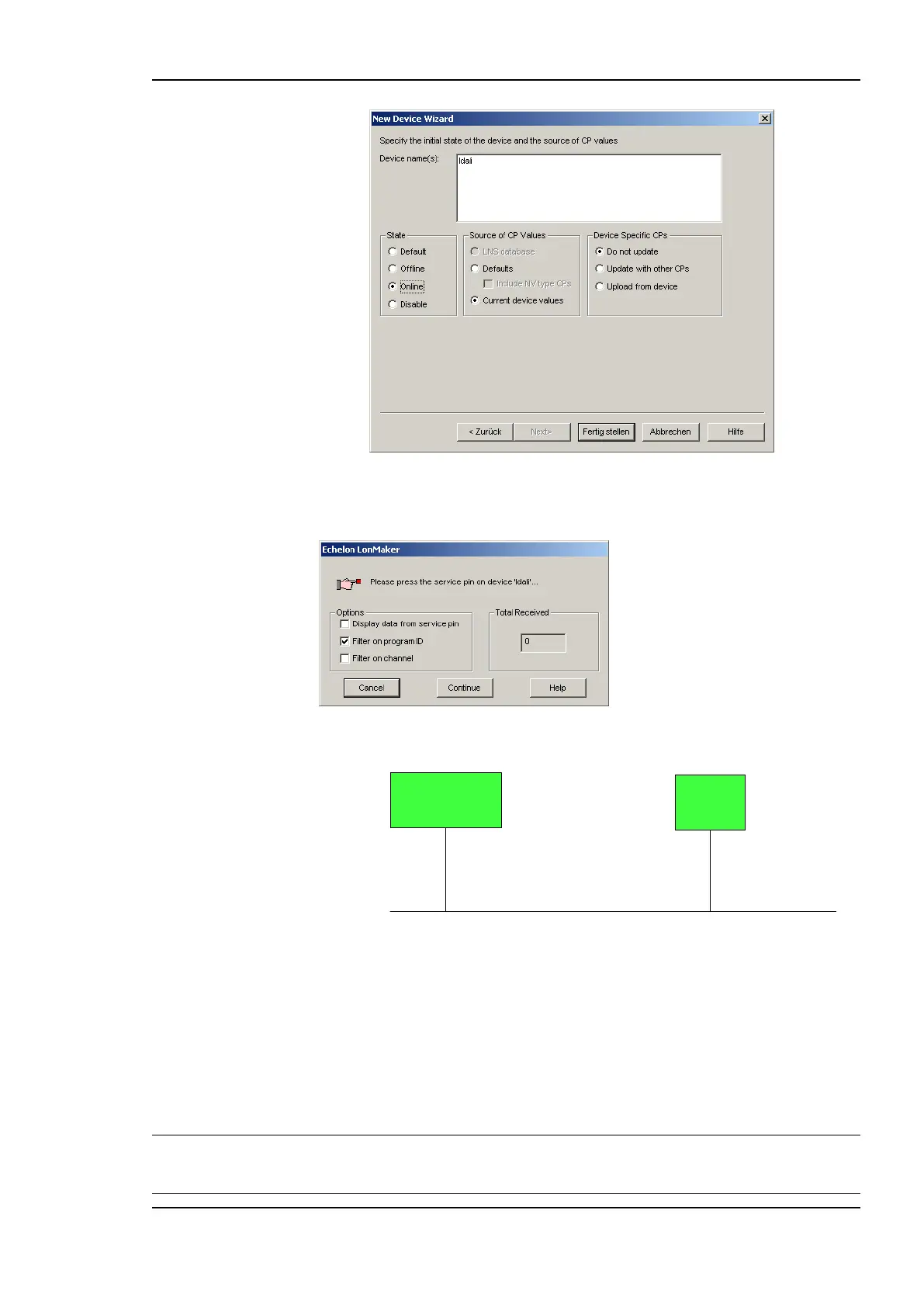
Figure 131: Final dialog.
9. Click Finish. A dialog will prompt to press the service pin.
10. Finally, you should get the device added to your drawing as depicted in Figure 132.
Channel 1
LNS Network Interface
ldali
Figure 132: The L-DALI has been added to the drawing.
11. Repeat steps 1-10 for each CEA-709 node representing one DALI channel.
7.3.2 Replacing an L-DALI
This Section describes how to replace an L-DALI in your LNS database. The description
refers to LonMaker TE. Let’s assume there is a device ‘ldali’ in the LNS database as shown
in Figure 133.
Note: For the L-DALI versions supporting multiple DALI channels (LDALI-3E102 and
LDALI-3E104) for each DALI channel a LONMARK device representing that channel must
be replaced in the LNS database.



 To Next Page