L-DALI User Manual 22 LOYTEC
Version 5.2 LOYTEC electronics GmbH
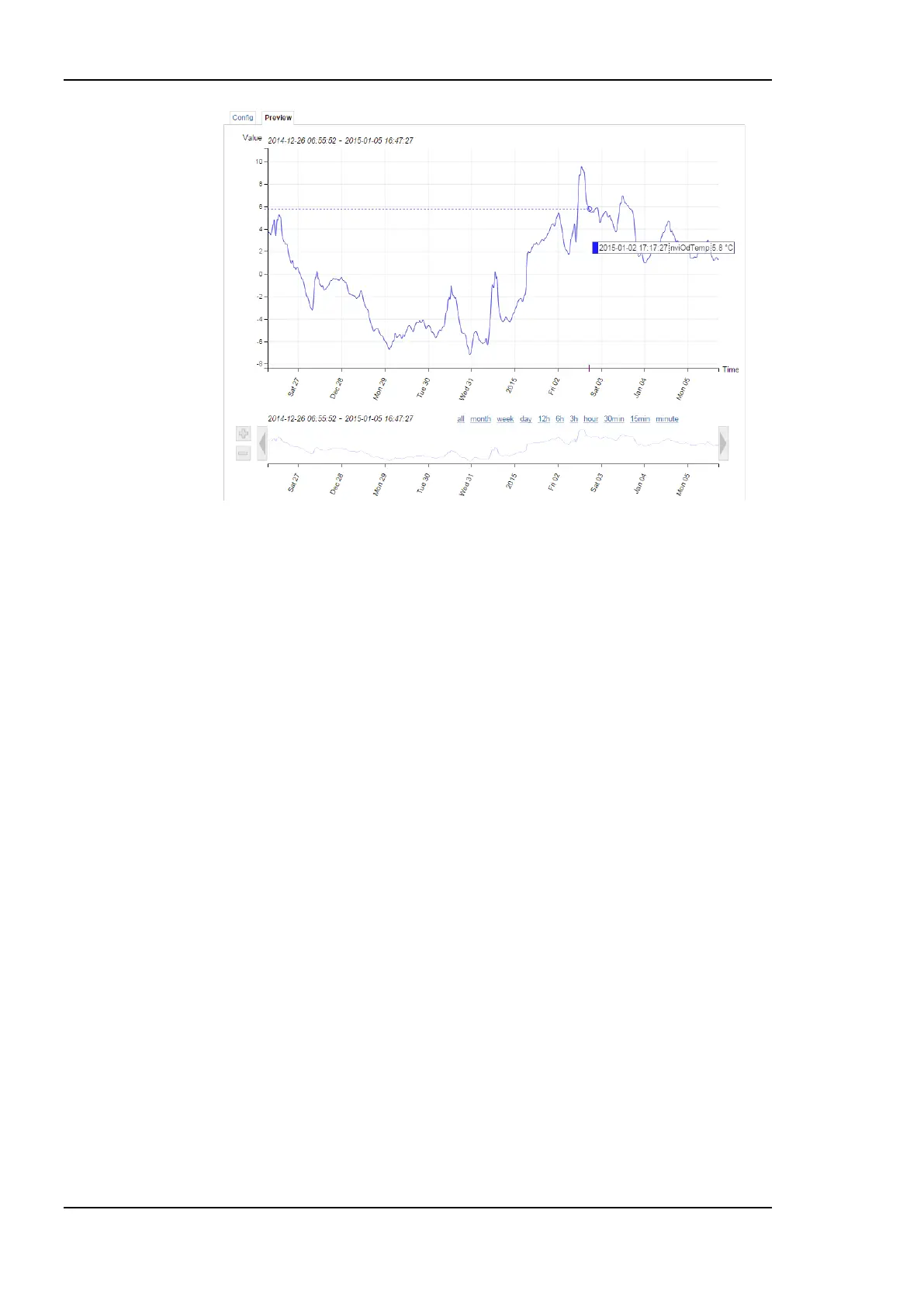
Figure 3: New trend chart on the Web UI
An improved DALI sensor calibration Web-UI allows to dim DALI groups directly
from the sensor calibration Web-UI page making it easier to adjust the artificial light
near the calibrated sensor. Further the calibration page can be accessed directly from
the CLC Bindings page.
Scheduler
The scheduler objects have been extended by the following new features:
Color support in BACnet and generic schedulers allows consistent assignment and
display of preset colors in L-WEB, L-VIS and the Configurator scheduler UIs.
Event auto-prune removes passed events, if the capacity of exception events in a
scheduler gets low.
The scheduler default for LONMARK and generic schedulers is extended by a “silent”
mode. In this mode the scheduler becomes inactive as soon as the last event is
withdrawn. This mode can be used in event-driven scheduler models.
Generic schedulers allow specifying an existing value preset as the schedule default.
LONMARK and BACnet schedulers try identifying a matching preset name from the
schedule default value.
Format Strings in E-Mails
Data point variables used in e-mail templates can now use format strings to specify their
numeric appearance in the e-mail text.
Storing Project Documentation directly on the Device
A new page on the L-DALI Web-UI allows uploading project documentation and setting-up
links to external documentation files (see Section 5.2.20). Storing documentation directly on
the device ensures its availability (e.g. for a service technician) later on.



 To Next Page