L-DALI User Manual 239 LOYTEC
Version 5.2 LOYTEC electronics GmbH
Channel Actuator #3040
nviCHValue
SNVT_switch
nciLocation
nciOnDelay
nciOffDelay
nciAutoOffDelay
nciAutoOffRestart
nciAutoOffBreak
nciOffWarningDly
nciBurnInTime
nvoCHRunHours
SNVT_elapsed_time
nvoCHEnergyCnt
SNVT_elec_kwh
nvoCHFailure
SNVT_switch
nvoCHValueFb
SNVT_switch
nviCHSetting
SNVT_setting
nviCHOverride
SNVT_switch
nvoLampFailure
SNVT_state_64
nviCommand
UNVT_dali_cmd
nvoManOverFb
SNVT_switch
nvoBallastFail*
SNVT_state_64
nvoLampFail*
SNVT_state_64
nvoBatteryFail*
SNVT_state_64
nvoFuncTestFail*
SNVT_state_64
nvoDurTestFail*
SNVT_state_64
* only available if Emergency interface is enabled
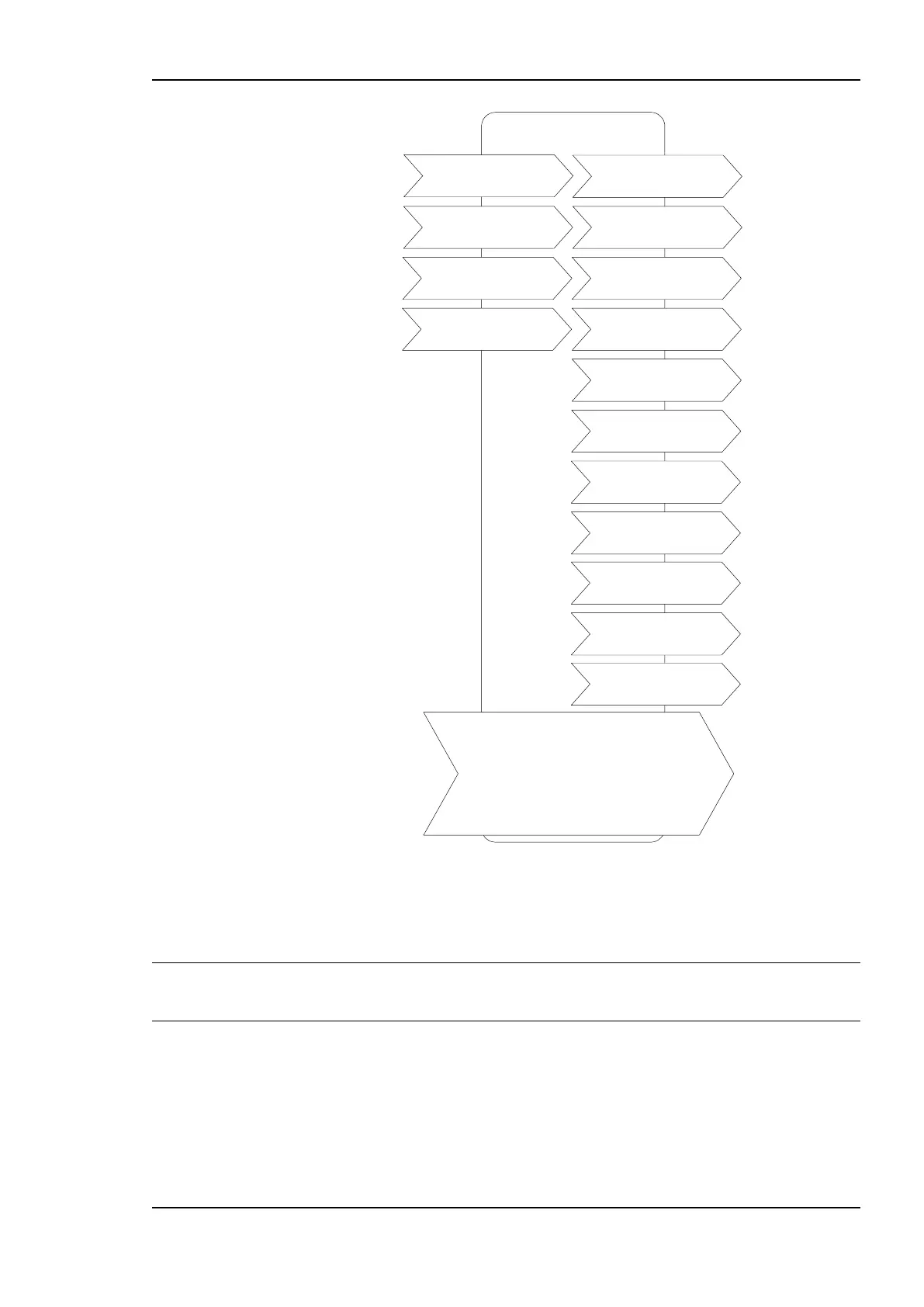
Figure 209: Object for channel
These object types are enabled in the default interface. They can be disabled.
Note: If the Lamp Actuator objects are disabled, the functional blocks are still present, but only
contain the configuration properties corresponding to the DALI parameters of the
corresponding ballast.
8.2.5.1 Control
The L-DALI offers different methods to control lamps. All network variables described
below have the same priority. This means that the last network variable update determines
the state of the lamp.



 To Next Page