L-DALI User Manual 93 LOYTEC
Version 5.2 LOYTEC electronics GmbH
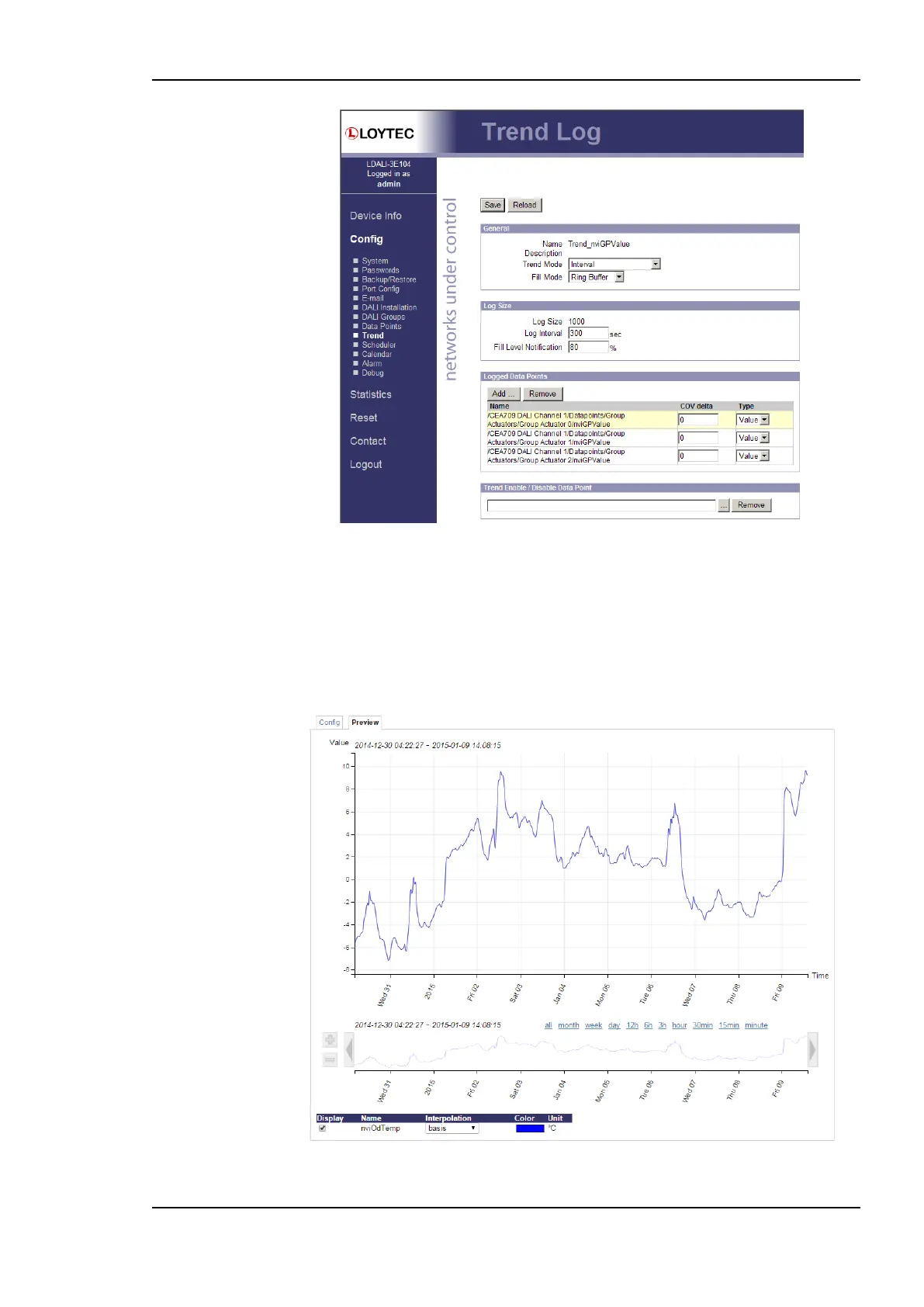
Figure 89: Trend log configuration page.
The user can change the Trend Mode, the Fill Mode, the Log Interval and the Fill Level
Notification. Furthermore, data points can be added to the trend log by clicking the Add…
button. A data point selector dialog opens. Click on a data point for adding it. For removing
a data point from the trend log, click on it in the Logged Data Points list and hit the
Remove button. Save the changes made by clicking the Save button. For more information
on how a trend log can be configured please refer to the Configurator Section 7.13.2.
Figure 90: Web UI trend chart preview



 To Next Page