V. 1.0 | LPKF Laser & Electronics AG
Replacing the fan filter
Before performing the steps, ensure that the following spare parts and auxiliaries are
available:
Spare parts and auxiliaries
Filter mat 10 x 180 x 250 mm
(~0.4 x 7.1 x 9.8 in)
1. Move the processing head to the zero position.
2. Open the cover.
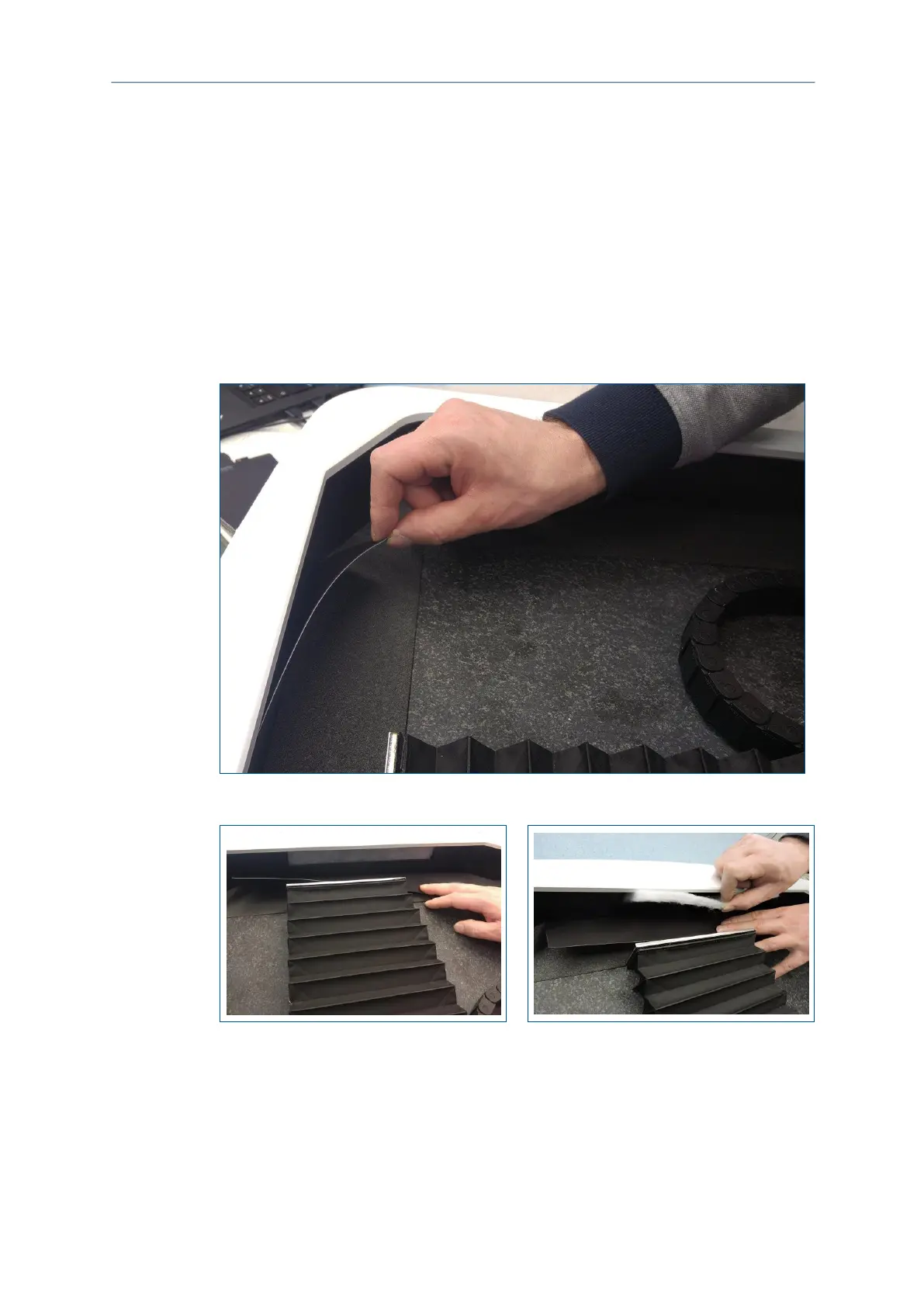
3. Fold the magnetic protection cover back manually.
For this, pull on an upper corner of the protection cover (left or right).
The fan filter is visible.
Fig. 147: Fan filter accessible
4. Pull the filter mat out of the filter holder:
Fig. 148: Removing the filter mat
5. Replace the filter mat with a new original spare part.
6. Fold the magnetic protection cover back.
7. Dispose of the old filter mat according to the local disposal regulations.
8. Remove the maintenance materials from the system and close the cover.
The fan filter has been replaced.



 To Next Page