LPKF Laser & Electronics AG | V. 1.0
Creating fiducials
Fiducials are created in the Fiducial layer and are drilled into the material during the
phase DrillFiducial. They serve for exact alignment of the Top and Bottom sides of the
PCB and have a defined diameter of 1.5 mm. All drilled holes are recognized by the
system's camera.
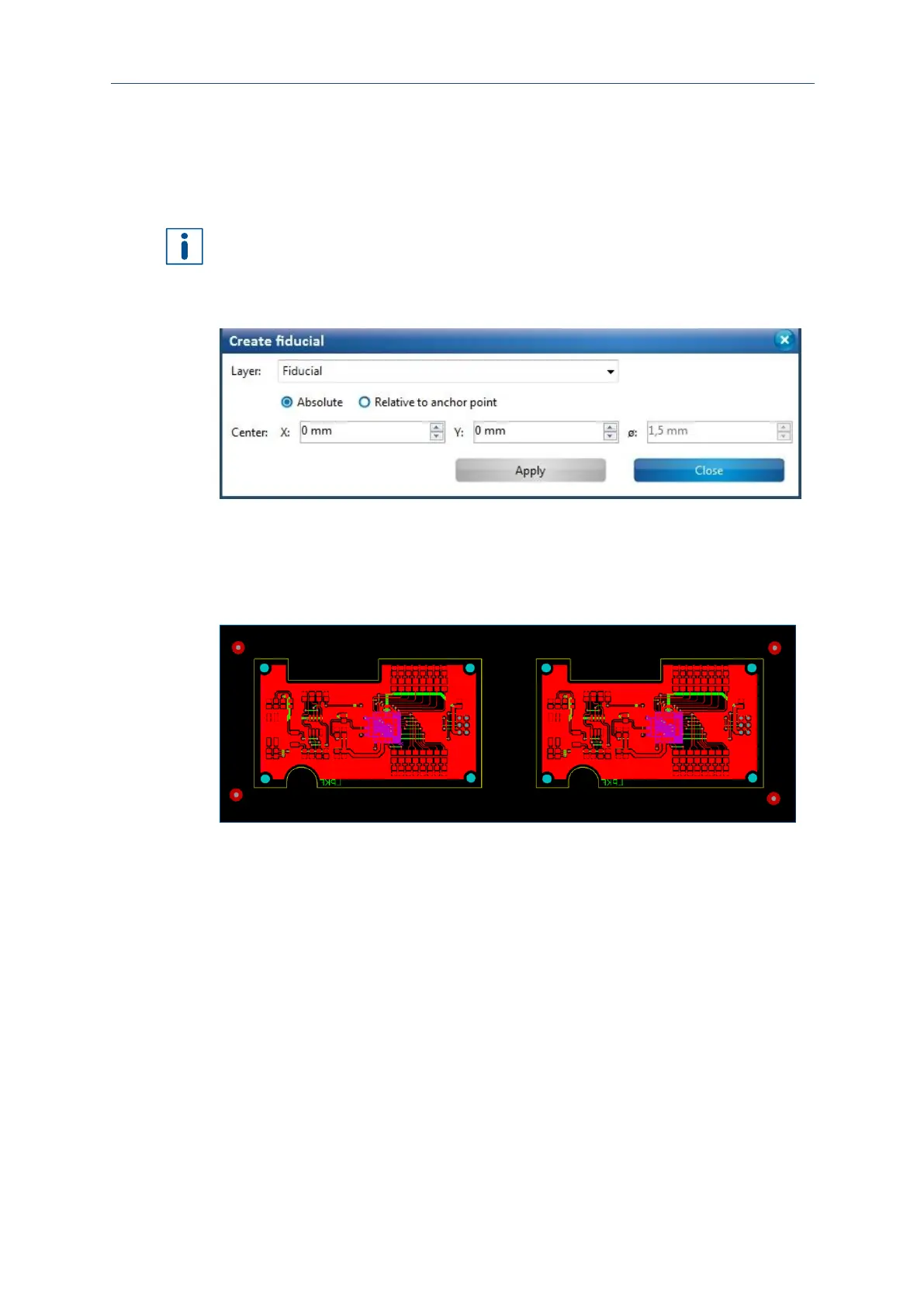
It is recommended to create four fiducials and to place them outside of the outer
contour. If you use only two fiducials, arrange them diagonally.
1. Click on Insert > Fiducials > Fiducial...
2. The following dialog is displayed:
Fig. 74: Dialog Creating fiducials
3. Click on the positions in the CAM view where you want to place the fiducials.
or:
Create the fiducials by entering the x and y position in the dialog.
The view changes as follows:
Fig. 75: Fiducials created
4. Click on [Close].
The fiducials have been created.



 To Next Page