V. 1.0 | LPKF Laser & Electronics AG
Generating toolpaths
Before a circuit board can be produced, toolpaths have to be generated from the
imported data.
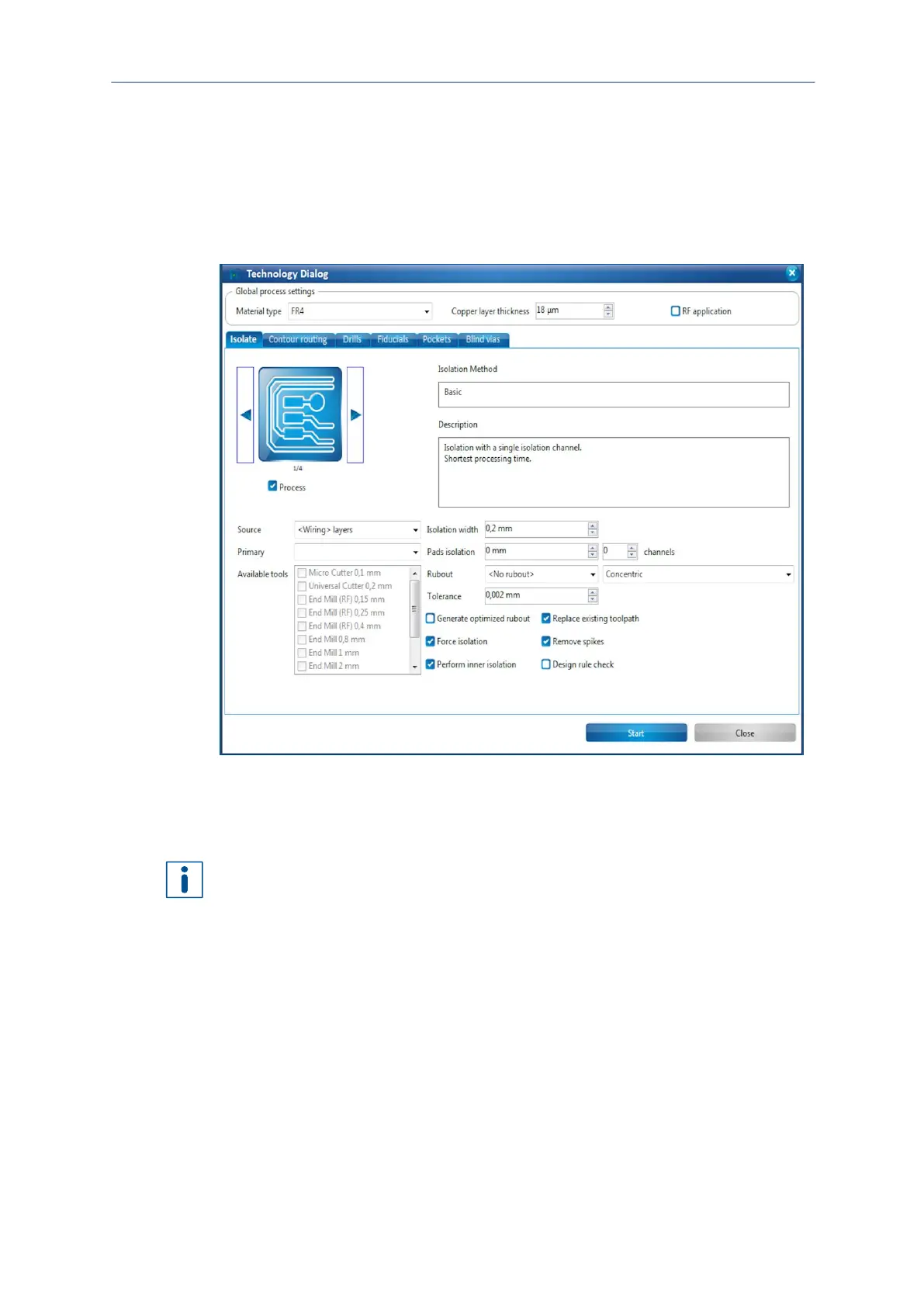
The system software helps you creating toolpaths with the Technology dialog.
1. Click on Toolpath > Technology dialog...
The following dialog is displayed:
Fig. 76: Dialog Technology dialog
You can change the settings of the toolpath generation in the technology dialog by
clicking on Show details. You can define which tools are available so that only these
are taken into account for toolpath generation.
For detailed information on general operation and the individual features of the
Technology dialog refer to the user manual of CircuitPro PM.
2. Click on the right arrow button in the group Isolate until the Isolation Method
Partial rubout is displayed.
3. Deactivate the function Pockets by clicking on the corresponding check mark.
4. Click on [Start].



 To Next Page