Slic3r
It is important to remember that if the extrusion width is expressed as
a percentage then this is computed from the Layer height property, and
not the Default extrusion width setting.
Variable Layer Height
Slic3r gives the ability to adjust the layer height between arbitrary positions
along the Z axis. That is, parts of the model could be printed with a
coarse layer height, for example vertical subsections, and other parts could
be printed with a finer layer height, for example sloping gradients where
layering appears more pronounced.
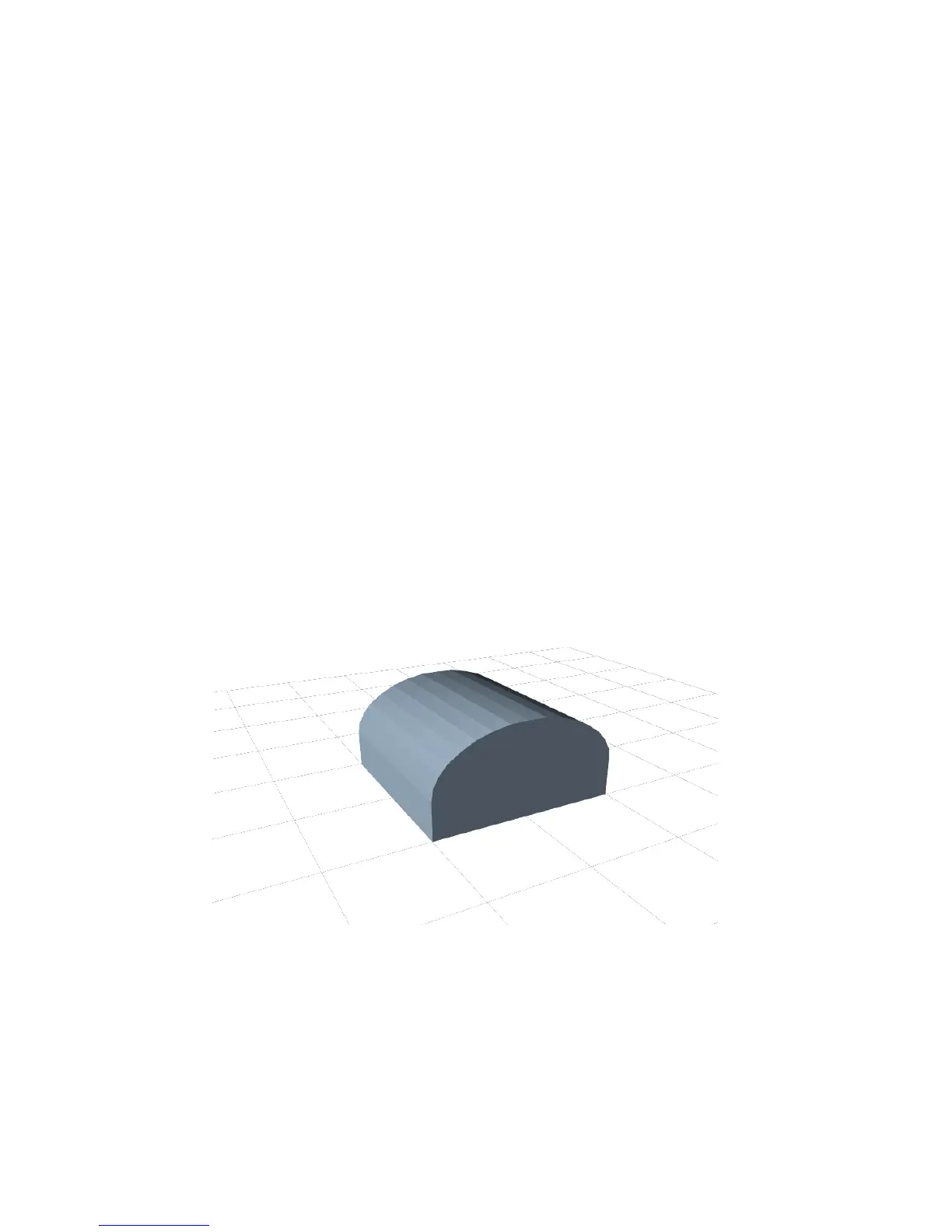
The model in fig. 2.49 gives a rudimentary example of where variable
layer heights could be used to improve print quality. The walls of the
structure need not be rendered in high definition for acceptable quality,
however the sloping roof shows layer artifacts as the layer height of 0.4mm
is too coarse, particularly for the very top, which is flattened. This is shown
in the G-Code rendering in fig. 2.50.
Figure 2.49: Example model highlighting use case for variable layer heights.
104



 To Next Page