214325 221 Revision A
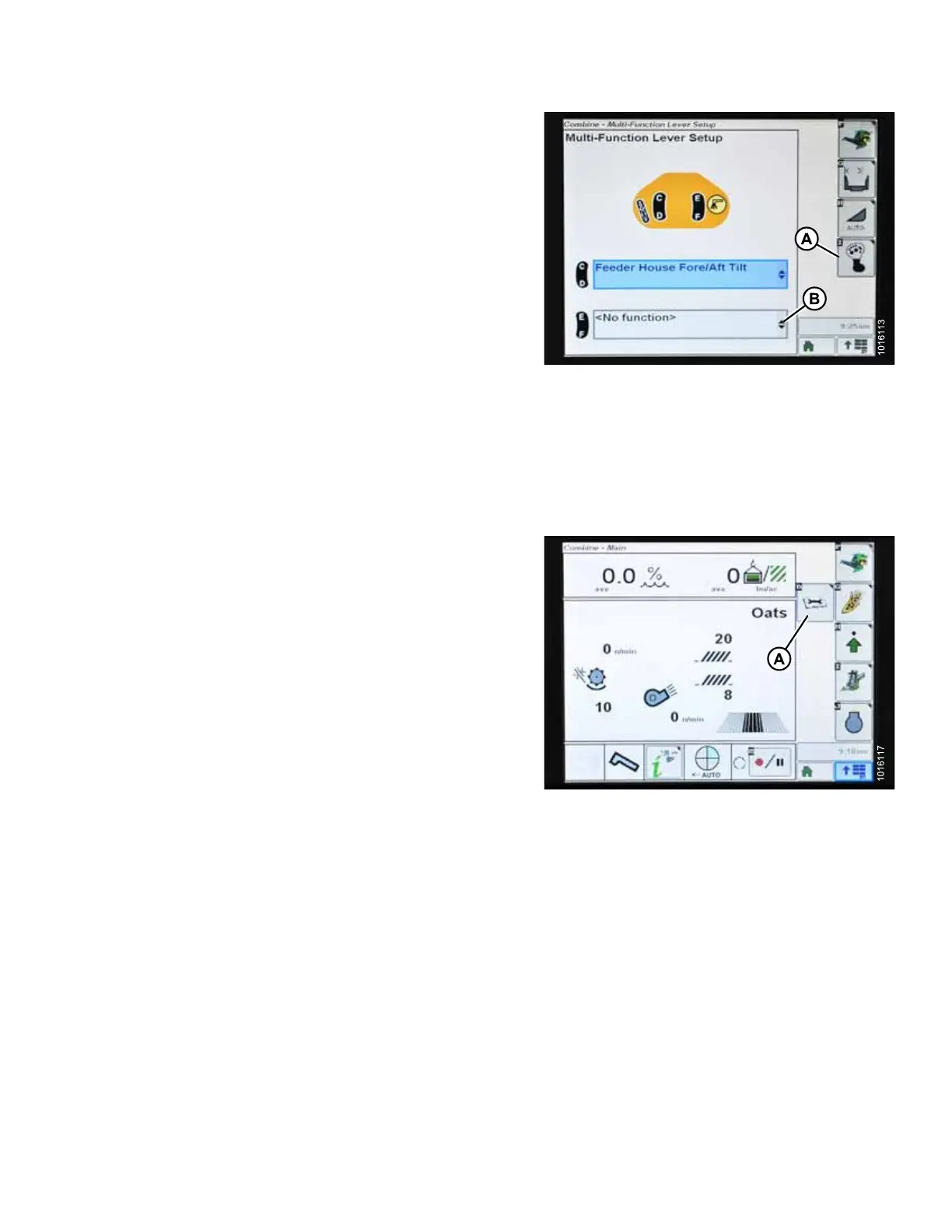
Figure 5.173: John Deere Combine Display
NOTE:
The feeder house fore/aft tilt controls can be changed to
work with buttons E and F by pressing hydro handle
icon (A) and then selecting FEEDER HOUSE
FORE/AFT TILT from drop-down menu (B) on combine
display.
To calibrate feeder house fore/aft tilt range, follow these steps:
1. Ensure center-link is set to D.
2. Rest header on down stops and unlock adapter float.
3. Place wings in locked position.
Figure 5.174: John Deere Combine Display
4. Press DIAGNOSTIC icon (A) on main page of combine
display. The CALIBRATION page displays.
SETTING UP AUTO HEADER HEIGHT CONTROL








 To Next Page