214325 222 Revision A
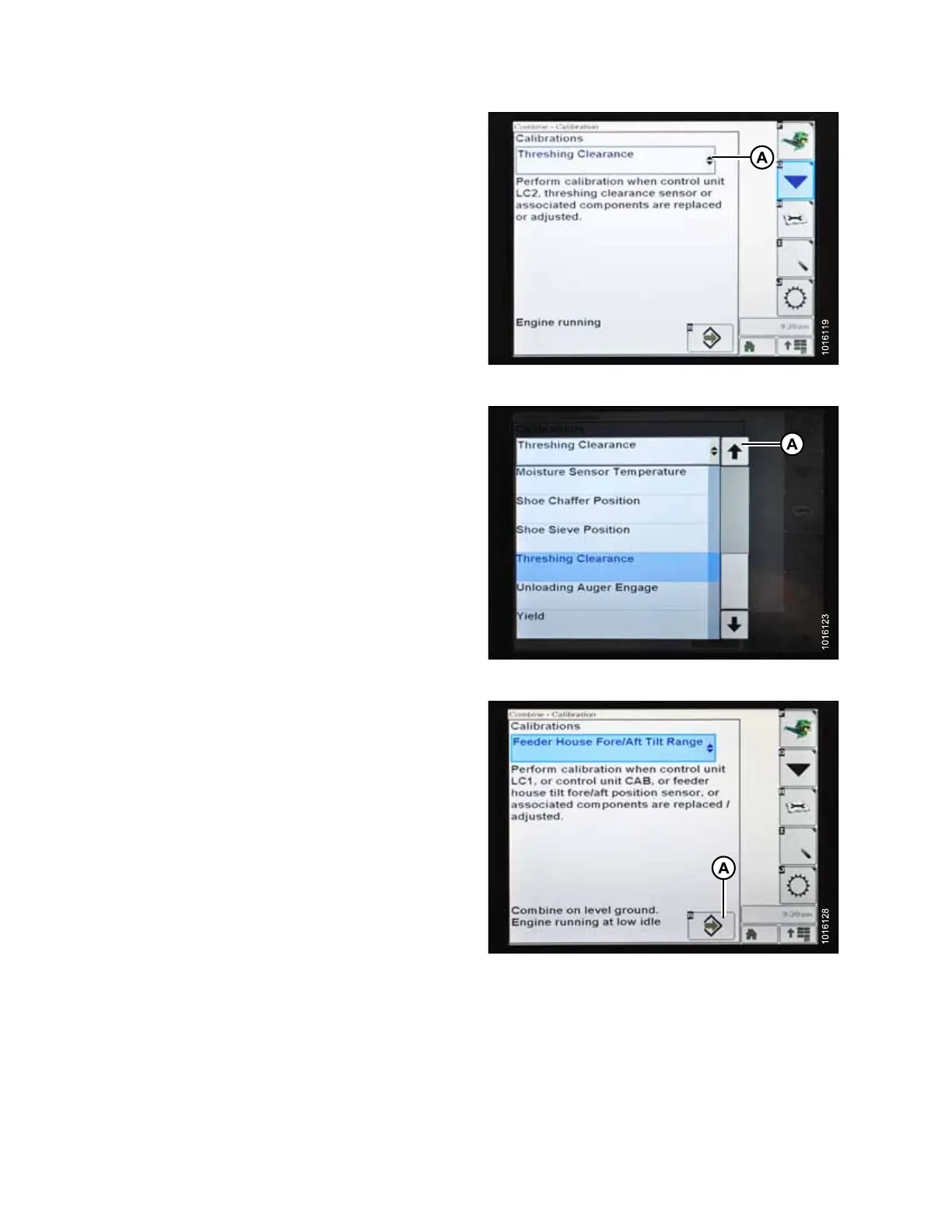
Figure 5.175: John Deere Combine Display
5. Select CALIBRATIONS drop-down menu (A) to view list
of calibration options.
Figure 5.176: John Deere Combine Display
6. Press arrow (A) to cycle up though calibration options
and select FEEDER HOUSE FORE/AFT TILT RANGE.
Figure 5.177: John Deere Combine Display
7. Press ENTER icon (A).
SETTING UP AUTO HEADER HEIGHT CONTROL








 To Next Page