214325 62 Revision A
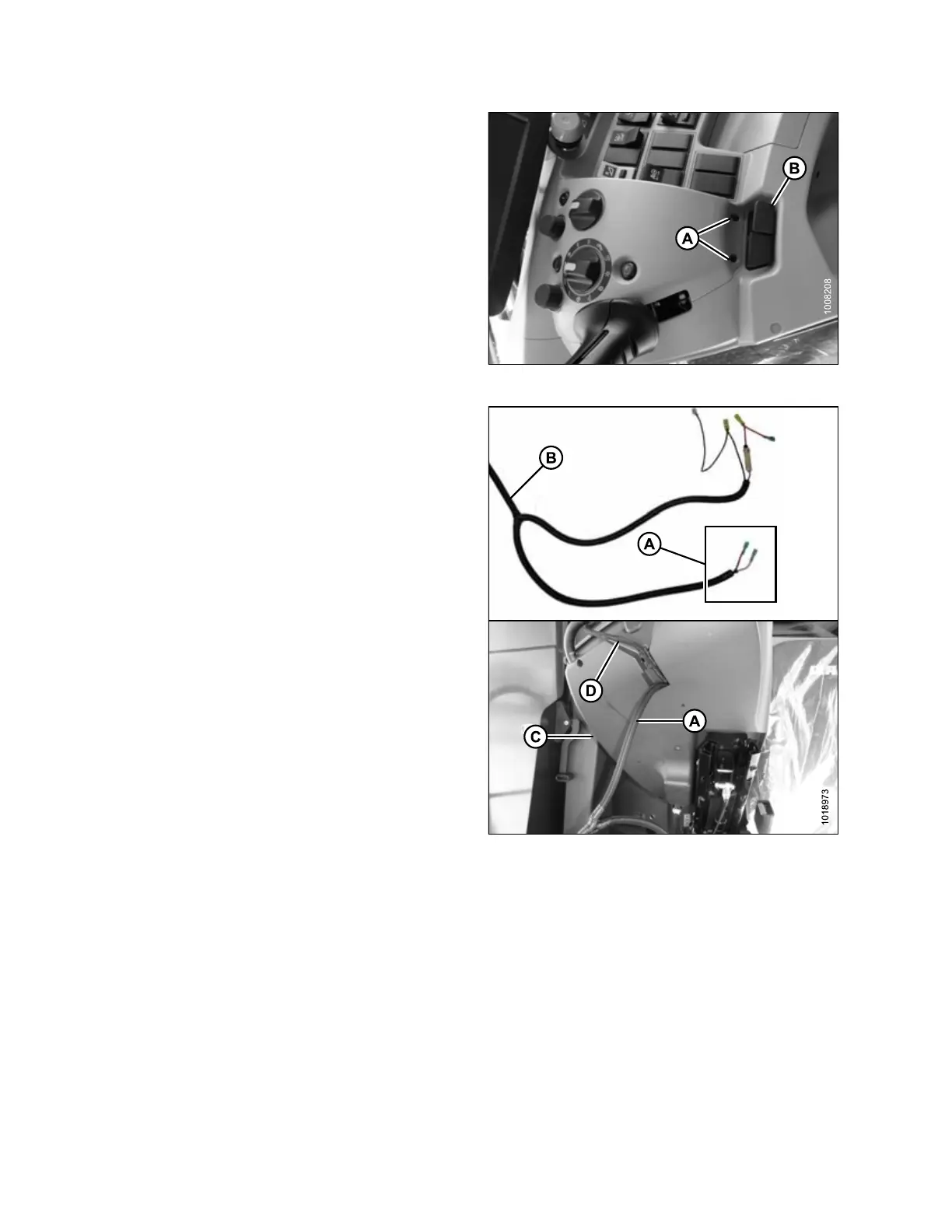
Figure 3.106: Operator’s Console
2. Open the panel beside the seat as follows:
a. Remove two screws (A) from panel on operator’s
console.
b. Pull up on tab (B) and rotate cover upward to
expose underside of cover.
Figure 3.107: Switch Harness Connection
3. Insert switch end (A) of MacDon wiring harness (B)
through bottom of console (C) beside existing wire (D).
ASSEMBLING HEADER AND ADAPTER








 To Next Page