DRIVING ENVIRONMENT
DRIVER INFORMATION DISPLAY
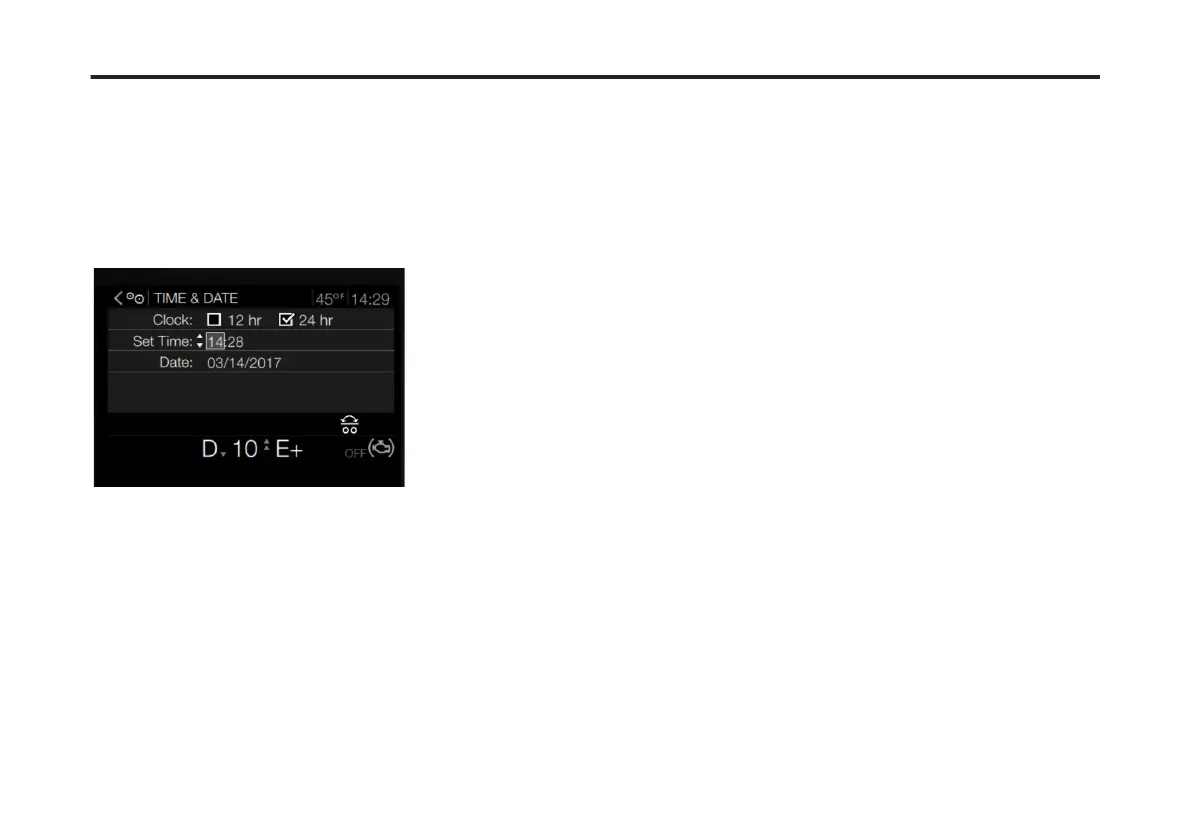
3 Press Enter to change the Clock time
format (12 hr or 24 hr).
4 Use the Toggle button to scroll to
another Time & Date setting (Time: or
Date:).
5 Press Enter.
The rst eld of the menu highlights.
6 Use the Toggle button to adjust the
time setting.
7 Press Enter to accept a setting.
105
X Publication_PC28



 To Next Page