Ultra Electronics Card Systems
Rio Pro Maintenance Manual
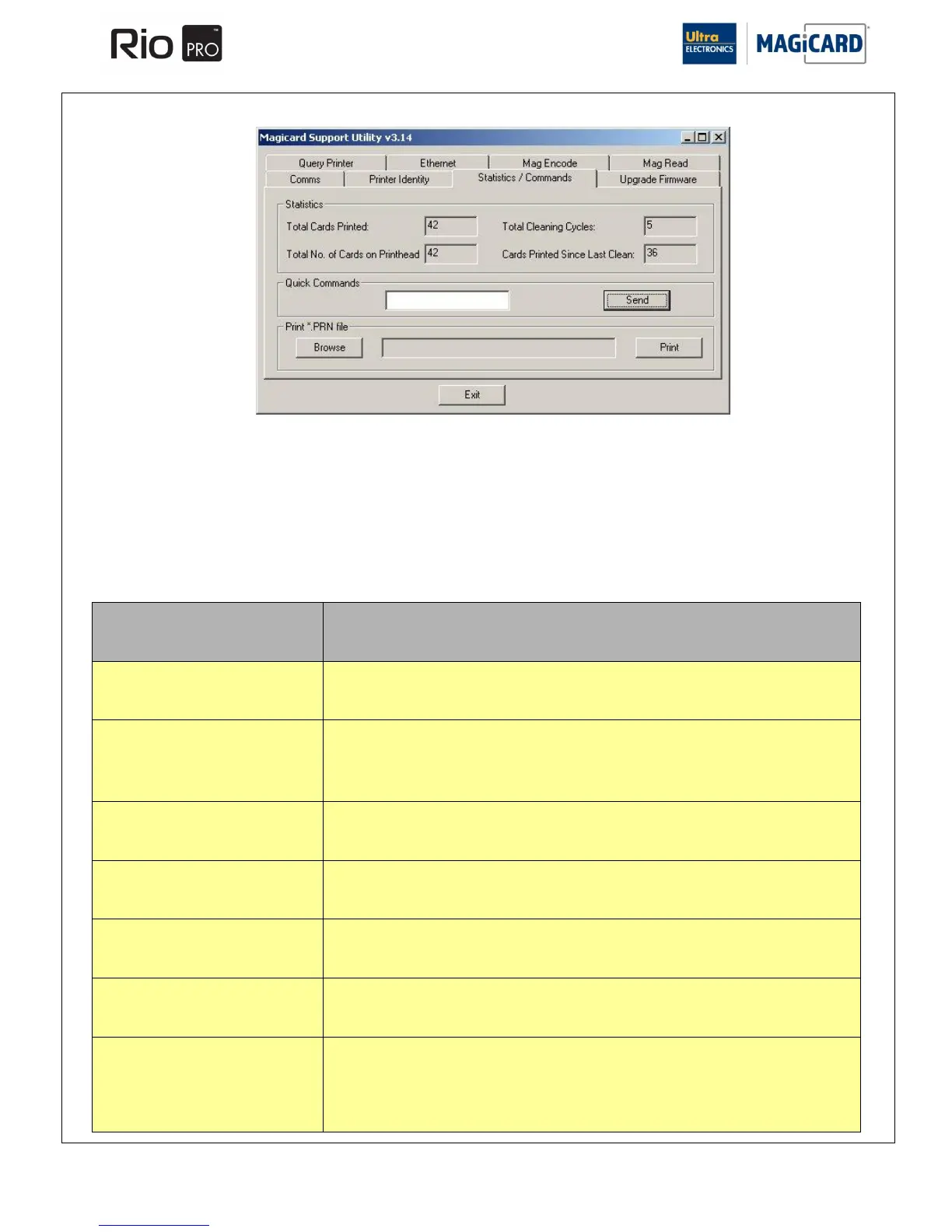
SECTION 14.3 STATISTIC AND COMMANDS
This tab contains three separate areas:
Statistics Shows information on Printer usage.
Quick Commands Enables the user to send special commands to the Printer (usually used for fault diagnosis).
See table below.
Print *.PRN file Enables the user to send previously saved print data to the Printer.
Function called upon receiving a CAM command. The function will cause the Printer to Reset the
Print Head Cam Mechanism Position.
Function called upon receiving a CHP command.
The function takes a single parameter (either UP or DOWN). If the parameter is DOWN, a Card is
fed into the Smart Encoding Unit. If the parameter is UP, the Card is moved to the standby position
(over the Middle Sensor).
Function is called upon receiving a CLN command.
The function will cause the Printer to execute its Cleaning Cycle.
Function is called upon receiving a DYE command.
The function re-initialises the Dye-Film.
Function is called upon receiving an EJT command.
The function causes the Printer to eject a Card if there is one in the Print Engine.
Function is called upon receiving an ENC command.
The function initiates the Magnetic Encoding Test Cycle.
Function is called upon receiving a FEED command.
This function feeds a Card into the Standby Position (over the Middle Sensor). It takes a Single
Numeric Parameter: if this is Zero or One, the Card is left in the Standby Position, but if it is greater
than one it will eject the Card and feed another in, repeating however many times the parameter
specifies.















 To Next Page