Installation of Echo™ Software
F6 SMART™ – Volumetric Handheld Camera – User Guide
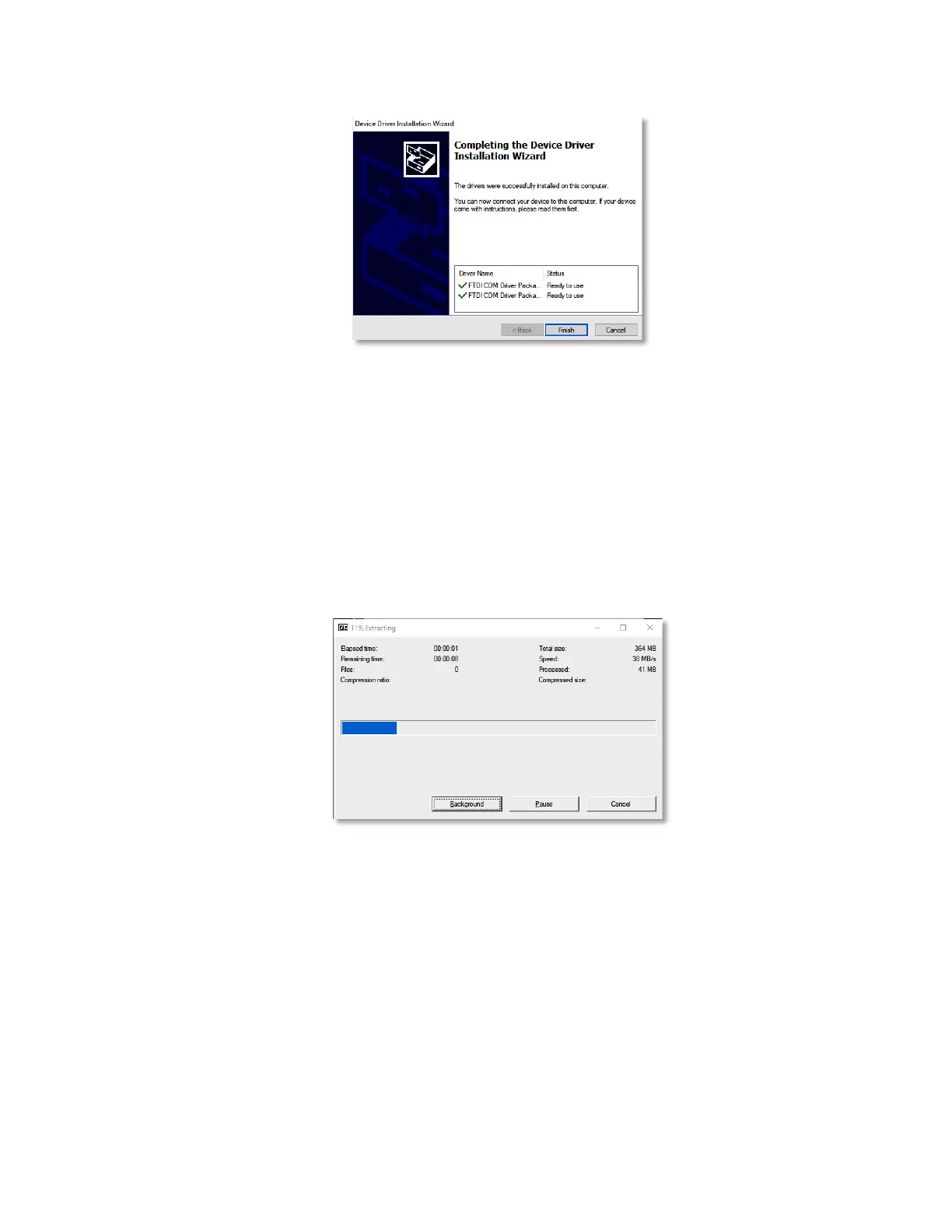
Figure 18 –The “Completing the Device Driver Installation Wizard” Dialog-Box
This Dialog-Box is provided for verification purposes only.
Clicking on the
Cancel
Command-Button terminates the installation of the FTDI
Device Driver.
Clicking on the
Finish
Command-Button completes the execution of the extraction
procedure and the installation of the FTDI Device Drivers.
Progress of this process is displayed utilizing a Dialog-Box with a progress meter:
Figure 19 – Progress Meter of the Extraction and Installation of the FTDI Drivers
This Dialog-Box also allows:
♦ Execution of the extraction procedure and installation of the FTDI Device
Drivers in the background by clicking on the
Background
Command-Button.
♦ Halting the progress of the extraction procedure and installation of the FTDI
Device Drivers by clicking on the
Pause
Command-Button.
♦ Terminating the extraction procedure and installation of the FTDI Device
Drivers by clicking on the
Cancel
Command-Button.



 To Next Page