Installation of Echo™ Software
F6 SMART™ – Volumetric Handheld Camera – User Guide
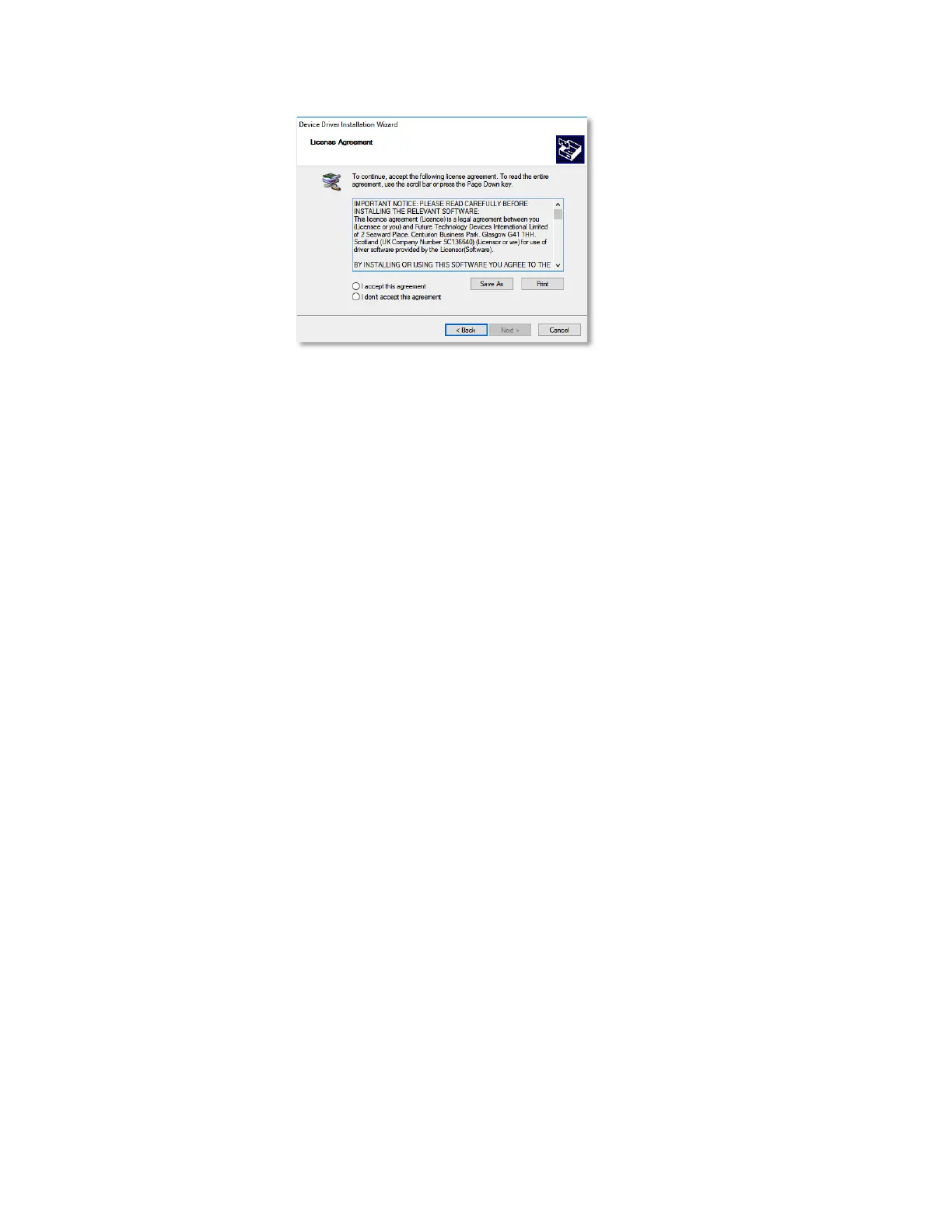
Figure 17 – The License Agreement Dialog-Box
In this Dialog-Box:
♦ FTDI’s License Agreement for the Device Drivers may be saved to a local
storage by clicking on the
Save As
Command-Button, or printed by clicking
on the
Print
Command-Button.
A copy of this License Agreement is attached to this document in Appendix
6 on page 113 below.
♦ There is a need to mark I accept this agreement (or I don’t accept this
agreement) radio-button.
Marking the I don’t accept this agreement button will cancel and
terminate the installation process.
♦ As soon as one of the above radio-buttons is marked, all three (3)
Command-Buttons at the bottom of the Dialog-Box turn active and allow:
▬ Invocation of the previous Dialog-Box, by clicking on the
< Back
Command-Button.
▬ Move to the next step of the installation process, by clicking over the
Next >
Command-Button.
▬ Terminating and cancellation of the installation, by clicking over the
Cancel
Command-Button.
9. Once the
Next >
Command-Button is clicked upon, the “Completing the Device Driver
Installation Wizard” Dialog-Box opens:



 To Next Page