Installation of Echo™ Software
F6 SMART™ – Volumetric Handheld Camera – User Guide
The
Cancel
Command-Button terminates the FTDI Drivers’ installation process while
the
Extract
Command-Button allows extraction of the FDTI Drivers’ file required for
the installation.
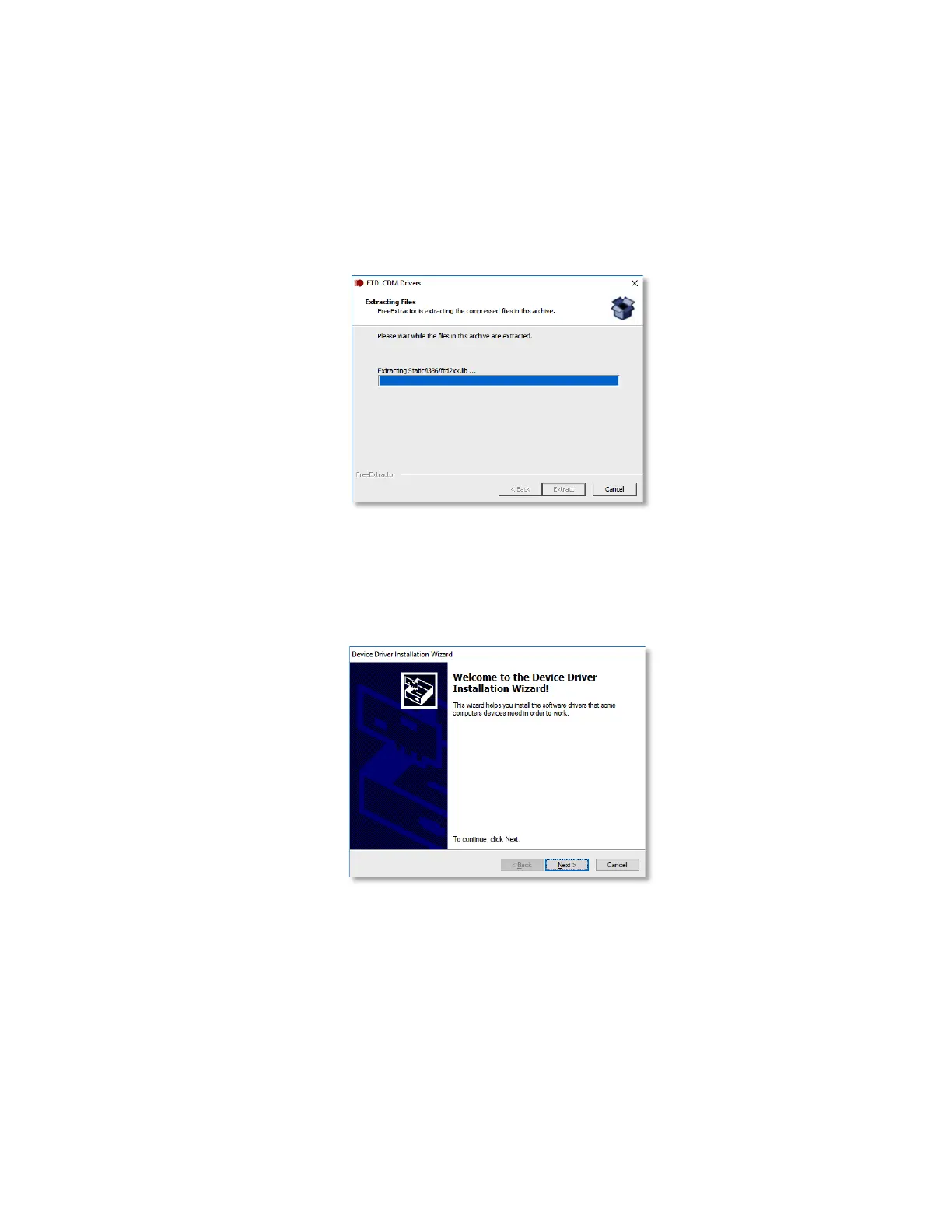
The “Extracting Files” Dialog-Box opens to present, by means of a progress meter, the
progress of the extraction procedure.
Figure 15 – The “Extracting Files” Dialog-Box
As soon as the FTDI Drivers’ installation files are extracted and installed, the
“Welcome to the Device Driver Installation Wizard” Dialog-Box opens:
Figure 16 – The “Welcome to the Device Driver Installation Wizard” Dialog-Box
This Dialog-Box allows the installation of the recently extracted FTDI Device Drivers.
Click on the
Cancel
Command-Button terminates the installation of the FTDI Device
Drivers while a click on the
Next >
Command-Button allows the installation and thus
promotes the process to the next step of installing the Echo™ software.
8. Once the installation of the FTDI Drivers is complete, and with accordance to FTDI’s
Terms and Conditions, the drivers’ License Agreement Dialog-Box opens:



 To Next Page