Installation of Echo™ Software
F6 SMART™ – Volumetric Handheld Camera – User Guide
As in previous Dialog-Boxes; the
< Back
Command-Button is used to invoke a
previous Dialog-Box while the
Cancel
Command-Button is used to terminate the
installation process.
7. To continue the installation, click on the
Install
Command-Button.
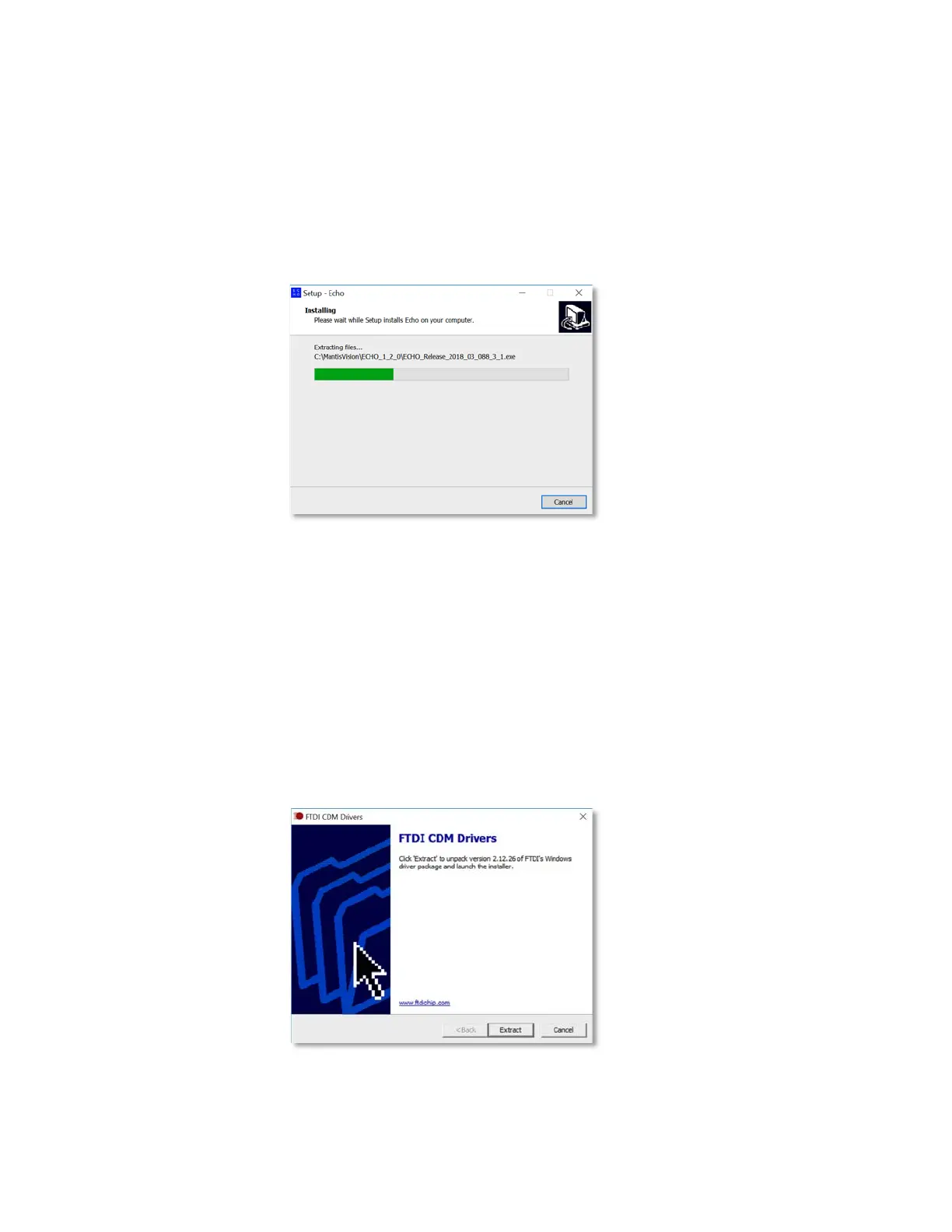
The “Installing” Dialog-Box opens:
Figure 13 – The “Installing” Dialog-Box
This Dialog-Box informs about the installation progress by presenting a Progress
Meter.
There is an option, during this step of the installation, to terminate the process by
clicking on the
Cancel
Command-Button.
If the FTDI Driver option was marked in the “Select Components” Dialog-Box (see
Figure 8 above), the FTDI CDM Drivers Dialog-Box will open during this installation
progress presentation:
Figure 14 – FTDI CDM Drivers Dialog-Box



 To Next Page