Installation of Echo™ Software
F6 SMART™ – Volumetric Handheld Camera – User Guide
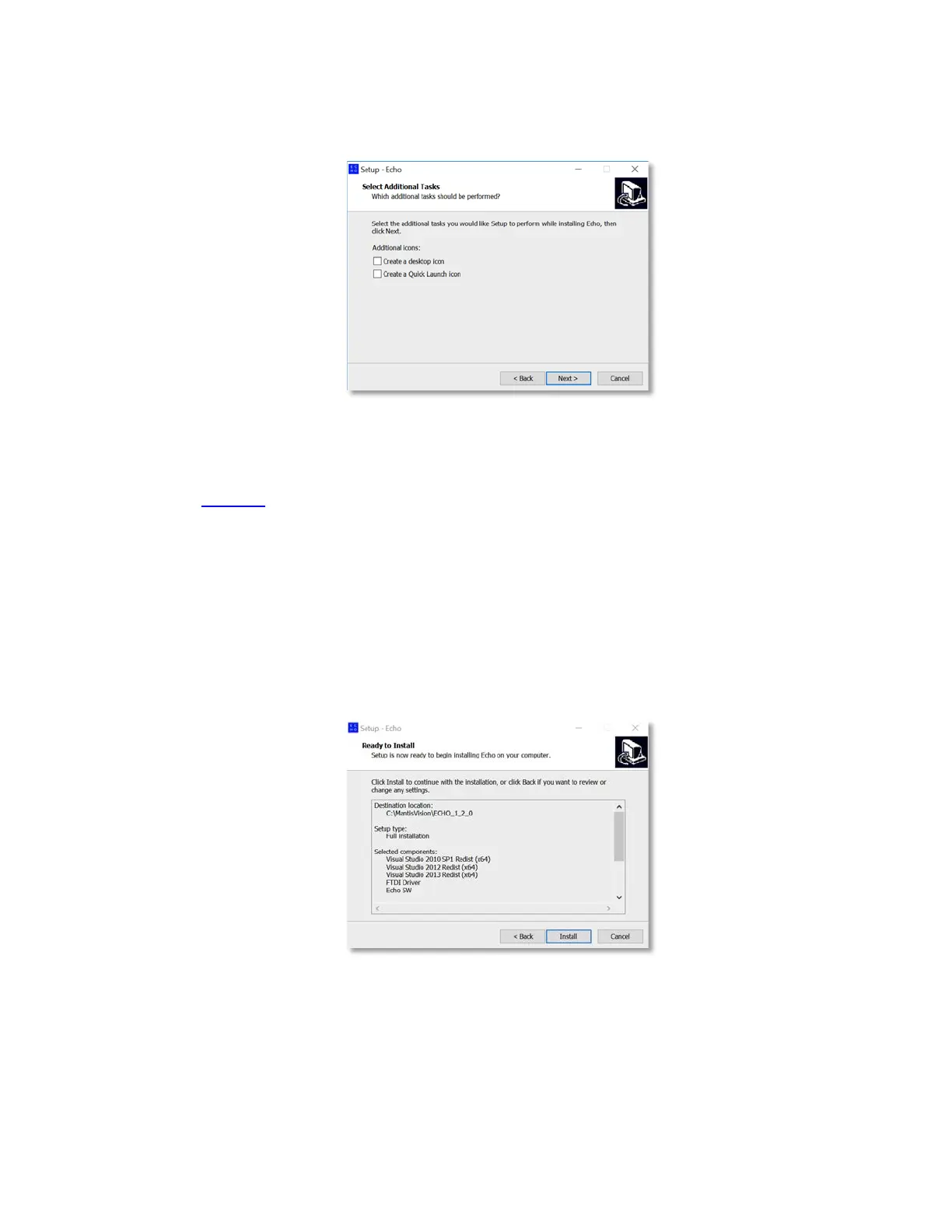
The “Select Additional Tasks” Dialog-Box opens:
Figure 11 – The “Select Additional Tasks” Dialog-Box
This Dialog-Box allows creation of a Desktop Icon and a Quick Launch Icon (in the
Task Bar, at the bottom of the screen, between the Windows™ Start Button and the
active programs), by marking the relevant check-box in the Dialog-Box.
Same as in previous Dialog-Boxes; the
< Back
Command-Button is used to invoke the
previous Dialog-Box while the
Cancel
Command-Button is used to terminate the
installation process.
6. To continue the installation, click on the
Next >
Command-Button.
The “Ready to Install” Dialog-Box opens:
Figure 12 – The “Ready to Install” Dialog-Box
This Dialog-Box details all previously provided installation parameters/components
for verification purpose.



 To Next Page