Scala | V7 | System Configuration
8.
In NMEA Outputs in Scala, check that there is a green LED next to the created output.
Troubleshooting: If the LED is grey it means the port is not accessible. Check that you
chose the correct port from the list of ports in Port Settings.
9.
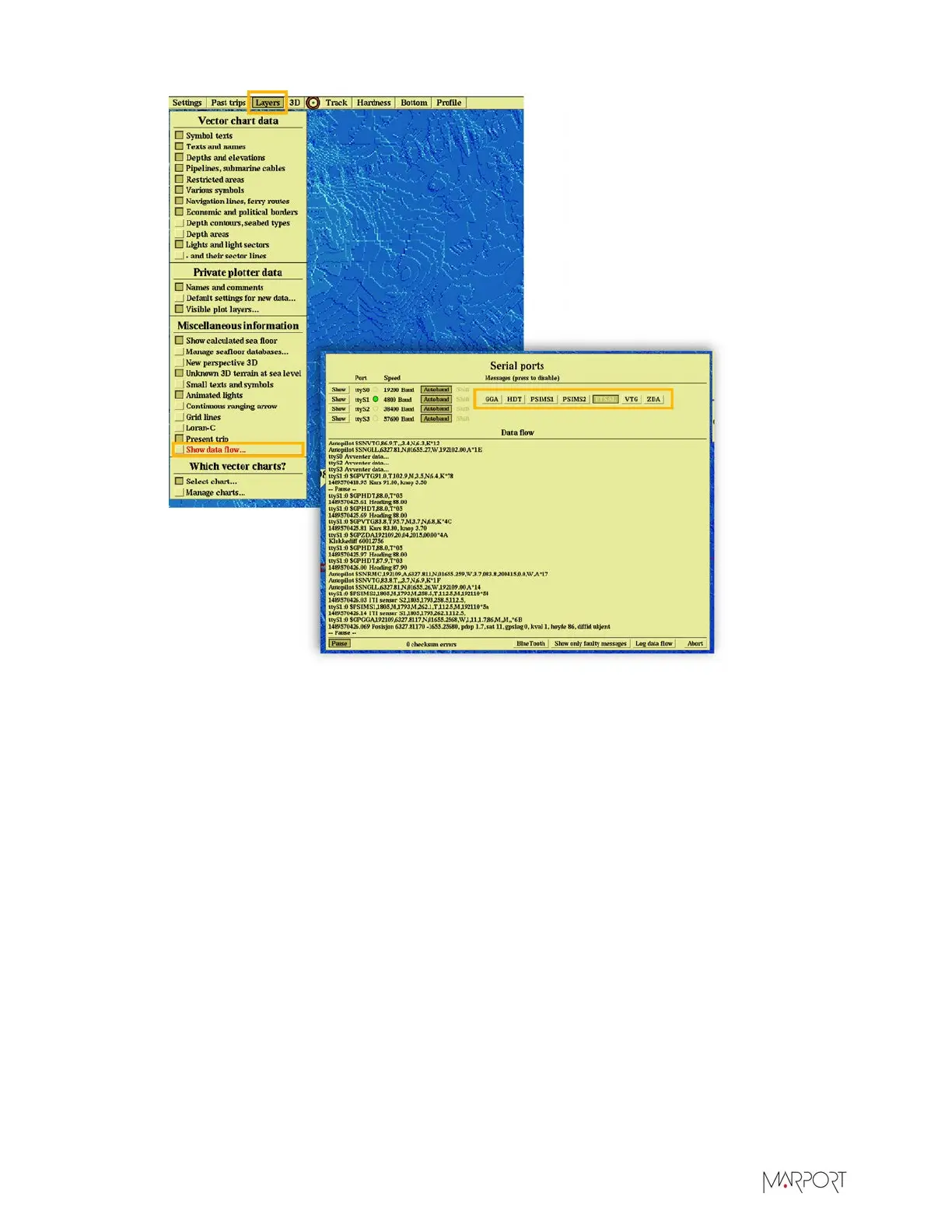
From Olex, check that you correctly receive data:
a)
Click Layers > Show data flow.
b)
In Data Flow, you can see the NMEA sentences that are received. Check if there are PSIMS1
and PSIMS2 sentences with correct data.
| 47


 To Next Page
 Loading...