Scala | V7 | Display Configuration
4.
Stop holding the mouse button to place data at the chosen area.
5.
In the Choose new Gauge Type dialog box that appears, select the desired type of display for
the corresponding data. See Display Types on page 93 for more information about the types
of display.
Data is displayed on the screen.
6.
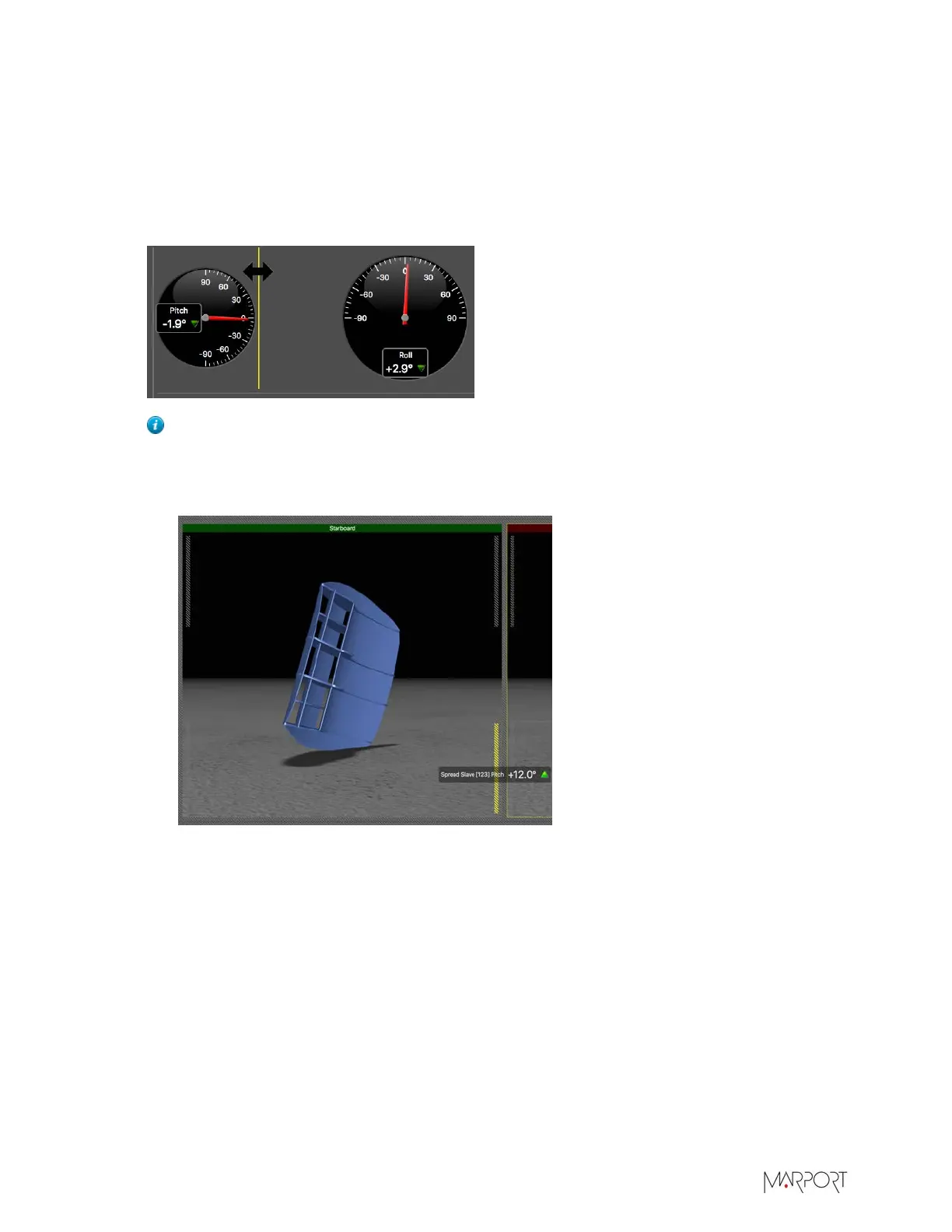
Drag the lines around data to resize it.
Tip: To place data (e.g. dial, gauge, text) on top of previously placed echogram or 3D
views, select data and drag it on the echogram or 3D. Locations where you can drop
data are situated on the corners of the views. They appear as yellow stripes when data is
dragged above the location.
| 75


 To Next Page
 Loading...