Scala | V7 | Display Configuration
Before you begin
You need to have Spread sensors that send distance between port and starboard doors.
Procedure
1.
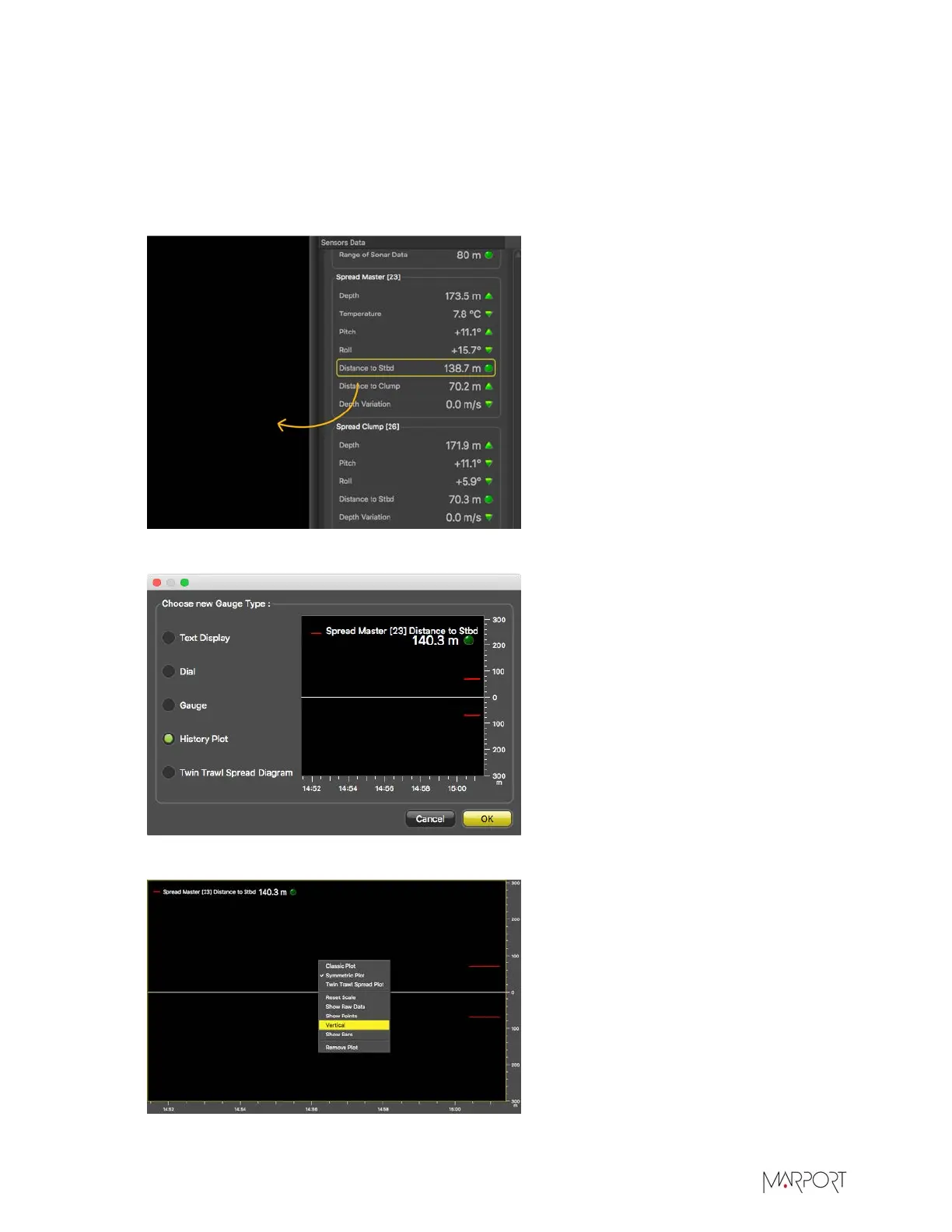
In Control Panels > Sensors Data, click + hold distance data from spread sensors such as
Distance to Stb from a Spread Master and drag it to the page display.
2.
Under Choose new Gauge Type, select History Plot.
3.
Right-click the history plot and select Vertical.
| 97


 To Next Page
 Loading...