1-12
DRYER DIAGNOSTIC MODE
This mode is entered by pressing DELICATES
for one second while in set-up code 6 or 7 (or
while dAS displays if operating with Maytag
Data Acquisition setup) or with a diagnostic
code present. Diagnostic codes are cleared
on entry and all display segments should
ash. If a diagnostic code persists, it must be
corrected before the diagnostic cycle may be
executed.
Stack Models Only:
There are 2 procedures to initiate cycle activity
from diagnostic mode for these models:
Upper Dryer Field Diagnostic Cycle – With
the entire display flashing, the cycle is
started by pressing the upper dryer PERM.
PRESS button. The cycle consists of
seven minutes of heat and one minute
of cool down. The upper dryer WHITES
& COLORS button will increment the
diagnostic cycle minutes up to 99, then roll
over to 2 minutes. Pressing the lower dryer
DELICATES button will cancel this cycle
and exit the diagnostic mode.
Lower Dryer Field Diagnostic Cycle – With
the entire display flashing, the cycle is
started by pressing the lower dryer PERM.
PRESS button. The cycle consists of
seven minutes of heat and one minute
of cool down. The lower dryer WHITES
& COLORS button will increment the
diagnostic cycle minutes up to 99, then roll
over to 2 minutes. Pressing the lower dryer
DELICATES button will cancel this cycle
and exit the diagnostic mode.
1.
2.
Dryer help mode is entered by pressing the
WHITES & COLORS button while in set-up
option 2.XX (or while dAS displays if operating
with Maytag Data Acquisition setup). In help
mode, the software revision is displayed in the
digits. Press the WHITES & COLORS button
at any time to exit help mode.
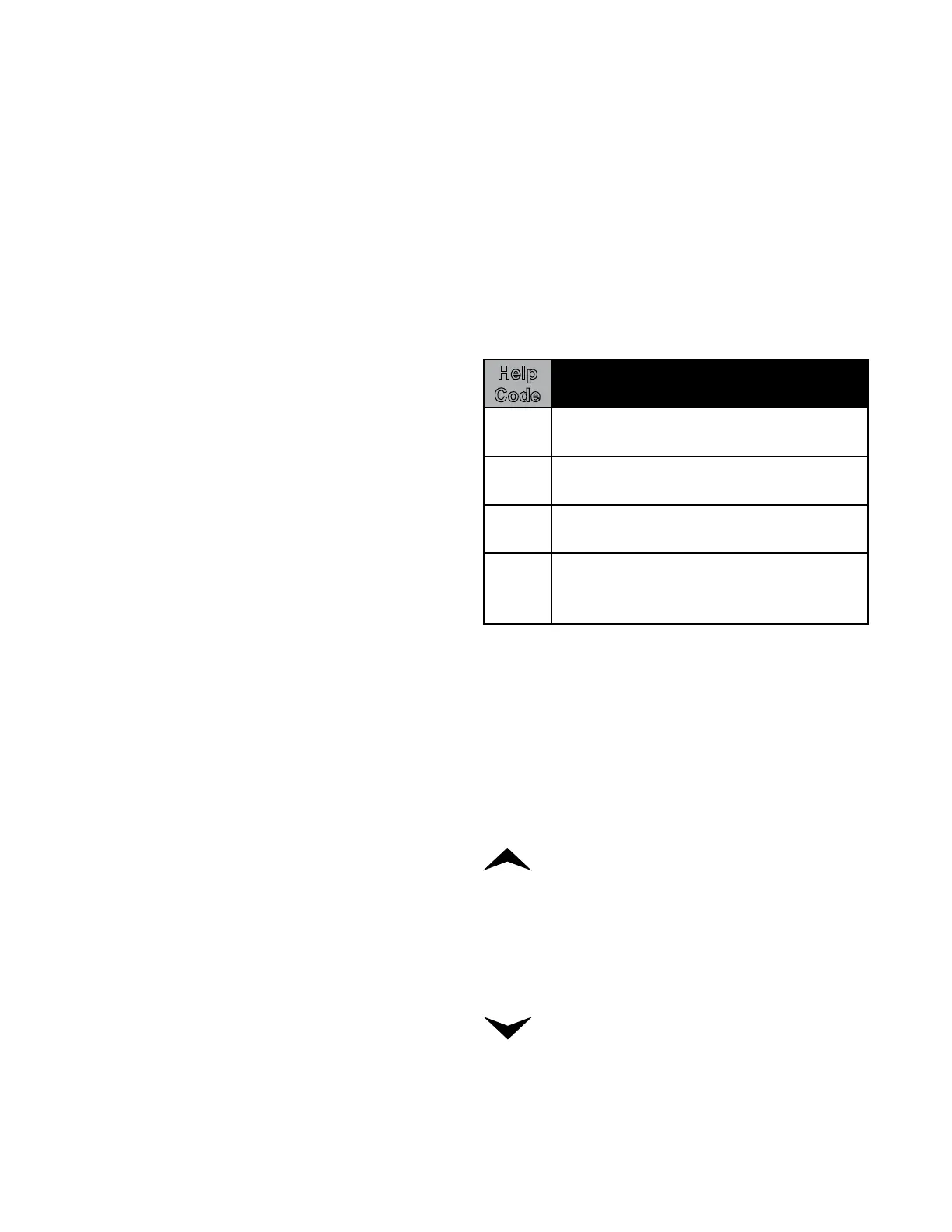
Help
Code Description
71 Generation 2 debit card cycle
polling message out of sequence.
74 Generation 2 debit card remaining
balance message out of sequence.
75 Generation 2 debit card new card
balance message out of sequence.
88 Invalid messaging state
found in da communications
comm_suprv () routine
In help mode, other display symbols and
elements are mapped to reect the state of
various inputs and outputs as follows:
STACK MODELS ONLY:
UPPER DRYER ONLY - UPPER HALF OF
DISPLAY
. . . . . . . . . . Upper dryer motor sensed running
° (Circle beside digit) . . . . . . . Upper dryer door closed
COOL . . . . . . . . . . Upper dryer 140° thermostat closed
OR . . . . . . . . . . . . . . . . . . . Upper dryer heater relay on
& . . . . . . . . . . . . . . . . . . . . . Upper dryer motor relay on
LOWER DRYER ONLY - LOWER HALF OF
DISPLAY
* . . . . . . . . . Low voltage present (below about 90 vac)
. . . . . . . . . . Lower dryer motor sensed running
° (Circle beside digit) . . . . . . . Lower dryer door closed
COOL . . . . . . . . . . Lower dryer 140° thermostat closed
OR . . . . . . . . . . . . . . . . . . . Lower dryer heater relay on
& . . . . . . . . . . . . . . . . . . . . . Lower dryer motor relay on
DRYER HELP MODE


 To Next Page