PROBLEM
DIAGNOSIS
October 2008 "3072ES / 3772ES / 3772ES HD" Service & Parts Manual
Page 4-40
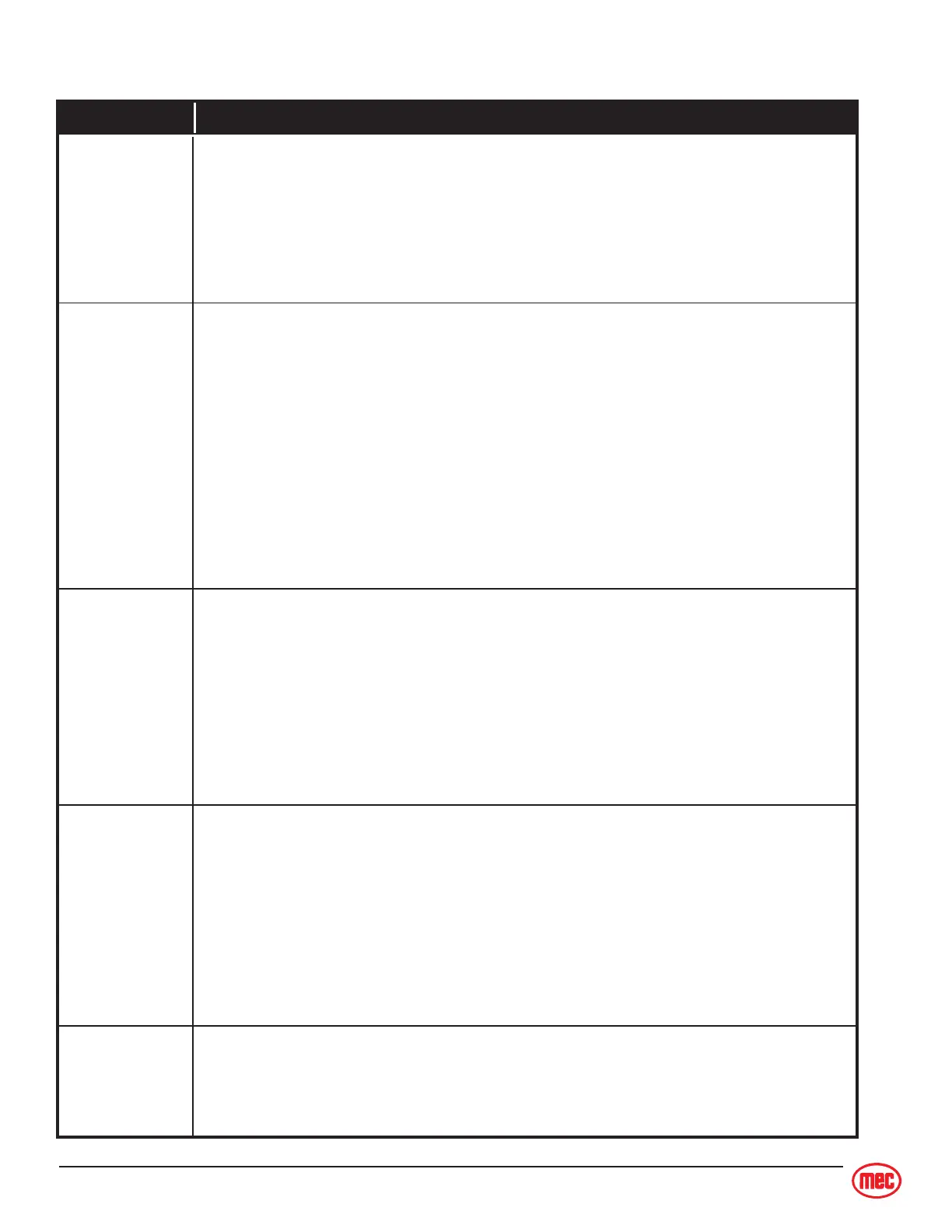
Trouble Table, HB1500-48 Battery Charger
•Connect the AC supply cord securely to a live AC outlet.
• Check the AC outlet to ensure it is working.
• Check that DC output wires and connections are in good working condition.
• Replace charger if everything else is correct.
Charger does
not turn ON
The AC plug must be disconnected and reconnected to start the charger once it
has turned-off from a charge cycle.
• LED os ON
Weak or bad battery pack, bad cell, or low electrolyte level.
• LED blinks once: OUTPUT CONNECTION ERROR
Check Battery and Charger Connection
- Connection may be corroded or loose
- Check for pinched or broken wires (may cause a short)
- Output may be connected in reverse polarity to batteries
(the charger is not damaged by any of these problems.)
Red FAULT LED
is ON or
BLINKING
The faults identified below cause the FAULT LED to turn ON or BLINK. If the cause
of the fault is removed the charger restarts automatically.
•Possible Causes:
- Batteries are extremely discharged - unplug for 30 seconds then plug charger
back in to restart and complete charging.
- Electrolyte is low in one or more cells.
- Batteries are weak, old, or have one or more bad cells. Batteries will still charge
but in a weakened capacity - they should be replaced.
Red FAULT LED
BLINKS twice:
charger has
Timed-Out
The charger has a 22 hour timer - if charge cycle is not complete within 22 hours
the charger will stop charging.
• Overnight Charging
Make sure AC power supply is not being switch OFF at night
• NEW batteries
New batteries sometimes require 20 to 30 charge/discharge cycles before they
charge normally. 80% LED after overnight charging is normal. Within a few
weeks the 100% LED should light after overnight charge.
• OLD batteries
Check for dead cells or reduced capacity.
Batteries do not
fully charge
AC Line circuit
breaker tripped
or fuse blown
• Overloaded Circuit
Plug charger into a different AC outlet on a different circuit. If charger operates
properly the AC line may require repair. If charger fails and AC line checks
“good” the charger should be replaced.



 To Next Page