OnCell G3100 Series Software Installation/Configuration
Using Windows Driver Manager
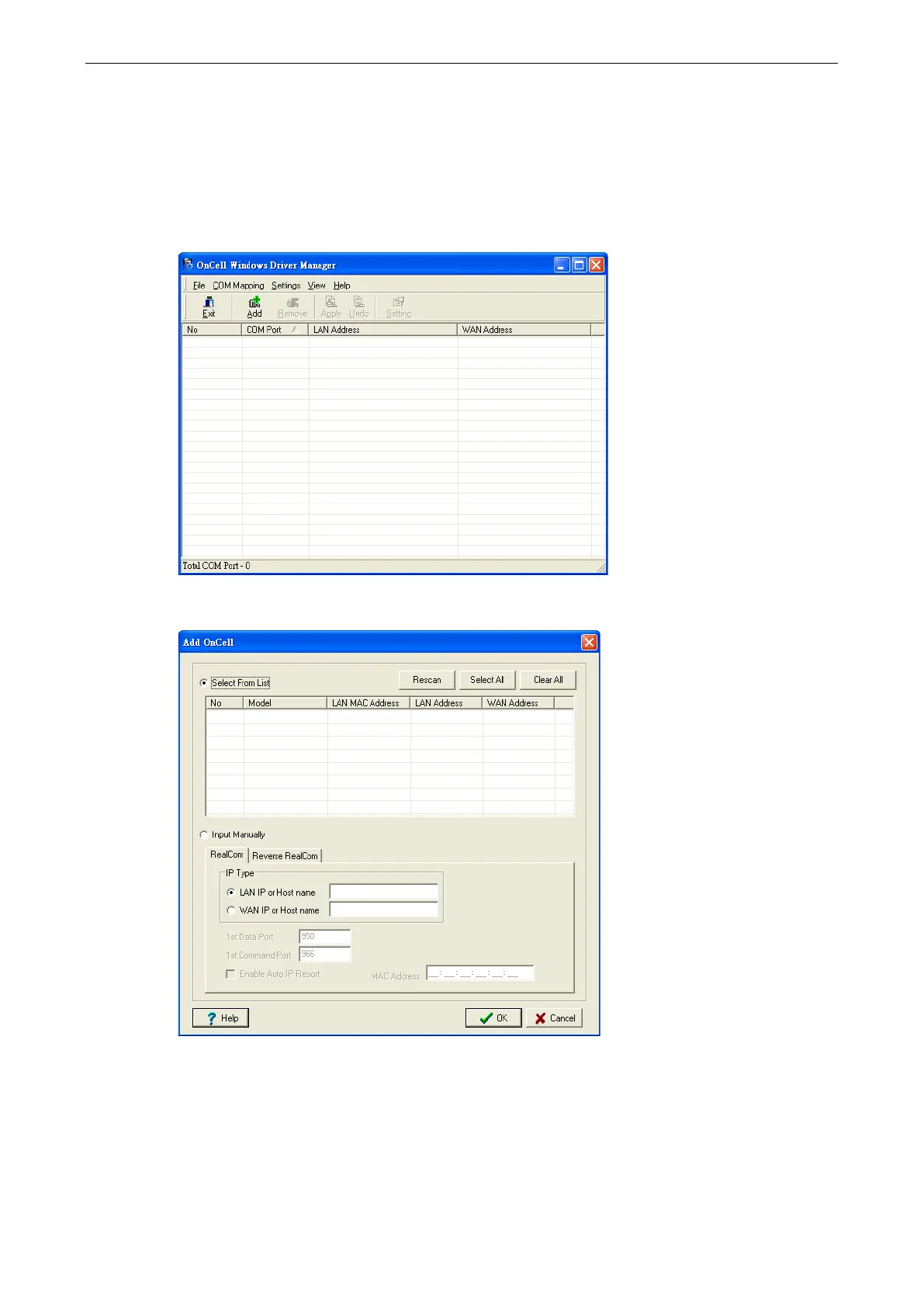
After you install Windows Driver Manager, you can set up the OnCell G3100’s serial ports as remote COM ports
for your PC host. Make sure that the serial port(s) on your OnCell G3100 are set to Real COM mode when
mapping COM ports with Windows Driver Manager.
1. Go to Start
Windows Driver Manager
Windows Driver Manager to start the COM mapping utility.
2. Click the Add icon.
3. Click Rescan to search for OnCell IP gateways. From the list that is generated, select the server that you
will map COM ports to, and then click OK.



 To Next Page
 Loading...









